AI Translate Manga Review
Japanese manga-page translation into English or Simplified Chinese.
Disclosure: AI Translate Manga and AI Tool Finder share an owner. This is an affiliated product profile, not an independent endorsement or a paid customer placement.
Direct answer
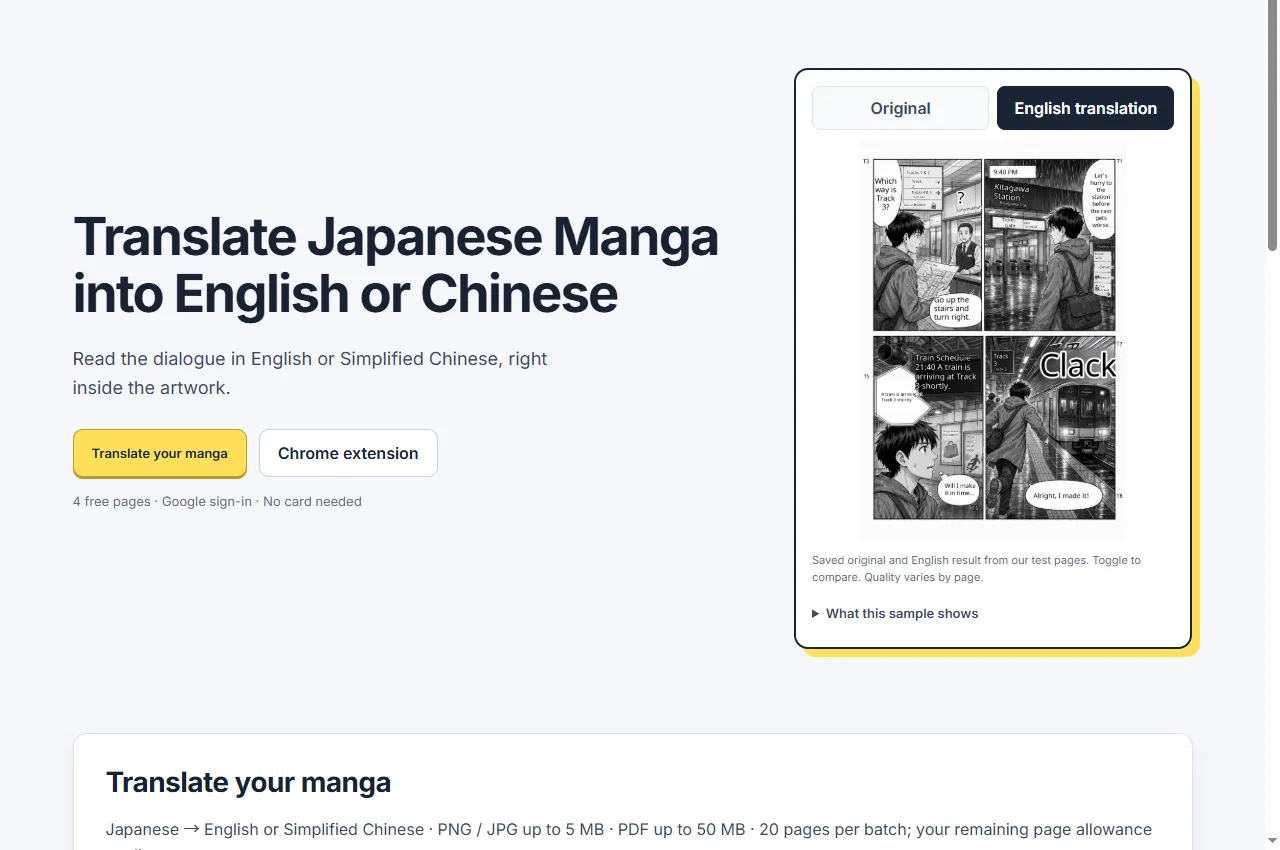
AI Translate Manga translates Japanese dialogue within manga artwork into English or Simplified Chinese. The public web interface accepts page images and PDFs, while the optional desktop Chrome extension offers an in-page reading route. Use it for pages you own or have permission to translate.
Best for and when to skip
Best for
Readers comparing Japanese dialogue with an English or Simplified Chinese rendering while retaining the visual context of the page.
When to skip
Skip it for an assumed support of every language, publication-quality localization without editing, or phone-based Chrome extension use. Mobile users should use the web upload route.
Pricing and access
The homepage advertises 4 free pages after Google sign-in, valid for 30 days, with no card required. It lists PNG/JPG up to 5 MB, PDF up to 50 MB and a 20-page batch limit, subject to the remaining page allowance. Confirm current limits and paid access on the product before uploading.
Access and pricing are based on the public website checked on September 22, 2026; the current product terms apply.
A practical first workflow
- Choose the target language and prepare pages you have permission to process. Start with a clear page rather than a long batch.
- Review the translated dialogue in its panel context and compare with the original. Inspect speech bubbles, character names and reading order.
- Use the web tool on mobile. For desktop reading, follow the official extension guide and verify its current installation requirements.
Before you commit
- Is the source Japanese and the target English or Simplified Chinese?
- How many pages remain in the account allowance?
- Are small text, vertical dialogue and names translated correctly in this page?
Limitations
OCR and translation quality depend on typography, scan clarity and panel layout. A visually integrated result can still contain wrong dialogue. This listing verifies the public product interface, not translation accuracy on an independent test set or current store approval.
Alternatives and companion workflows
Use a conventional text translator when you already have clean text and do not need placement inside artwork. Use a professional localization workflow for work that will be published or commercially distributed.
Frequently asked questions
What is AI Translate Manga best for?
Readers comparing Japanese dialogue with an English or Simplified Chinese rendering while retaining the visual context of the page.
Is AI Translate Manga free?
The homepage advertises 4 free pages after Google sign-in, valid for 30 days, with no card required. It lists PNG/JPG up to 5 MB, PDF up to 50 MB and a 20-page batch limit, subject to the remaining page allowance. Confirm current limits and paid access on the product before uploading.
Is this an independent review?
No. AI Translate Manga and AI Tool Finder share an owner. This profile describes the public interface and published terms; it does not claim independent hands-on testing or a guaranteed outcome.
Sources and related products
AI Translate Manga official website · Public interface and published offer checked September 22, 2026. No payment or private customer data was used for this profile.
Ownership disclosure and related projects · Browse all categories