BankStatementMate Review
A focused bank-statement converter with on-device processing.
Disclosure: BankStatementMate and AI Tool Finder share an owner. This is an affiliated product profile, not an independent endorsement or a paid customer placement.
Direct answer
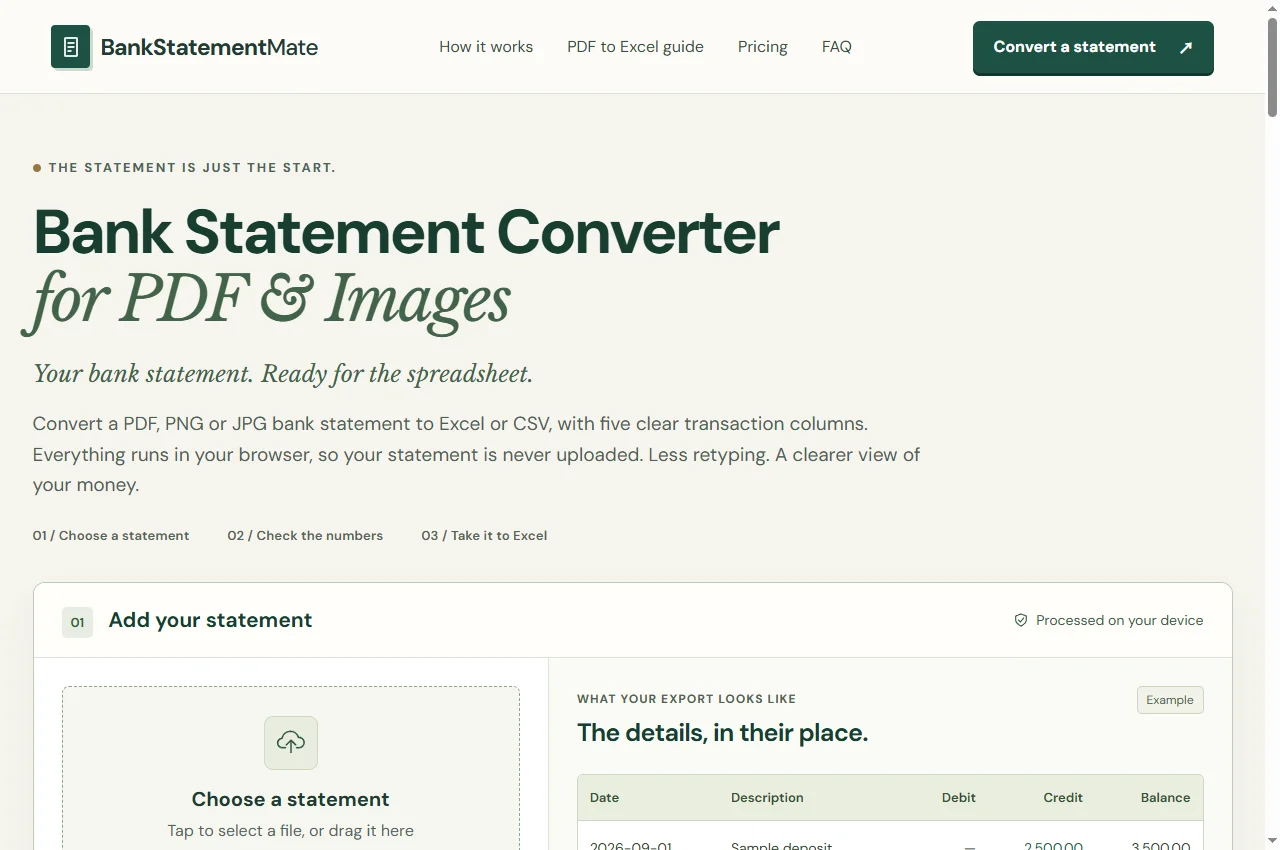
BankStatementMate converts supported bank-statement PDFs and images into Excel or CSV transaction tables. Its public interface is focused on Date, Description, Debit, Credit and Balance columns. It is a specialist document utility, not a general AI financial adviser or a bank-account connection service.
Best for and when to skip
Best for
People who need an editable transaction table from a supported English statement layout and are prepared to review the extracted rows.
When to skip
Skip it for arbitrary bank layouts, automatic bookkeeping, account syncing or QBO/OFX export. It is not an invoice-processing replacement.
Pricing and access
The public interface requires sign-in and advertises one free successful conversion. It lists PDF, PNG or JPG input up to 10 MB and five PDF pages. Check the current paid offer on the product; this profile does not assume unlimited free use.
Access and pricing are based on the public website checked on September 22, 2026; the current product terms apply.
A practical first workflow
- Try the supplied fictional sample before choosing a statement. For your own file, select only relevant transaction pages when necessary.
- Review all five columns against the original, including first and last transactions. Investigate balance warnings rather than changing values to make them fit.
- Export XLSX for spreadsheet work or CSV for a supported downstream import. Keep the original statement as the reference.
Before you commit
- Does the statement use a supported English five-column layout?
- Are debit, credit and running balance aligned with the original?
- Does the destination accept this CSV layout, or require a different import format?
Limitations
The site states that statement extraction and OCR run on the device rather than uploading the statement. That product statement is not a full security audit. Unclear scans, encrypted files and unsupported columns need another route or manual review. Account and website services are separate from document processing.
Alternatives and companion workflows
Use the PDF table-extraction comparison for general documents. Use a purpose-built invoice workflow for invoices, or your accounting provider’s supported importer when you need account reconciliation.
Frequently asked questions
What is BankStatementMate best for?
People who need an editable transaction table from a supported English statement layout and are prepared to review the extracted rows.
Is BankStatementMate free?
The public interface requires sign-in and advertises one free successful conversion. It lists PDF, PNG or JPG input up to 10 MB and five PDF pages. Check the current paid offer on the product; this profile does not assume unlimited free use.
Is this an independent review?
No. BankStatementMate and AI Tool Finder share an owner. This profile describes the public interface and published terms; it does not claim independent hands-on testing or a guaranteed outcome.
Sources and related products
BankStatementMate official website · Public interface and published offer checked September 22, 2026. No payment or private customer data was used for this profile.
Ownership disclosure and related projects · Browse all categories