Compare Adobe Podcast, Auphonic and Descript for recorded speech. Review cleanup, leveling, editing workflows, plan limits and listening checks.
AI Tool Finder Editorial Team · Sources checked September 12, 2026
Direct answer: choose by the recording problem
Start with Adobe Podcast Enhance Speech for straightforward voice cleanup, Auphonic for repeatable leveling and delivery, and Descript Studio Sound when cleanup belongs inside an editing project. This shortlist is for recorded speech: interviews, narration and podcasts. It is not a ranking of music mastering tools or proof that damaged words can be recovered accurately.
The best AI audio enhancer is the one that leaves your intended speech intelligible and natural while fitting the rest of the publishing process. A cleaner background alone is not sufficient if consonants disappear, speaker identity changes or the result is difficult to edit.
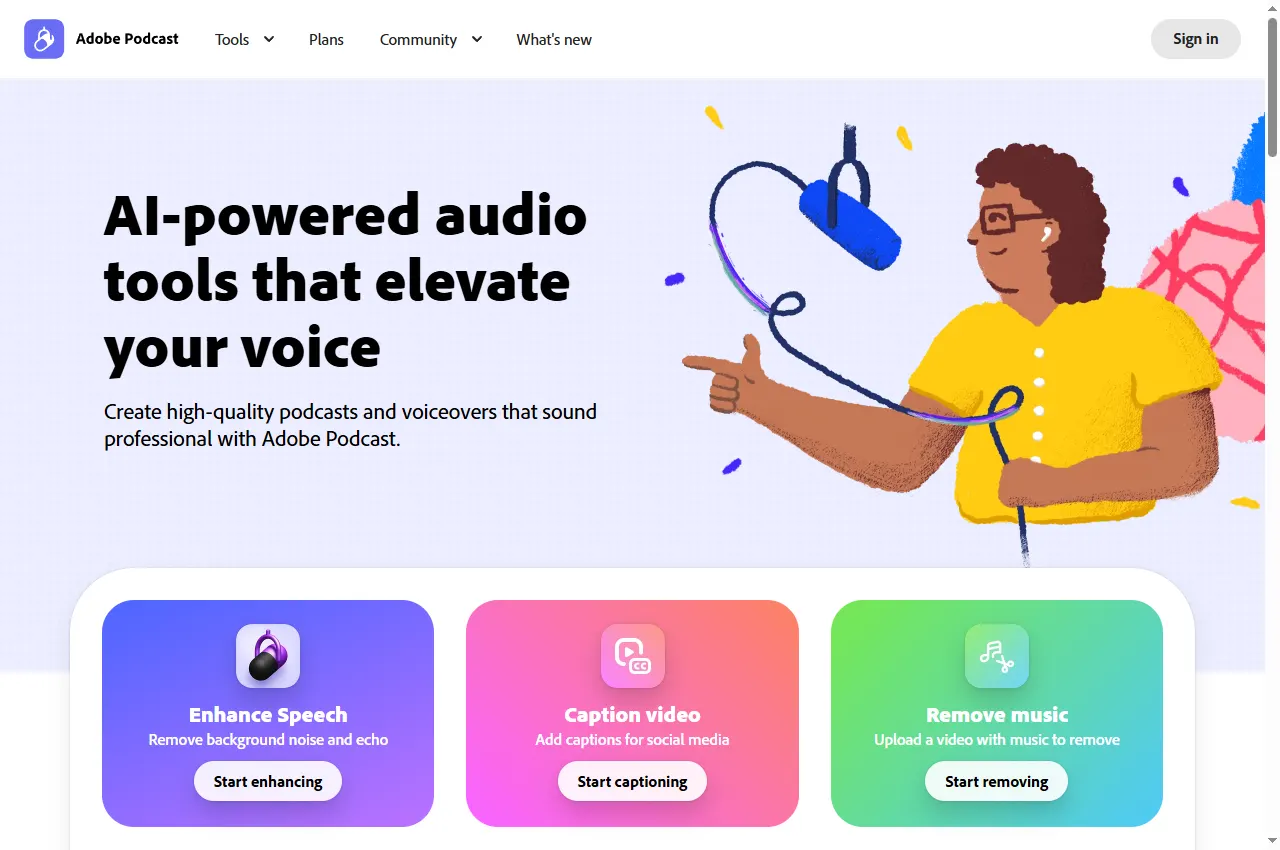
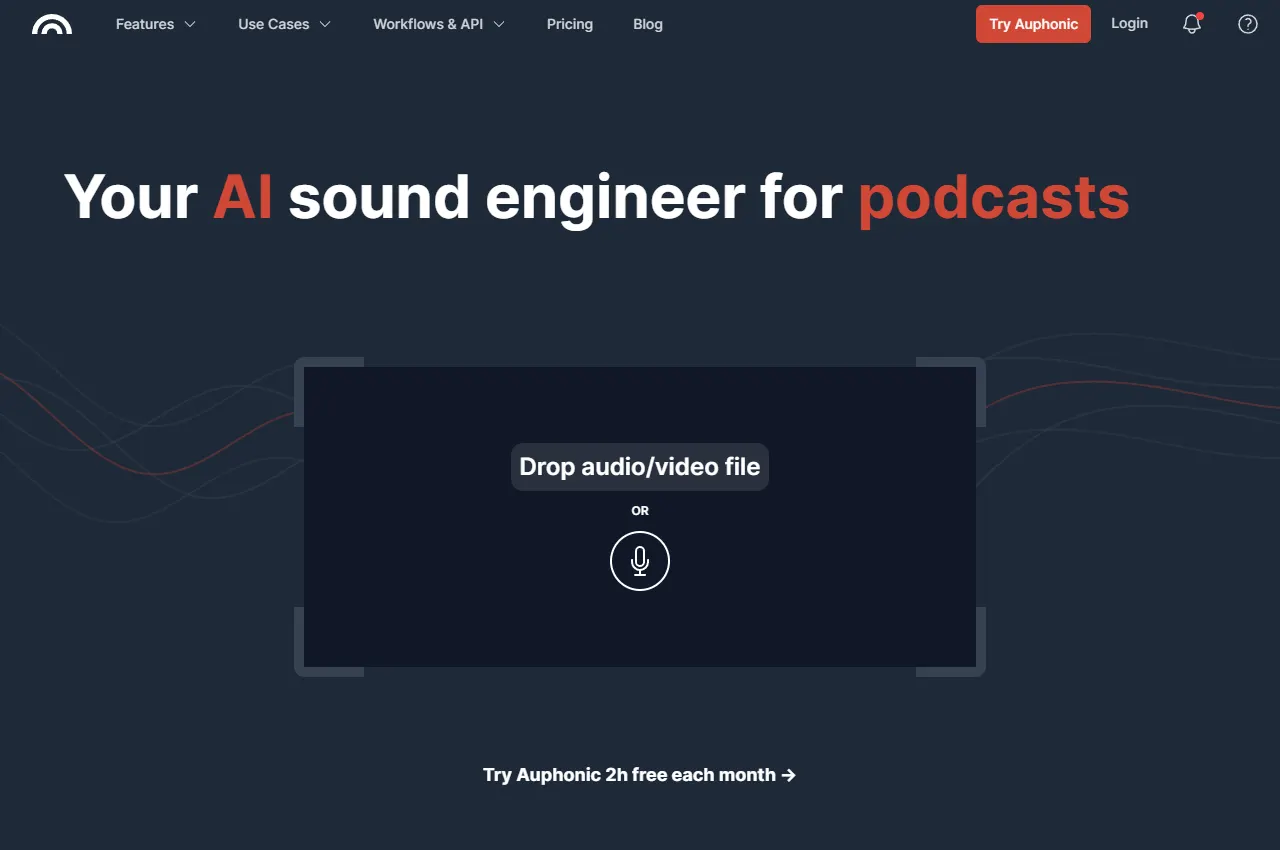
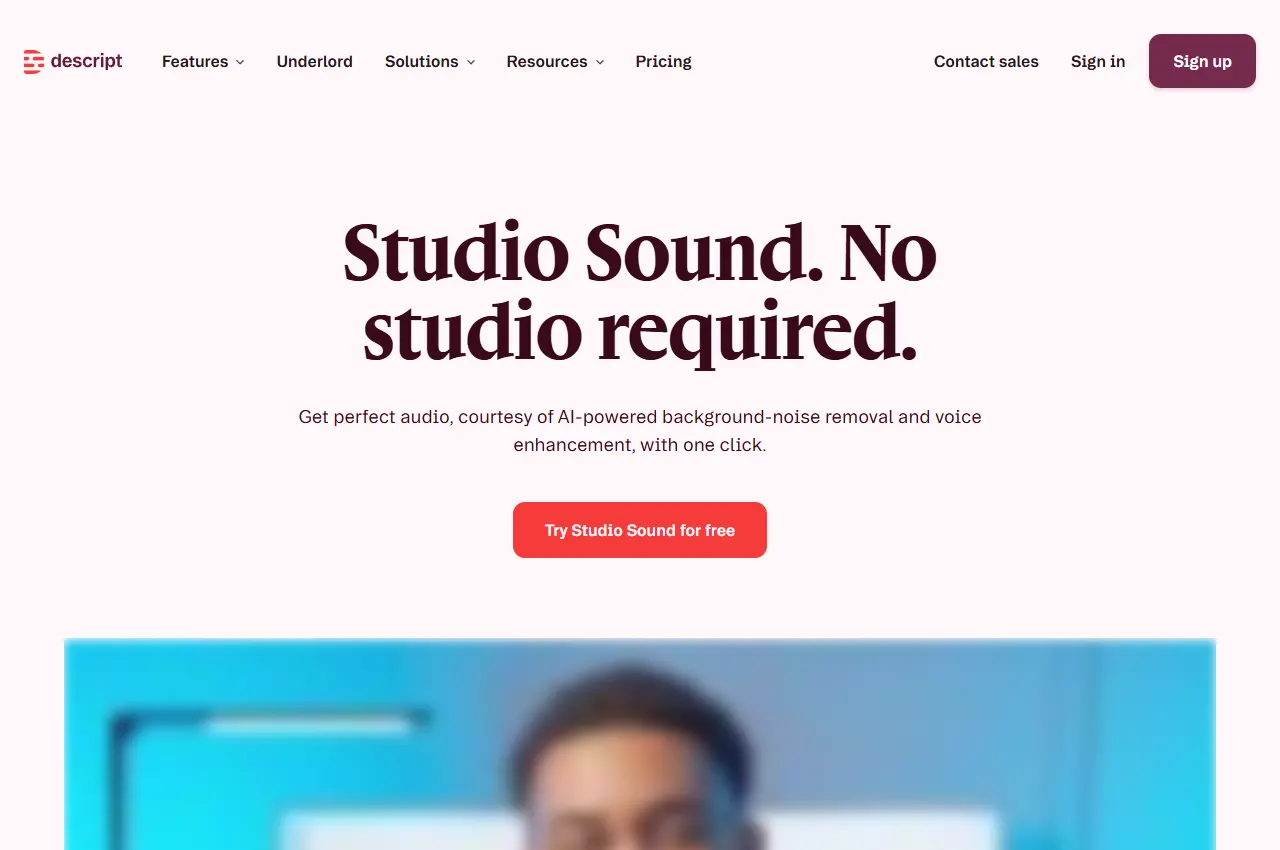
Official website and documentation previews are vendor examples, not our test results. Cards summarise each vendor's documented workflow and the checks worth completing before buying. AIToolFinder has not run a shared test on these tools, so no comparison scores, speeds or conversion figures are shown.
These are workflow recommendations from official documentation. We have not uploaded a common recording to all three services for this article and do not claim comparative noise-reduction measurements.
Three AI audio enhancers compared
Adobe Podcast Enhance Speech: best for a focused cleanup task
Adobe describes Enhance Speech as a tool for reducing noise and echo in voice recordings. Its plan comparison distinguishes free access from premium features available through the listed paid offering. Confirm the current file, duration and enhancement controls on that page before processing a long interview.
Choose this candidate when the rest of your editing workflow already works and the missing step is improving an uploaded speech recording. Keep the input and output side by side. A quick approval listen should include the quietest speaker and any passage containing names or technical terminology, not just the loud introduction.
When to skip: do not choose a cleanup step as a substitute for an editor when you still need structural cuts, multiple tracks or a complete publishing workflow. Our Adobe Podcast profile covers the wider product context.
Auphonic: best for repeatable speech post-production
Auphonic documents noise and reverb reduction, adaptive leveling, loudness targets and multitrack processing. It also provides workflow integrations and an API. These capabilities make it a candidate for a recurring episode pipeline, rather than only an isolated noise-removal job. See the official feature documentation.
The editorial reason to shortlist it is consistency. If every episode has a different guest level and the final file must meet the same delivery brief, define a repeatable preset and verify the output against that brief. Preserve separate speaker tracks when your recording workflow provides them; evaluate that path before flattening everything into one file.
When to skip: a recurring processing pipeline may be unnecessary for one short memo. Conversely, a preset should not replace review when episodes differ materially. Read the Auphonic profile for related capabilities.
Descript Studio Sound: best for cleanup within editing
Descript presents Studio Sound as noise and echo treatment within its audio/video editing environment. That is a useful candidate when the same person must clean speech and assemble the final program. The Studio Sound page describes the feature; the pricing comparison sets the current access and usage boundaries.
Evaluate the complete edit, not just an enhanced clip. Make a short sequence containing a cut, a pause and a change of speaker. Check whether enhancement still sounds consistent across those joins. Then export the project to the format needed by the next person in your workflow.
When to skip: moving a finished production into a new editor solely for one cleanup operation can add avoidable handoffs. If your existing editor already meets the brief, compare the extra work with a simpler export-and-process step. The Descript profile explains its broader scope.
How to choose an audio enhancer
First identify what is wrong. Continuous background noise, room echo, uneven speaker levels and editing gaps are different problems. Write down the primary defect in ordinary language before choosing settings. Otherwise, it is easy to turn every available control on and lose the ability to tell which change helped.
Then specify the deliverable. A voice note for internal listening has a different acceptance threshold from a published interview. An editor may need separate tracks, while a distribution step needs a final mixed file. Ask for the format and channel layout before deciding a preview sounds finished.
Finally, compare at similar listening levels. A louder sample can sound more impressive without being more intelligible. Keep playback volume consistent and listen for speech content, distracting artifacts and natural pauses. A tiny remaining background sound may be preferable to a voice that feels heavily reconstructed.
A proposed listening trial
Use a short excerpt from your own permitted recording. Include a quiet phrase, a loud phrase, a pause and a difficult word. If the program has multiple speakers, include a transition. This is an editorial trial design, not a standardized acoustic benchmark or a test completed for this guide.
Keep the original. Never make the enhanced file your only copy. Label the source and candidate clearly.
Process one version at a time. Record the provider, relevant settings and whether any automatic cuts were enabled.
Listen without looking at the brand. If a colleague can compare labeled A/B files, that helps separate expectation from the listening decision.
Check the transcript-critical passages. Verify names, numbers and sentence endings against the original. A smooth sound does not prove the words are preserved.
Listen through joins. Check breaths, pauses and background changes around every edit in the sample.
Export and reopen. Confirm duration, channel layout and the actual delivered file, not just the browser player.
Document why you accepted the candidate. “Less noise with all words intact” is more useful than “sounds professional.” If two options pass, choose using review effort, cost and compatibility rather than inventing a quality difference.
Pricing and free-plan limits
Auphonic's pricing page describes a free allowance of two processed hours per month, plus recurring and one-time credit options. Its feature page notes that free productions include a jingle and some automation features require premium access. A free processing allowance therefore does not automatically mean an unbranded production deliverable.
Adobe and Descript also publish free and paid access boundaries. Check the live plans for the exact tool and your intended duration; do not carry an old subscription price across a renamed bundle. The total editor subscription is not necessarily the marginal cost of your cleanup task if you already pay for it.
For recurring work, budget source duration, repeated processing and review labor separately. As an illustrative planning example, four 45-minute episodes contain three hours of source audio. Reprocessing can increase usage depending on the vendor's charging rules. Confirm those rules rather than assuming a monthly hour allowance covers unlimited retries.
When to skip aggressive enhancement
Use a lighter setting or retain the original when treatment removes speech detail, creates distracting changes between words, or strips ambience that is part of the story. For music-led material, use a workflow chosen for that material rather than assuming a speech-oriented enhancer is appropriate.
If an important word is unintelligible in the source, an apparently clearer processed version is not independent evidence of what was said. Seek another recording or confirm the statement with the speaker when possible. Keep the source attached to any consequential transcription decision.
When recording again is feasible, improving the source may cost less than repeatedly repairing it. The choice is practical: compare the effort required to re-record with the effort and uncertainty of cleanup. No provider in this shortlist has been shown here to repair every recording defect.
Build a repeatable acceptance checklist
Before publishing, check speech intelligibility, naturalness, edit continuity, duration and delivery format. Have the person who knows the content review unclear names and figures. Have the person responsible for delivery verify the export specification. These responsibilities can belong to one person, but both checks still matter.
Save a short reference excerpt that represents your preferred sound. Revisit it when switching tools or changing presets. This gives a recurring show a concrete comparison point without relying on an unsupported numerical score.
Official feature and pricing pages were checked September 12, 2026. The workflow recommendations and proposed trial are editorial guidance. No paid position or hands-on comparative result is claimed for this shortlist.
Frequently asked questions
What is the best AI audio enhancer for a podcast?
Evaluate Adobe Podcast for a focused cleanup step, Auphonic for repeatable post-production, and Descript for cleanup within editing. The best choice depends on the recording and delivery workflow.
Can an AI audio enhancer recover words that were not recorded clearly?
Do not treat a clearer-sounding output as proof of the original words. Keep the source and seek another recording or confirmation when the content is unclear.
Should I remove every background sound?
Not necessarily. Some ambience belongs to the recording, and aggressive treatment can reduce naturalness. Compare the processed voice with the original and use the lightest acceptable treatment.
Are free audio-enhancement plans suitable for publication?
Check the current duration, export and branding conditions. For example, Auphonic documents a jingle on free productions. A free allowance does not automatically meet your delivery brief.
Is this a hands-on audio-quality ranking?
No. Official feature and pricing pages support the workflow comparison. The listening trial is proposed editorial guidance, not a completed comparative test.