Jev model
TypeSafe returns typed choices, scores and truth estimates from text. Your application decides how to use the result. It does not write an email or click a desktop button.
Read the model documentationJev is TypeSafe AI's System One model. It does not write text. You send it a state and a set of typed questions, and it returns structured decisions with calibrated probabilities that your code can branch on directly. This page covers what Jev actually returns, what it costs, and how to test whether it beats the rule or the LLM you already use.
Jev is best for developers who need a decision, not a paragraph. If your code has to classify, route, score, or verify something and you are currently doing it with a hand-written rule that keeps breaking, or by asking an LLM for JSON and hoping it parses, Jev is aimed squarely at that gap. TypeSafe describes the shape as a frontier-intelligence function call: unstructured state in, typed probabilistic decisions out.
It is a poor fit for anything a person has to read. Jev gives up string generation entirely, so it cannot draft an email, explain its reasoning, or write code. Treat it as one component inside a workflow, not as a replacement for the assistant your team already uses.
AI Tool Finder has not run an independent benchmark of Jev. The model speed and pricing figures are quoted from TypeSafe's own documentation or blog, with the source named, and the vendor-claim section below separates what is verifiable from what is not.
These are different parts of a workflow. Choose the component that solves your task rather than treating every Jev integration as the same product.
TypeSafe returns typed choices, scores and truth estimates from text. Your application decides how to use the result. It does not write an email or click a desktop button.
Read the model documentationThis community integration gives coding agents structured quality feedback. The coding agent diagnoses issues and changes code. A score alone does not prove that a bug was fixed or tests passed.
View Jev Review source and setupA browser integration may use Jev to select an action, but separate software reads the page and executes it. Installing a review plugin does not grant desktop control or inherit your mail application's sender settings.
Compare agent tools by workflowIntegration sources checked 22 September 2026. This is a documentation-based guide, not a completed comparative benchmark.
For repository review products, see our AI code review tools comparison.
Ticket triage and routing, lead scoring, content or document classification, retrieval ranking, claim verification against a fixed evidence block, and guardrails that gate what an agent is allowed to do next. The common thread is a decision your software has to make thousands of times, where you want a probability rather than a yes.
Skip Jev if you need generated text, multi-step reasoning, tool calling, or anything multimodal. The documentation states input is text only, with no image, audio, or video support. Skip it too if your workload is not English-language and you have not tested accuracy on your own content.
TypeSafe lists $42 per billion input tokens, or $0.042 per million, and states that output tokens are free because there are effectively none to meter. Jev was still in early access when we checked, so treat the rate card as current-as-of, not contractual.
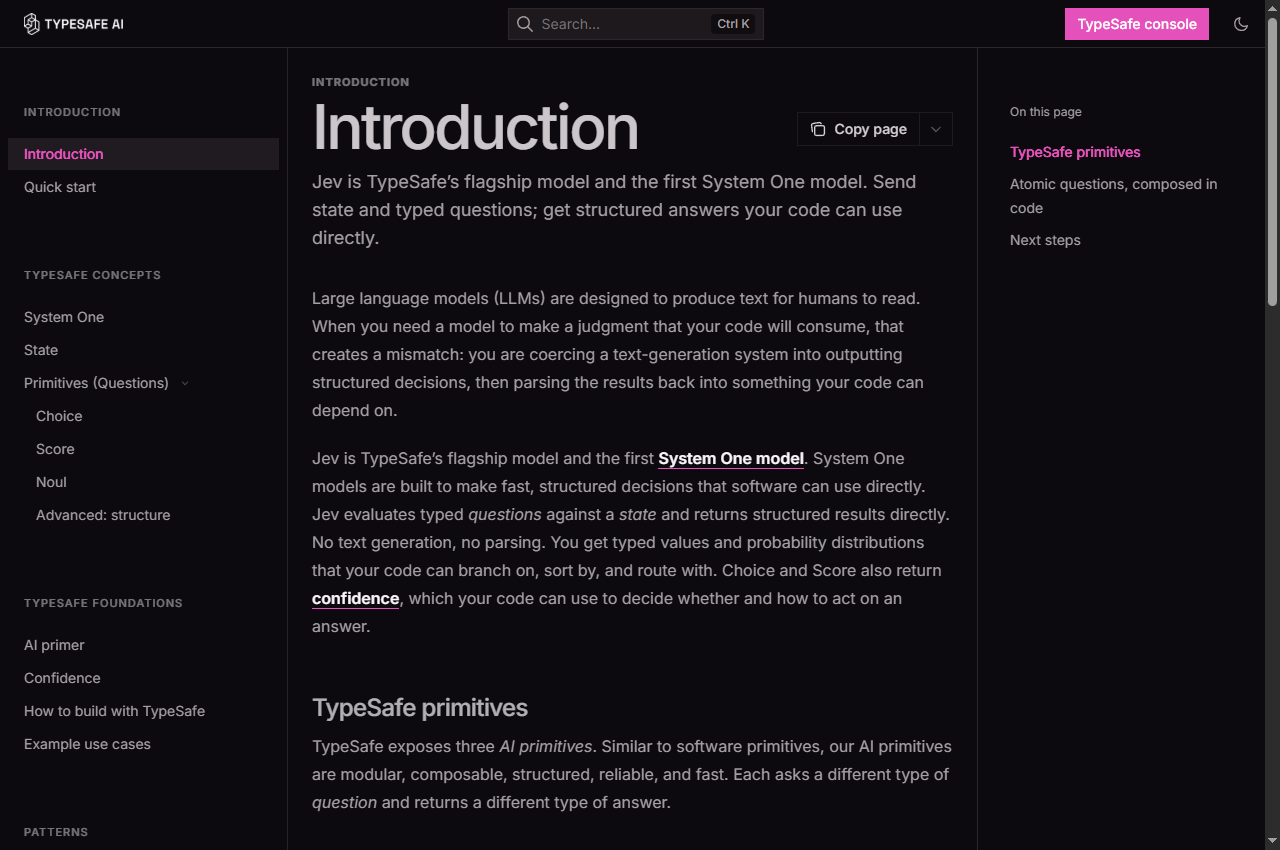
The interesting part of Jev is not the model itself but the interface. Instead of asking for JSON and validating the response afterwards, you declare the output shape in advance and the model is constrained to it. The TypeSafe documentation exposes this as three primitives, and you can mix all three in one call against the same state.
| Question type | What you ask | What comes back |
|---|---|---|
| Choice | Pick one option from a list you define | A chosen label, a probability for each label, and a confidence value |
| Score | Rate the state against a rubric | A numeric score, a legend mapping index to label, and a confidence value |
| Noul | Is this statement true? | A single value between 0 and 1 |
Questions are evaluated in parallel and in isolation against the same state, so adding more of them barely changes response time and does not cause the context-rot you get from piling instructions into one prompt. That is what makes the decomposition strategy work: instead of one vague question like rate this lead, you ask three specific ones and combine the outputs with your own weights in code.
Source: TypeSafe AI documentation, Introduction and Quick start, checked 18 September 2026.
The API surface is deliberately small. One endpoint, a model name, and a map of questions.
POST https://api.typesafe.ai/v1/systemone with a bearer token.jev-latest resolves to jev-1.13.0. A jev-preview alias also exists and currently points at the same version.pip install typesafe-sdk, which requires Python 3.10 or newer and reads your key from the environment.One operational detail worth pinning before you build on it: an alias moves whenever a new release ships, so the answers behind jev-latest can change without anything changing on your side. The response reports the versioned model that actually answered. If you tune confidence thresholds against a specific version, the documentation recommends pinning that version instead of the alias.
Source: TypeSafe AI documentation, Models and Quick start, checked 18 September 2026.
| Evaluation question | How Jev fits | What to verify |
|---|---|---|
| Does it produce text? | No, by design. It returns typed values and probabilities. | Confirm every consumer downstream can handle a probability, not just a label. |
| Does it handle uncertainty? | Yes. Every answer carries a confidence or probability value. | Check calibration on your own data before you trust a threshold. |
| Can it read images or audio? | No. Input is text only. | Pre-process non-text inputs into text or structured fields first. |
| Can I self-host or fine-tune it? | No. TypeSafe states the same weights serve every account and it is not fine-tuned on customer data. | Plan to shape behaviour through the state and question definitions instead. |
| Does it fit agent frameworks? | Partly. There is an official TypeSafe agent skill and a third-party MCP server. | Review the skill or server source before granting it access to your systems. |
| Is it production-stable? | It was in early access at the time of writing, with dynamically adjusting rate limits. | Ask about limit stability and enterprise terms before committing a critical path. |
Jev launched to a lot of attention, and most of the numbers circulating are the vendor's own. We read the primary sources rather than the coverage, and this is the honest split.
| Claim | Where it comes from | Status |
|---|---|---|
| Typed outputs with no type errors | TypeSafe docs and launch blog | Supported as a design property. The output schema is fixed in advance, so a type error is structurally impossible. This says nothing about whether the judgement is correct. |
| 193.6x faster and 444.6x cheaper | TypeSafe home page, derived from its own four published workflows | Vendor result. TypeSafe states these are likely on the high end of real-world gains. |
| Zero hallucinations | TypeSafe launch blog | TypeSafe states the figure is not empirical and follows from guaranteed schema matching rather than from measurement. |
| Lower input price than a named frontier model | TypeSafe home page | Vendor comparison against one competitor at one point in time. |
| Independent third-party benchmark | Not performed for this guide | Not performed for this guide. The speed and cost figures above remain vendor results; compare tools on your own workload. |
To TypeSafe's credit, the launch blog volunteers most of these caveats itself, including that the workflows were built by its own capabilities team and that its reference answers average two competing frontier models, which it says likely understates its own position. That is more transparent than most launches. It still is not an independent benchmark.
Sources: TypeSafe AI home page and the launch blog post dated 15 September 2026, checked 18 September 2026.
The only question that matters is whether Jev beats what you already do. That is a measurement you can run in an afternoon, and it is the step most teams skip.
If Jev does not clearly beat your existing rule on step five, the honest answer is to keep the rule. The value of a decision model is not that it is AI; it is that it is measurably better than the alternative at a cost you can defend.
These figures come from TypeSafe's documentation as of 18 September 2026. Confirm them yourself before you budget, because the company was still in early access and states plainly that its limits are moving.
Source: TypeSafe AI documentation, Models, checked 18 September 2026.
We would rather write UNKNOWN than fill a gap with a guess. The following were not confirmed from primary sources when we checked on 18 September 2026:
Jev is a component, so the useful comparison is against the other ways you could make the same decision, not against a chatbot.
The cheapest baseline and the one to beat. If a regular expression or a lookup table already gets 95 percent of cases right, a model has to clear that bar to be worth the latency and the bill.
The default choice today. It works, but you pay for output tokens you do not want, wait for generation you will discard, and still have to validate the structure you asked for.
TypeSafe publishes an open adapter that runs the same typed evaluation API on top of OpenAI and Anthropic models. It is the fairest way to compare Jev against an LLM, because both sides answer in the identical format.
TypeSafe maintains an MIT-licensed skill for coding agents that encodes the request shape and the decomposition patterns, so an agent does not have to rediscover them.
A community MCP server wrapping Jev exists, exposing evaluation, ranking, verification, and agent control-flow tools. It is not published by TypeSafe and we have not audited its source, so review it before granting access.
If your labels are stable and plentiful, a small supervised model you train and own may beat all of the above on cost, latency, and control. Jev's probabilities can also be used as features to train one.
The original model overview was checked against the following primary sources on 18 September 2026. The integration comparison above was checked on 22 September 2026. Where a figure is the vendor's own claim rather than a measured result, the page says so.
The product overview follows official documentation; the separate small MCP test reports our own limited invocation results. It is not an endorsement, and we do not guarantee that Jev will improve any specific workflow. If a figure here is wrong or has changed, tell us and we will correct it.
Jev is best for classification, routing, scoring, and verification decisions that your code consumes directly, such as triaging a support ticket, gating an agent action, or ranking candidates against a query. It is not a chat model.
No. Jev does not generate strings. It returns typed values and probability distributions that your code can branch on, sort by, or route with, without parsing free text.
TypeSafe lists $42 per billion input tokens, or $0.042 per million, and states that output tokens are free. Jev was in early access when we checked the documentation on 18 September 2026, so confirm current pricing before you budget.
The TypeSafe documentation describes three primitives. Choice picks one option from a list, Score rates the state against a rubric, and Noul answers a true-or-false statement with a value from 0 to 1. All three can be mixed in a single API call.
No. Jev gives up string generation, so it cannot write prose, code, or explanations. It is designed to sit next to an LLM inside a workflow, handling the decisions while the LLM handles anything a person has to read.
Treat them as vendor results rather than independent benchmarks. TypeSafe publishes its methodology, says the 193.6x and 444.6x figures come from its own four workflows and are likely on the high end, and notes that its reference answers come from averaging two competing frontier models. Measure Jev on your own task first.
Yes. TypeSafe publishes the typesafe-ai skill under an MIT licence, installable with npx skills add typesafe-ai/skills --skill typesafe-ai or as a Claude Code plugin. A third-party MCP server also exists, but it is not published by TypeSafe.
No. The documentation states that input is text only, as a string, a JSON object, or an array of text values. Non-text inputs have to be converted to text or structured fields before they are sent as state.
On 22 September 2026, we called the installed third-party jev_review MCP tool twice with a synthetic JavaScript retry policy. No customer data or private repository code was sent. This is one controlled example, not a comparative benchmark or a test of browser automation.
For valid HTTP status codes, retry only 429 or 500–599. The attempt number counts attempts already made; the maximum includes the first attempt. A retry is allowed only while attempt < maxAttempts. The initial implementation deliberately used <=, allowing an extra attempt when the budget was exhausted.
Initial expression: (status === 429 || status >= 500) && attempt <= maxAttempts. Corrected expression: (status === 429 || status >= 500) && attempt < maxAttempts.
The initial correctness score was 4.4 with reported confidence 0.50. Its feedback referred generically to an insufficiently handled edge case; it did not identify the exact operator or provide a reproducing input. After we changed the operator and supplied the previous evaluation, correctness rose to 9.0 with confidence 0.71.
Our Node.js check enumerated all 500 valid HTTP status codes, maximum attempt budgets from 1 through 5, and attempt counts from 1 through 6: 15,000 cases. Against an independently expressed expected result, the initial version failed 505 cases; the corrected version failed 0. This confirms the boundary correction within that input range. It does not validate the tool's scores as calibrated probabilities.
We intentionally knew the defect beforehand. The second request disclosed the correction and included the first evaluation, so this was not a blind or independent retest. Cognitive-complexity scores also moved from 4.8 to 9.0 despite essentially unchanged structure. We did not test repeatability, real-repository accuracy, competing tools, billing, or model identity behind the installed server. Treat these numbers as this integration's returned feedback, not a verified benchmark of the underlying Jev model.
Our conclusion: the integration ran and reacted to the supplied change, but a deterministic test established whether the fix worked. Use review scores to guide inspection; keep tests and human judgment as the acceptance gate.