Consider Napkin AI for turning text into editable visuals, Eraser for technical diagrams, or Whimsical for team flowcharts and wireframes. Choose by the editing and handoff workflow. LessonViz's classroom organizers are a separate manual option, not evidence of AI diagram generation.
AI Tool Finder Editorial Team · Sources checked September 15, 2026
Direct answer: choose by the diagram you have to keep editing
Shortlist Napkin AI for visuals generated from selected text with a published credit-per-word rule, Eraser for engineering diagrams with file caps, diagram-as-code and GitHub or VS Code links, and Whimsical for boards, flowcharts and wireframes priced per editor. A generated picture that you cannot edit is a slide, not a diagram.
This is a documentation-verification guide. Credit, file and seat limits below are quoted from each vendor's pricing page on the check date. We have not redrawn the same architecture in all three tools, so no accuracy or speed ranking is claimed.
Three candidates were kept because they publish an AI-diagram purchase path with different meters: weekly credits, AI-diagram counts per member, and a per-editor seat. Whiteboards without a public AI-diagram allowance, and slide tools that only export images, were left out.
The published rule is about one credit per word selected for generation. That makes long source documents expensive even on Plus. Select only the sentences that should become shapes.
Official website preview · Source · September 15, 2026
Confirm on the live comparison table which AI flowchart, mind-map and wireframe features sit on Free versus Pro. Seat price is clear; the AI allowance needs that second look.
Credits, AI-diagram counts and editor seats are different meters. Convert each to the cost of the diagrams you will still be editing next month.
Three AI diagram generators compared
Napkin AI: text to editable visuals
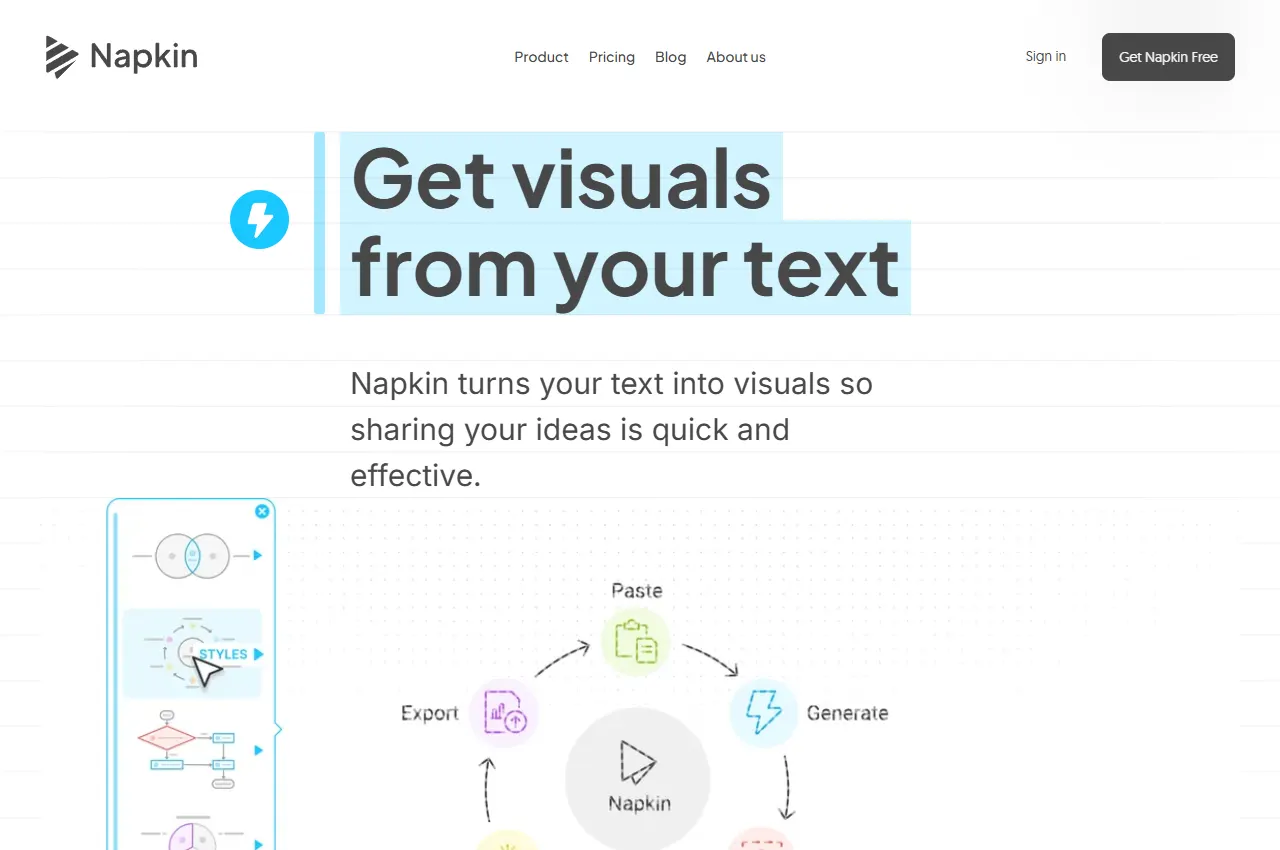
Napkin AI lists Free Forever at $0 with 500 AI credits per week, unlimited visual editing, unlimited file import (PPT, DOC, PDF, HTML, MD), unlimited PNG and PDF export, built-in styles and standard icons, and Napkin branding on visuals. Credits are described as about one credit per word selected for generation, with a note that this may change for more complex outputs. Plus is $9 per person per month with 10,000 AI credits per month, unlimited PPT and SVG export, three brand styles, bold icons, branding removed, and team billing. Pro is $22 per person per month with everything in Plus plus 30,000 AI credits. Yearly billing is advertised at 25% off.
The product menu also lists slides, mind maps, flowcharts, data charts and an API. Those are reasons to shortlist Napkin for mixed visual work, not proof that every format is unlimited on Free.
When to skip: if the team lives in GitHub and needs diagram-as-code. Eraser documents that path; Napkin is a visual generator with a credit-per-word meter.
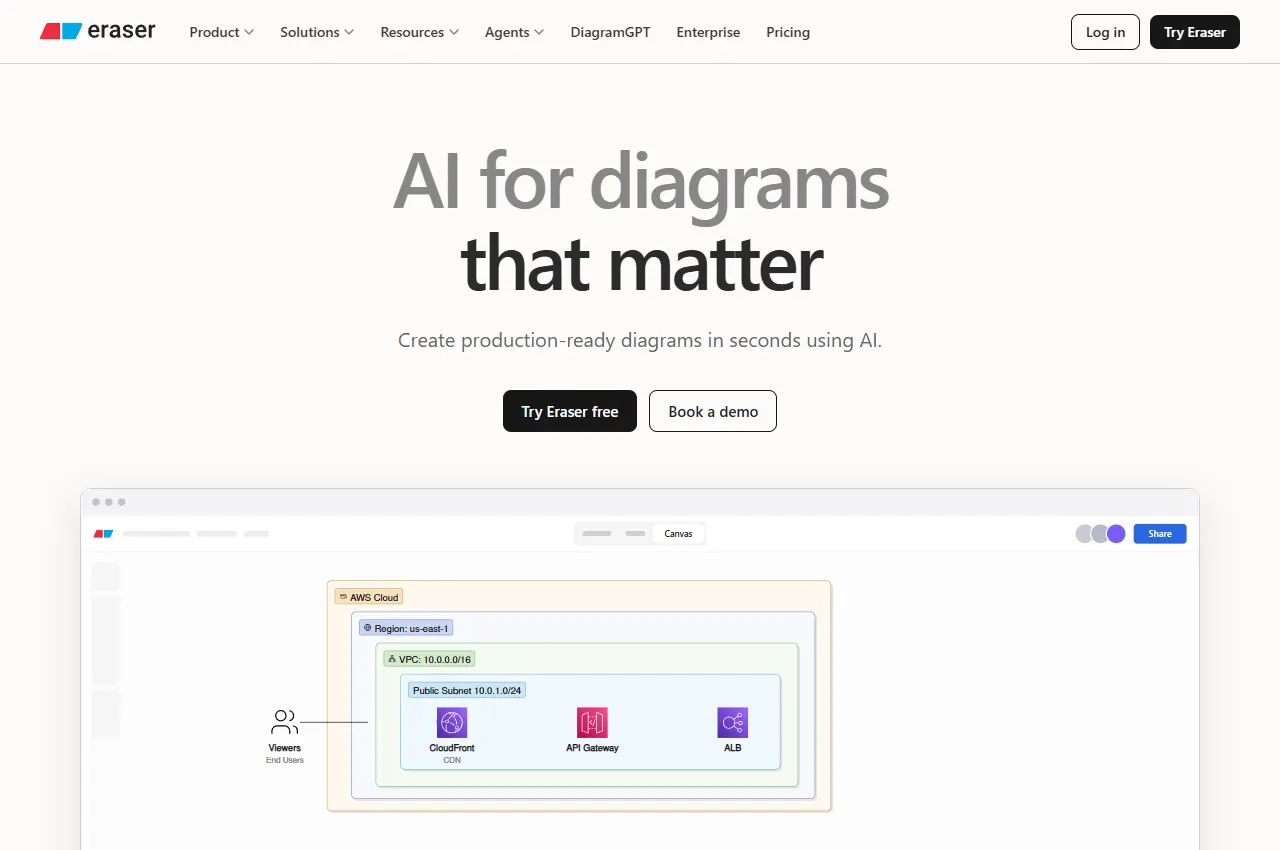
Eraser lists Free at $0 per member per month, forever, with 3 files, 3 AI diagrams, 7-day version history, unlimited guests, diagram-as-code, markdown notes, and GitHub, Notion, Confluence and VS Code connections. Starter is $15 per member per month billed annually, or $20 monthly, with unlimited files, 40 AI diagrams, 90-day history, private files, 20 custom icons and API calls. Business is $45 per member per month billed annually, or $60 monthly, with 250 AI diagrams, unlimited history, SAML SSO, 100 custom icons and reference diagrams. Enterprise is custom. Unlimited free guests are stated on every plan.
The product also advertises DiagramGPT, Eraserbot codebase diagrams and a diagramming API. Those features are reasons to evaluate Eraser for engineering teams; they are not included as unlimited items on Free.
When to skip: if you only need a one-off slide visual from a paragraph. Napkin's free weekly credits are a cheaper trial for that job.
Official source: Eraser pricing. Checked September 15, 2026.
Whimsical: boards, flowcharts and wireframes
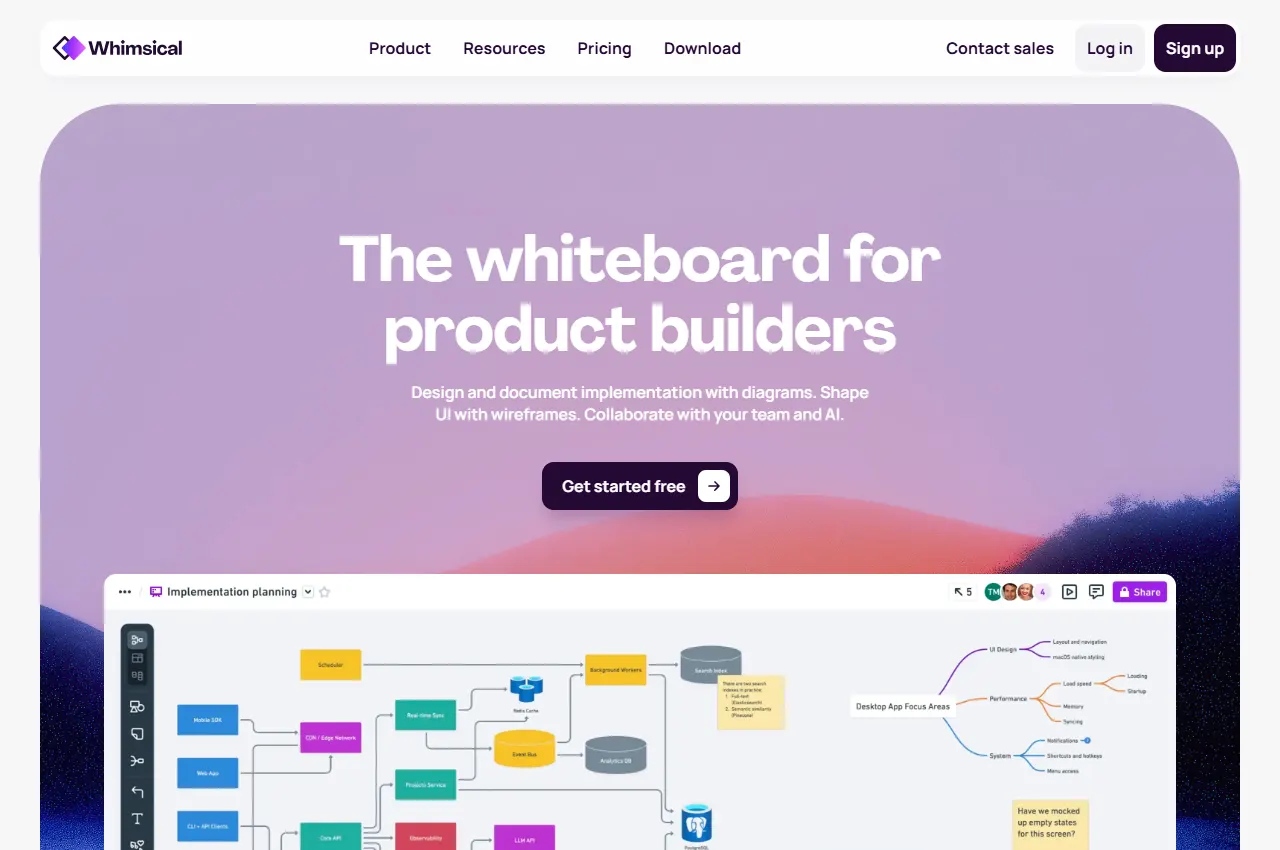
Whimsical's pricing page offers Free at $0 per month per editor for evaluating the product, and Pro at $10 per month per editor billed annually. Viewers are always free. The product menu lists AI flowcharts, AI mind maps and AI wireframes, plus boards as an infinite canvas for diagrams, wireframes and whiteboards.
The pricing FAQ includes 10 AI credits per member on Free and says additional credits can be purchased on any plan. It does not specify a renewal period for those 10 credits; do not budget them as a monthly allowance without confirmation.
When to skip: if you need engineering diagrams maintained as code. Eraser is the closer fit; Whimsical is more useful when the team edits boards, wireframes and flowcharts together.
Pick the meter that matches how diagrams are produced.
Paste text, get a visual, export a slide: Napkin, and watch the credit-per-word rule.
Architecture that must live next to code: Eraser, and watch the AI-diagram count per member.
A team already on a canvas: Whimsical, and count editor seats rather than diagrams.
View-only stakeholders: Eraser and Whimsical both document free guests or viewers.
Brand-free exports: Napkin removes branding from Plus upward; Free keeps it.
A short verification you can run
Use one real diagram, not a vendor template:
Write a 150-word description of a process you actually run.
Generate it in two tools on the free plan.
Rename two boxes and add one branch. If you cannot, it is a picture, not a diagram.
Export the format you ship (PNG, SVG, PPT, or markdown) and open it elsewhere.
Record credits, AI-diagram counts or the upgrade wall you hit.
Check whether branding appeared on the export.
A useful pass condition is: you can edit the result tomorrow without regenerating it from scratch.
Pricing and access models
Published facts on September 15, 2026:
Napkin AI — Free $0 with 500 credits/week and branded PNG/PDF export; Plus $9/person/month with 10,000 credits and PPT/SVG export; Pro $22/person/month with 30,000 credits. About 1 credit per selected word. Yearly billing 25% off.
Eraser — Free $0 with 3 files and 3 AI diagrams; Starter $15/member/month annually or $20 monthly; Business $45 annually or $60 monthly. Unlimited free guests.
Whimsical — Free includes 10 AI credits per member; additional AI credits are purchased separately. Pro is $10/editor/month billed annually, and viewers are free. Confirm AI credit renewal and operation costs.
None of these figures is a price promise. Seat counts and credit-per-word behaviour change the cost of a real document.
Limits and when to skip
Generated diagrams guess structure. Keep a human in the loop for anything you would ship to a customer.
Uneditable output is a slide. If you cannot rename a node, do not file it as a source of truth.
Credit-per-word makes long specs expensive. Select the sentences that matter.
File and AI-diagram caps on Eraser Free are trial-sized.
Branding on free exports can block client delivery.
Code-linked diagrams still need a review when the repo changes; Eraserbot does not remove that step.
Official pricing pages were checked September 15, 2026. This is a documentation-verification guide. No diagram-quality ranking is claimed.
Frequently asked questions
What is the difference between an AI diagram tool and a whiteboard?
A diagram tool has to produce labelled, editable structure you can export. A whiteboard can stay a sketch. Check whether you can rename nodes and export SVG, PPT or diagram-as-code after generation.
Why does Napkin charge credits per word?
Its pricing page states that about one credit is charged per word selected for generation. Selecting a whole document will consume the weekly or monthly grant faster than selecting the few sentences that should become shapes.
Is Eraser Free enough for a team?
It is enough to try the product: 3 files and 3 AI diagrams, with unlimited guests. Recurring architecture work needs Starter or Business for file count, AI-diagram count and longer history.
Can viewers stay free?
Eraser documents unlimited free guests on every plan. Whimsical documents that viewers are always free. Napkin's paid plans add team management; confirm viewer rules on the live page if that matters.
When should I skip AI diagram generation?
When the diagram is a legal or safety source of truth, or when you cannot edit the output. Generate a draft, then lock the reviewed version in the format your team already maintains.
When a classroom worksheet is enough
LessonViz classroom organizers currently offers manually filled Frayer and KWL/KWHL worksheets with SVG, PNG and print options. Its AI science-diagram generation is not open, so it is an adjacent worksheet option rather than an AI-generator ranking entry. See the LessonViz profile for the current scope.