Best AI Invoice Data Extraction Tools 2026: Fields, Review and Cost
Turn an invoice into a record someone can verify. Compare extraction tools by the fields, exception handling and export your process needs, not by an untested accuracy headline.
By AI Tool Finder Editorial Team · Published and checked 22 September 2026
Which tool should you shortlist?
Shortlist Nanonets for extraction within a configurable workflow; Docsumo for detailed invoice fields and review requirements; and Parseur for an invoice-inbox-to-export process with a small recurring free allowance. These are editorial fit judgments. Check the result before it reaches a consequential business step.
We checked official product and pricing material and captured public-page screenshots. We have not run a side-by-side benchmark or tested paid accounts. Suggested fits and trial steps are our editorial judgments.
Run one representative invoice through the complete planned route. Inspect output fields and recorded usage, then repeat a document to check duplicate and rerun behavior.
Official page · 22 Sep 2026 · View source. Not a test result.
Try a missing purchase-order reference and a multi-line description. Check whether absent data stays absent and whether manual corrections survive export.
Official page · 22 Sep 2026 · View source. Not a test result.
Use the intended capture route, inspect every line item and export to the chosen format. Repeat with a different supplier layout and a multi-page file.
Compare the operating requirements
Tool
Suggested fit
Check first
Main limitation
Official entry
Nanonets
Extraction within a workflow
Block-run costs across extraction, validation, routing and export
A credit or block run is not a fixed price for a complete invoice.
These tools cover three practical starting points, not every product available. Selection reflects documented workflows and buying constraints, rather than an invented numerical score.
Nanonets: extraction within a workflow
Nanonets documents a pretrained invoice extractor with buyer, seller, invoice and payment-related fields, plus options to add fields or adapt extraction. Its current pricing describes workflow blocks with different costs by complexity. Decide which steps are necessary, which can be ordinary rules and which require review before estimating the full processing cost.
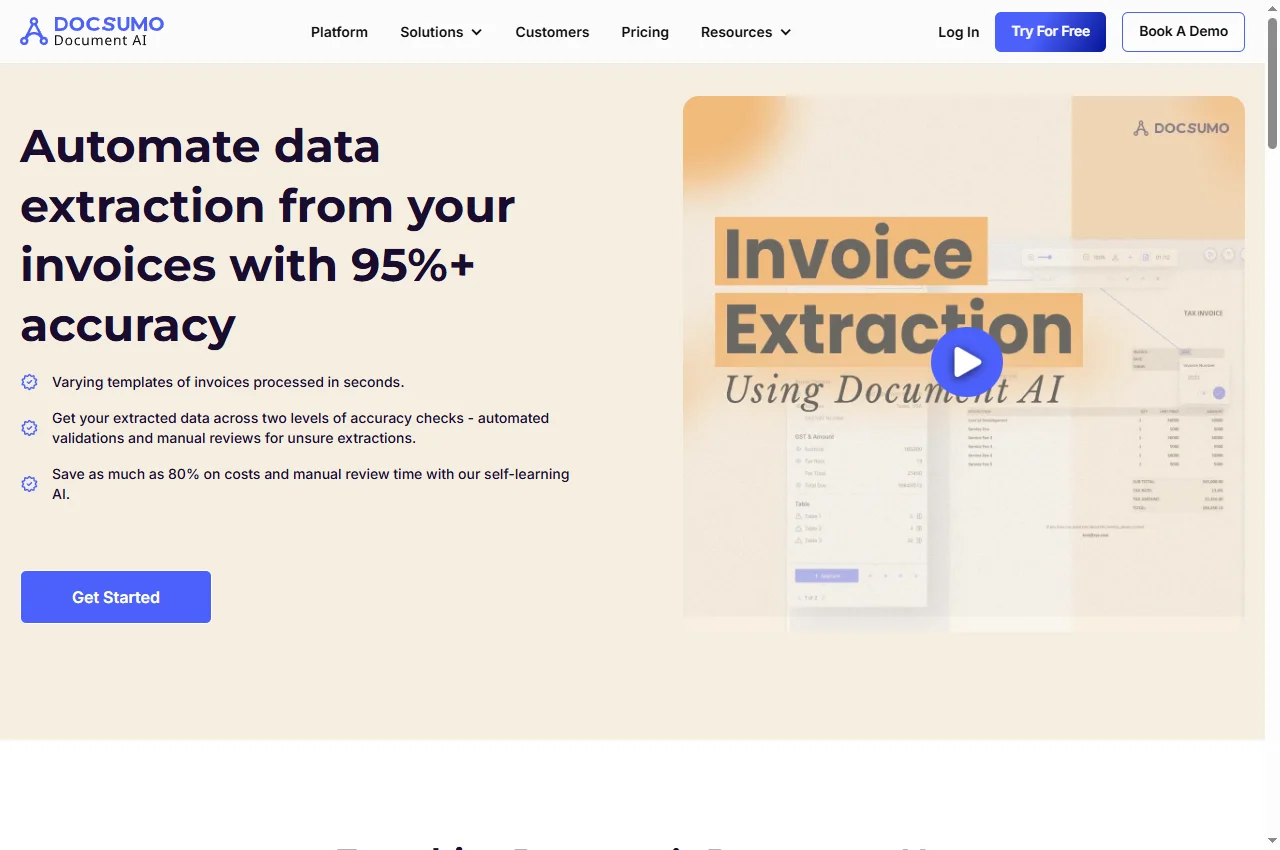
Docsumo documents invoice headers, buyer and seller details, currency, totals and line items. Its sample response includes confidence values and review-required indicators. Those are useful things to inspect in a trial, not proof of accuracy on your suppliers. Check how a reviewer corrects a value and whether the correction reaches the destination.
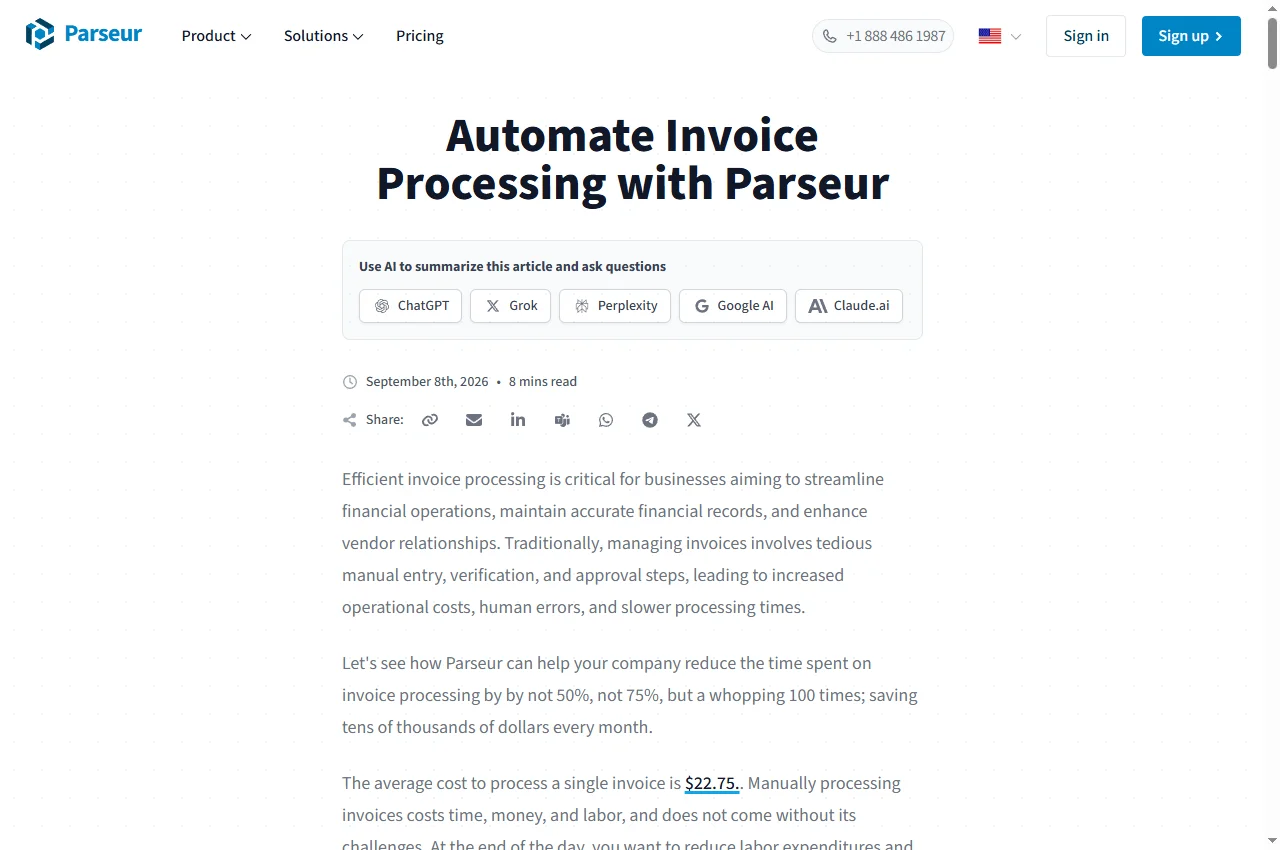
Parseur describes invoice extraction through a mailbox or direct upload, including line items and optional human review before export. Its pricing lists Excel, CSV and JSON exports and automation connections. Start with a narrow destination and a small sample; a listed connector does not prove it completes every downstream accounting operation.
Invoice extraction is different from PDF table conversion
A table converter primarily tries to preserve rows and columns. An invoice workflow must also identify which value means invoice number, supplier, issue date, currency or total due. Those fields may sit outside the visible line-item table. A tidy spreadsheet can still contain the wrong date or a subtotal in the total column.
For a one-off conversion, start with our PDF table extraction guide. If invoices regularly arrive from different suppliers and need a stable output structure, an invoice-specific extractor is a more relevant shortlist. This page compares that second task; it does not rank accounting systems.
Define the destination schema first. Decide which fields are mandatory, which can be blank, and how line items relate to their parent invoice. Preserve identifiers as text when leading zeros matter. Keep the original document alongside the extracted record so an operator can resolve disagreements rather than trusting a plausible summary.
Build a reviewable capture-to-export process
A useful first flow receives a document, extracts defined fields, checks the result, holds exceptions for a person and exports an approved record. The endpoint of this trial is a correct, reviewable export. It is not automatic payment or proof that an invoice is legitimate.
Decide what should happen when a field is absent. A missing purchase-order number should remain missing or trigger an exception according to your rule; it should not become an invented identifier. A readable bank account is still only a value printed on a document. Extraction does not independently verify a payee or authorize changing stored payment details.
Plan duplicate handling. Consider the same invoice arriving by email and upload, a corrected invoice arriving later, and a destination write that succeeds but times out before acknowledgement. A rerun can duplicate a record unless the destination or workflow prevents it.
For downstream routing, see our AI workflow builder comparison. Keep extraction and delivery outcomes separate: a finished parsing job does not prove that the destination received every field.
Use a sample with a known correct answer
This is a proposed evaluation method, not a benchmark already completed on these vendors. Create or anonymize a sample representing your document mix. Keep a manually checked reference record for every file so the comparison does not depend on whether the output looks convincing.
Include different layouts. Try a clean one-page invoice, a scan, a multi-page file, a long table and an absent optional field.
Score fields separately. Compare identifiers and currency as well as totals. Count a wrong total, missing row and formatting difference separately because they need different corrections.
Check row alignment. Confirm descriptions, quantities and amounts stay attached to the right line. Test a wrapped description and a table continuing onto another page.
Inspect review. Correct an uncertain field and examine the exported value and available record of the change. Determine who can approve the result.
Test failure and repetition. Try an unreadable page, an unsupported file and a repeat invoice. Separate an explicit rejection from wrong output marked successful.
Record full cost. Include pages or block runs, reviewer time and integration work. Keep trial credits separate from recurring estimates.
A small sample can reveal a clear mismatch. It cannot establish universal accuracy. Report sample size and composition when sharing results, and repeat evaluation when the document mix changes.
Estimate cost per usable record, not per upload
Write down monthly invoice count, average pages, the share needing review and the number of processing steps. These map differently to each supplier's billing rules. A page-based plan and workflow-block plan cannot be compared by copying the smallest visible unit price into one table.
Illustration only: 200 invoices averaging two pages produce 400 input pages. A flow with four billable steps per invoice would create 800 step invocations before retries. These are two descriptions of a workload, not interchangeable credit totals. Apply the chosen supplier's definitions and inspect usage before buying a larger allowance.
Track cost per usable record as well as per processed document. An inexpensive extraction needing frequent reconstruction may save little operator time. Conversely, a large document platform may be unnecessary when a simple parser consistently delivers the few fields you need.
Confirm retention, deletion, permissions and data-processing terms for the selected plan before submitting sensitive documents. Public security statements and sample API output do not verify your configuration. We have not tested paid entitlements, reviewed private contracts or measured these tools against a common dataset.
Costs and plan checks
Official prices and allowances checked 22 September 2026. Currency, billing interval, taxes, selected volume and account terms can change what you pay.
Nanonets
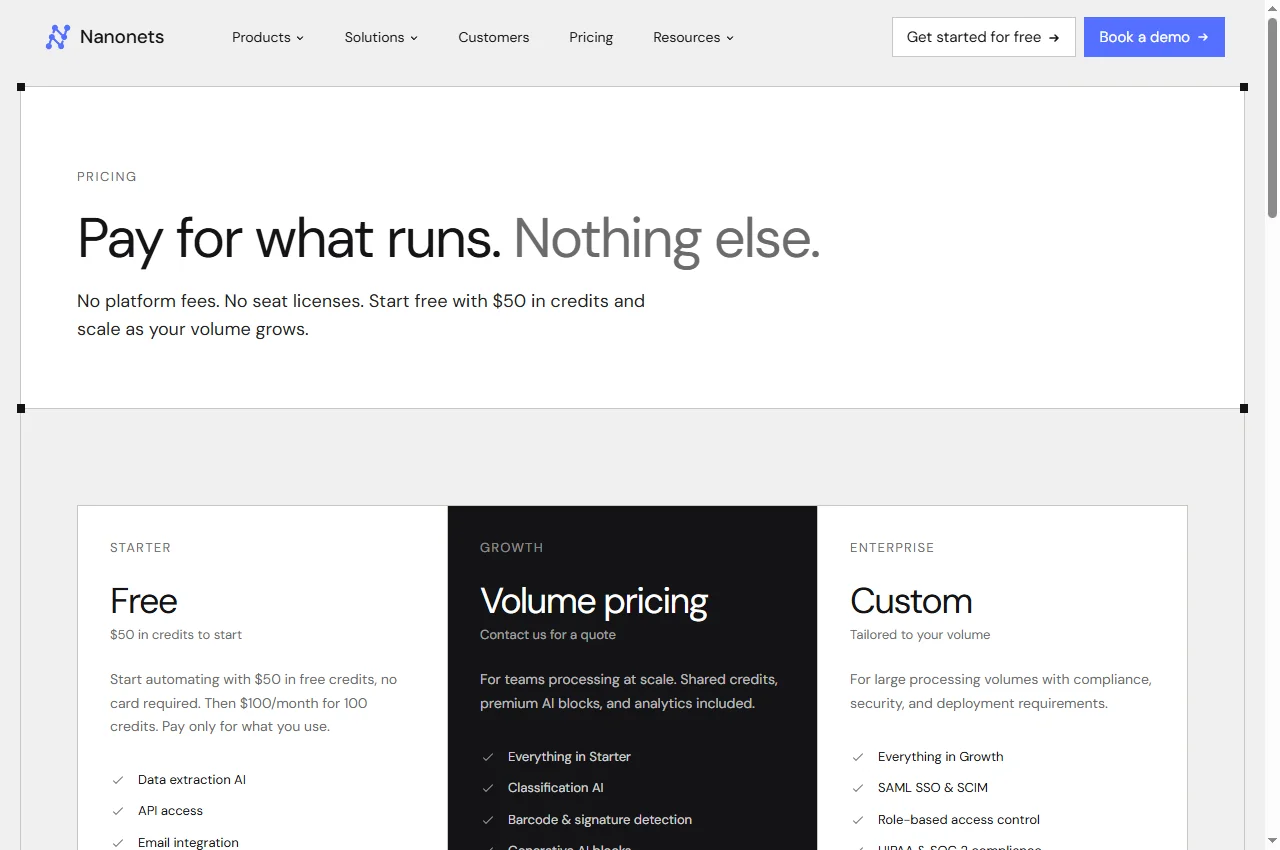
The pricing page advertises $50 in initial credits, then $100/month for 100 credits. It separately lists block-run rates of $0.02 for simple operations, $0.10 for standard AI and $0.30 for complex AI. Confirm credit conversion, required blocks and rerun billing; these numbers do not establish a universal per-invoice price. Check current pricing.
Docsumo
Docsumo advertises a 14-day trial. The page header says up to 1,000 free pages, while a pricing FAQ describes 100 pages and different plan details. We cannot reconcile those statements from the public page. Confirm actual account entitlement and paid scope before budgeting; we do not assume an entry price. Check current pricing.
Parseur
The free tier lists 20 pages per month, with one page equal to one credit. Paid pricing depends on the volume selector and billing interval. A ten-page invoice consumes a different share of a page allowance from a one-page invoice. Check attachment and reprocessing rules before sizing the plan. Check current pricing.
There is no demonstrated universal winner here. Evaluate Nanonets for multi-step document workflows, Docsumo for structured fields and review, and Parseur for capture and export. Compare the same sample and expected output before choosing.
Is invoice extraction the same as PDF to Excel conversion?
No. Table conversion focuses on rows and columns. Invoice extraction also maps values to named fields such as supplier, invoice number and total. Choose a converter for a one-off table task and evaluate invoice extraction for a recurring structured process.
Can these tools extract invoice line items?
Official invoice material describes line-item handling, but that does not establish correct results on every layout. Test wrapped descriptions, quantities, multi-page tables and missing fields against manually checked records.
Is there a free option for a small trial?
Parseur lists 20 pages per month on its free tier. Nanonets advertises introductory credits. Docsumo advertises a 14-day trial but its pricing page contains conflicting page allowances. Confirm entitlement before uploading a larger batch.
Does extraction confidence authorize automatic payment?
No. Extraction confidence is not verification of a supplier, payee, duplicate status or business approval. Keep review and approval separate from text extraction. This guide does not provide payment, tax or accounting advice.
Suggest a relevant tool
Suggest a product and explain the workflow it supports. Editorial consideration is free and does not guarantee publication. Sponsored placements require an agreed scope and clear disclosure.