Best No-Code AI Workflow Builders 2026: 4 Options by Use Case
Build a process you can explain, price and repair. Compare visual workflow tools by the job you need to complete, not by a generic AI score.
By AI Tool Finder Editorial Team · Sources checked 22 September 2026
Which builder should you shortlist?
Make for visual routes and branches; Zapier for a defined handoff between business apps; Activepieces for flows alongside an AI workspace; n8n when technical flexibility matters and someone can maintain the workflow.
Official-source comparison, checked 22 September 2026. We have not run a comparative product benchmark. Screenshots show public vendor pages; recommendations reflect use-case fit.
These four options cover different operating preferences. Inclusion is not a claim that they are the only suitable products. Start with the apps, data and approval steps your workflow actually needs.
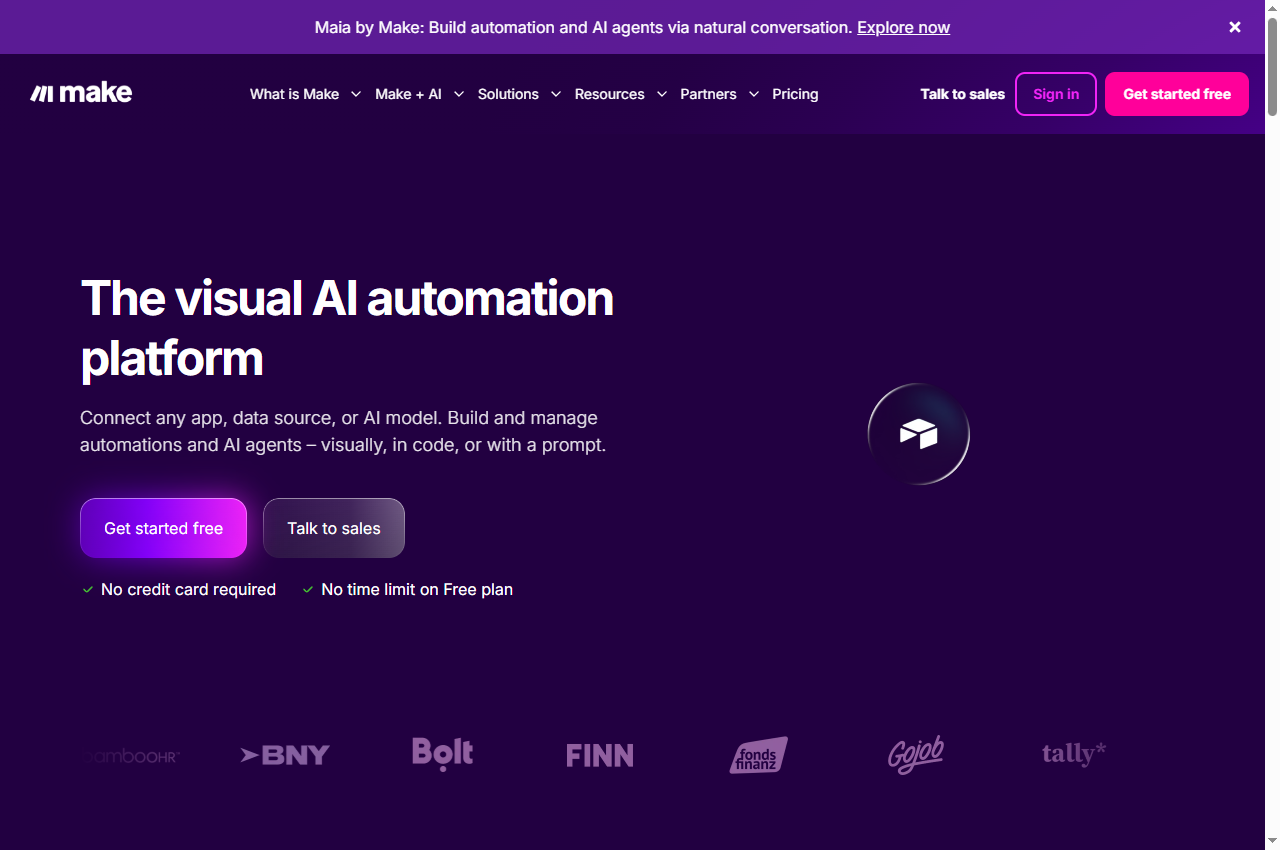
Make
Make lists a visual workflow builder, routers and filters, and AI tools in its product offering. We would evaluate it first when understanding the shape of the process matters: which condition selects a branch, what data each step receives, and where the result goes. Visual construction still requires careful field mapping.
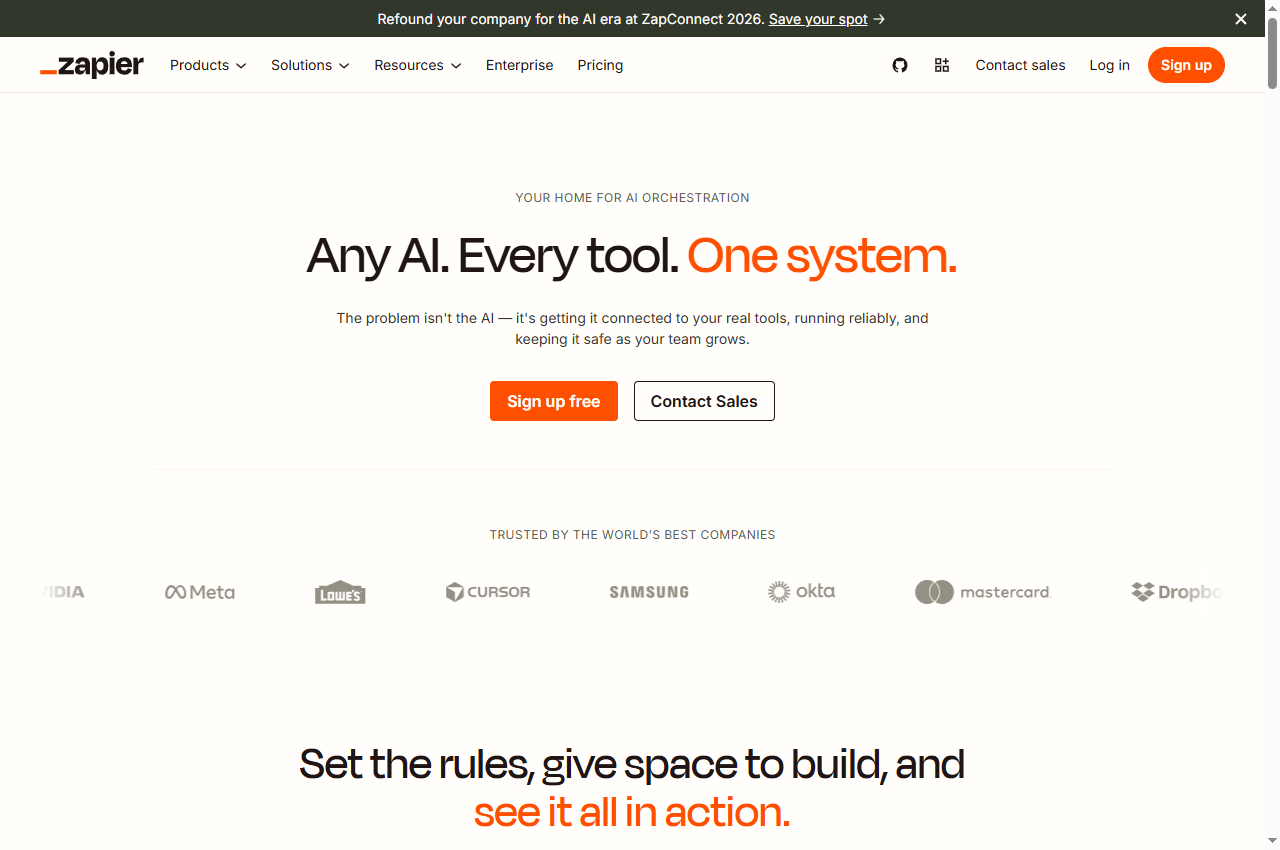
Zapier presents AI workflow tools alongside its app automation platform. It is a sensible candidate for a defined handoff such as classifying an incoming item and creating a draft record in another app. Verify the actual action and fields: an app being listed does not prove that every operation you need is supported.
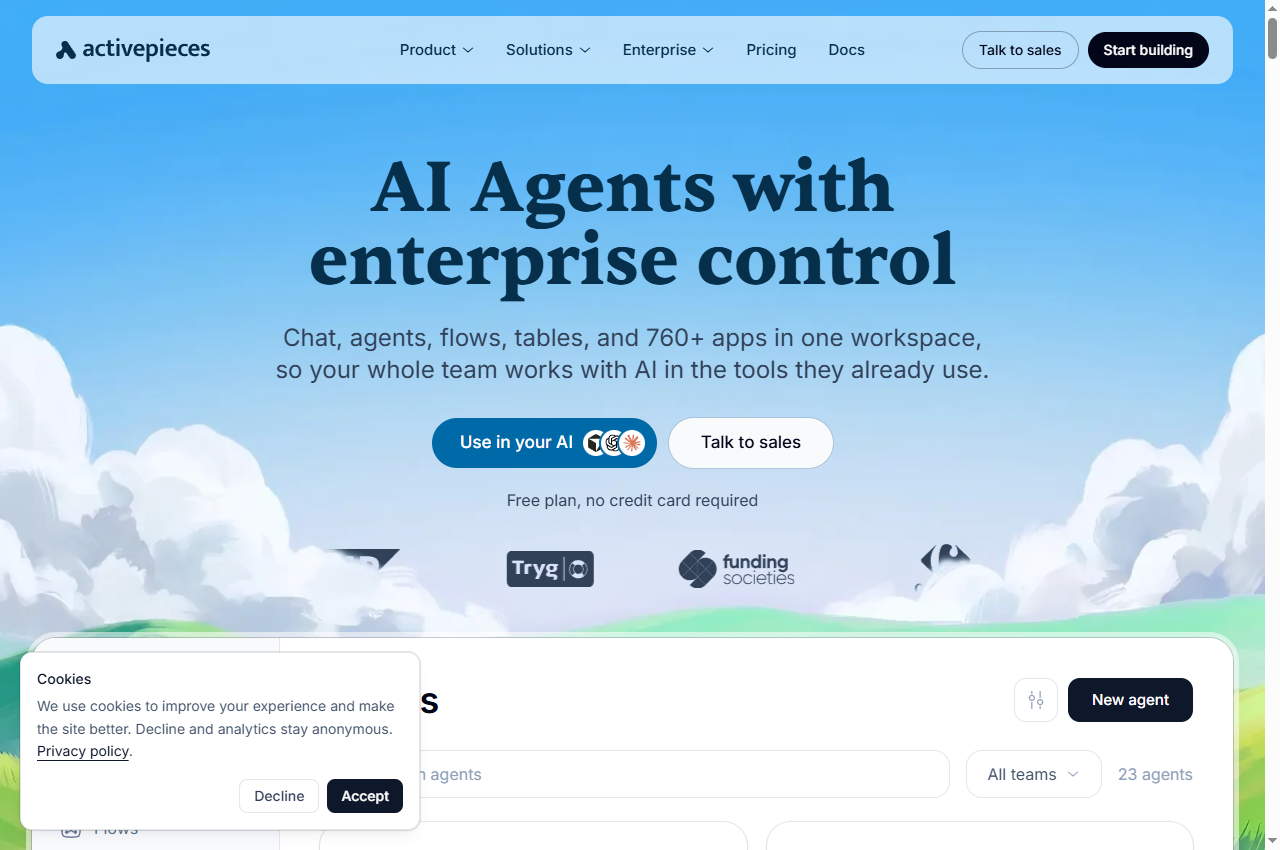
Activepieces lists flows, agents, tables and app connections in one workspace. We would shortlist it for a small team that wants to evaluate those pieces together. Compare the selected edition directly with your requirements; a self-hosted community installation and a paid managed plan should not be assumed to have identical capabilities.
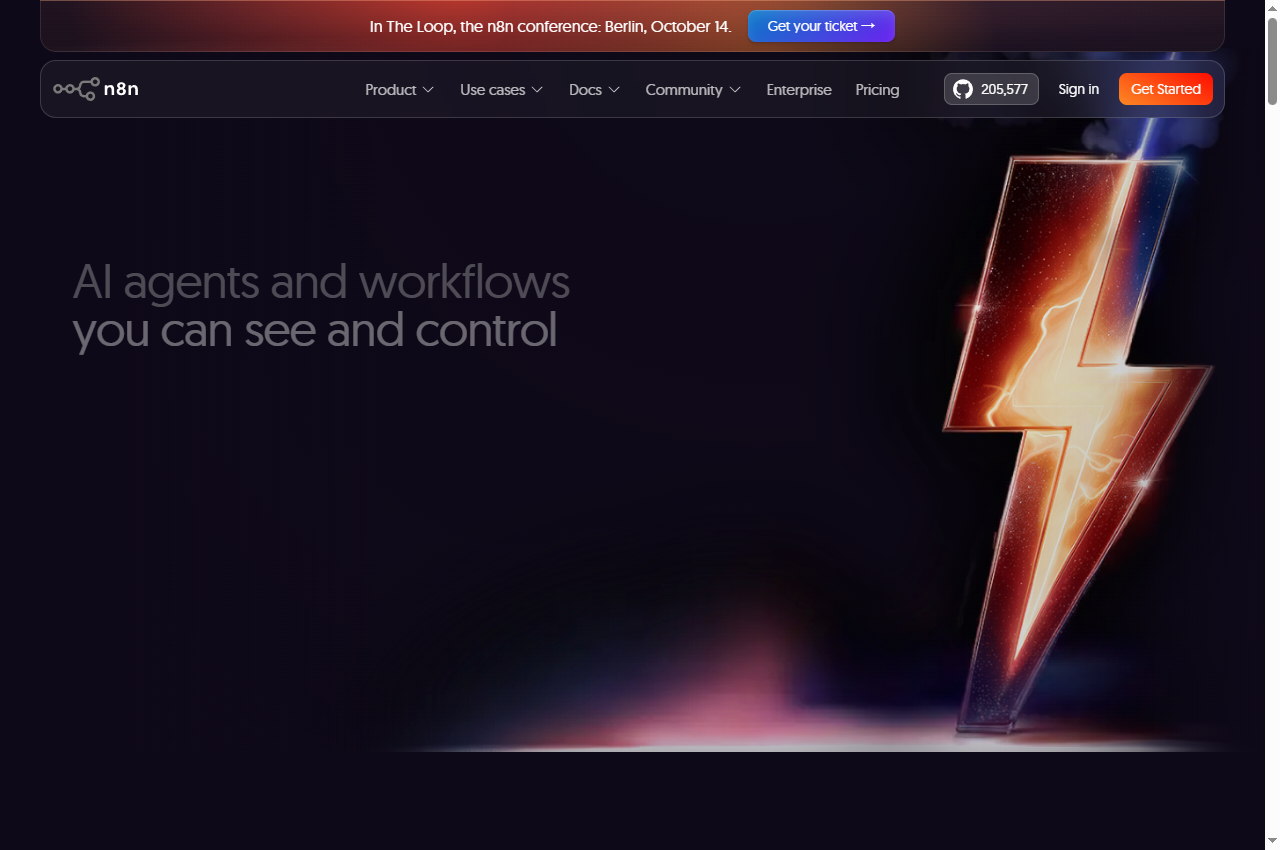
n8n combines a visual workflow approach with options for technical customization and self-hosting. It belongs here as the more technical alternative, not as an interchangeable beginner choice. Before selecting it, decide who will investigate failed runs and maintain connections; if you self-host, also identify who owns upgrades and recovery.
A useful first workflow has one trigger, one decision and a result you can verify. For example: receive a test enquiry, classify it into a small set of categories, then create a draft task for a person to approve. Keep copying an email address or matching an existing record as explicit rules where possible.
The AI step should return the fields the next step expects. If the category is missing or outside the allowed set, route the item to review. Do not let an invented category silently become a new customer segment or a wrong destination.
No-code removes some programming work; it does not remove process design. You still need to understand which account owns a connection, how a missing field behaves and whether retrying a run creates another record. Prefer the builder whose execution history the eventual operator can understand.
Compare billing units before subscription prices
Pricing sources checked 22 September 2026. Plan selectors, billing interval, taxes and model configuration can change the amount payable.
Make
The Free plan lists 1,000 credits per month and a 15-minute minimum scheduled interval. Paid pricing depends on the selected credit amount and billing interval. Check AI-specific consumption rather than assuming every step always costs one credit. Official pricing source.
Zapier
Plans use task allocations. The current pricing page says usage can vary with the AI model tier, connector type and code runtime. Inspect the applicable usage-rate details and overage setting; this guide does not equate one workflow run with one billable task. Official pricing source.
Activepieces
The monthly pricing table lists Free at 100 credits per day, Plus at $20/month with 10,000 credits, and Team at $200/month with 50,000 credits. AI steps consume additional credits. Confirm the current overage terms and selected billing interval. Official pricing source.
n8n
n8n describes an execution as a run of the entire workflow rather than each individual step. That does not establish the full cost of an AI job: check model-provider charges, hosting, plan limits and any separate AI credits. Official pricing source.
A simple budget worksheet
Write down the expected input records per month, which branches run for each record, how many items a loop processes, and which steps call a model. Add a separate allowance for retries and human review. Then map that workload to the vendor's billing definition.
Illustration only: 500 incoming records with three actions each produce 1,500 action invocations before retries. That arithmetic is not a vendor bill: the platform may count runs, apply different AI rates or exclude particular steps. Check the recorded usage on a small sample instead of translating this number directly into credits.
Also check the limit behavior. Does work pause, wait for the next period, or continue with overage charges? The cheapest subscription is not necessarily the cheapest way to finish your workload.
Build a pilot you can hand over
This is a suggested evaluation procedure, not a benchmark already performed on the four products.
Use synthetic inputs. Create a normal record, a missing-field record, a duplicate and an ambiguous request. Keep real customer data out of the first experiment.
Specify the expected outcome. State the destination, required fields and when the workflow must ask for review. Decide what evidence will prove completion.
Test the normal path. Inspect the generated result and the destination record. Record usage and elapsed time without assuming that a green status proves correct content.
Test the exception path. Check missing data, expired connections and a model response that does not fit the expected format. Ensure the operator can find the failed step.
Test a repeat. Replay a known input and verify that the process handles duplicates as intended. A timeout after a write does not necessarily mean the write failed.
Hand it to the intended owner. Ask them to find a run, explain the result and stop the workflow. If they cannot, count training or technical support in the buying decision.
Keep separate counts for correct completion, explicit failure and incorrect output that was marked successful. The last category is particularly important for AI steps.
When a workflow builder is the wrong first step
If an existing app already provides a reliable rule for the job, use that before adding another platform. If the operation exists only behind a website interface, a connector-based workflow may need a browser component; see our AI browser automation comparison.
For outgoing messages, purchases or record deletion, define the approval boundary before enabling unattended execution. Build the review step around the actual draft and destination, not merely around a summary saying the agent is confident.
This guide does not verify paid account features, private deployment terms, security certifications or success rates. Check current vendor documentation and your own pilot before committing. We intentionally avoid a numerical rating that our evidence cannot support.
There is no universal winner. Make is a candidate for visual branching, Zapier for defined app handoffs, Activepieces for flows within an AI workspace, and n8n for users who want more technical control. These are editorial fit judgments from official sources, not measured rankings.
Is n8n really no-code?
Some workflows can be assembled visually, but custom logic, unfamiliar APIs and self-hosting can require technical work. This guide includes n8n as a more technical alternative and does not promise that every workflow can be built without code.
Are credits, tasks and executions equivalent?
No. Each vendor defines its billing unit. AI steps, repeated items and external model charges can alter the total. Estimate usage from your specific workflow and check it against a small real run before choosing a subscription.
Can an AI workflow send replies automatically?
It can be designed to do so, but start with a draft-and-approval flow when the content or recipient matters. Verify the destination and record a delivery result. A model-generated draft is not proof that a message was sent correctly.
Did you test these four platforms side by side?
No. We reviewed official product and pricing material and captured public-page screenshots on 22 September 2026. We did not benchmark the same workload, test paid account features or independently measure reliability.
Suggest a relevant tool
Suggest a product and explain the workflow it supports. Editorial consideration is free and does not guarantee publication. Sponsored placements require an agreed scope and clear disclosure.