Shortlist FASHN for a documented try-on API, Botika for a fashion-brand image-production workflow, and PicCopilot for apparel imagery alongside broader ecommerce editing. These are different starting points, not measured first, second and third places. This guide covers making on-model clothing images; it does not establish which tool predicts a shopper's correct size.
A virtual outfit can look convincing while changing the garment. The useful buying question is whether your team can produce an accurate, approved image from the photographs it actually has. A technically successful generation is only the beginning of that decision.
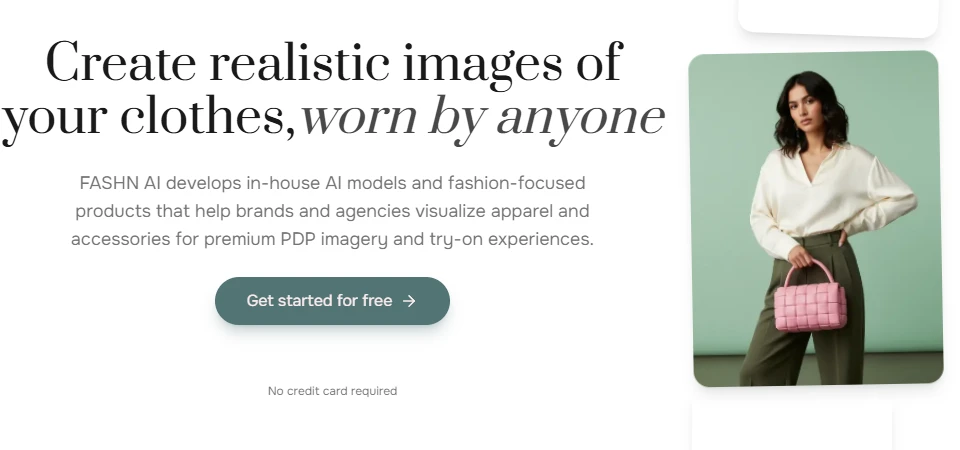
FASHN documents a virtual try-on API and also sells a creative app. Its API catalog distinguishes try-on, product-to-model and other image operations. That makes it a useful candidate when your project includes connecting catalog inputs to an application. See the official API reference.
Begin by writing down which input your team controls: an existing person photograph, a garment photograph, or both. Then test the corresponding operation. An output created through one workflow should not be used to estimate the reliability or cost of another. For an integration trial, keep source filenames and returned job identifiers together so an attractive image cannot accidentally move to the wrong product.
When to skip: an API adds little value if a small team needs only occasional manually reviewed campaign images. Start with the app evaluation before committing to integration work. The FASHN profile explains the app/API distinction and a proposed acceptance checklist.
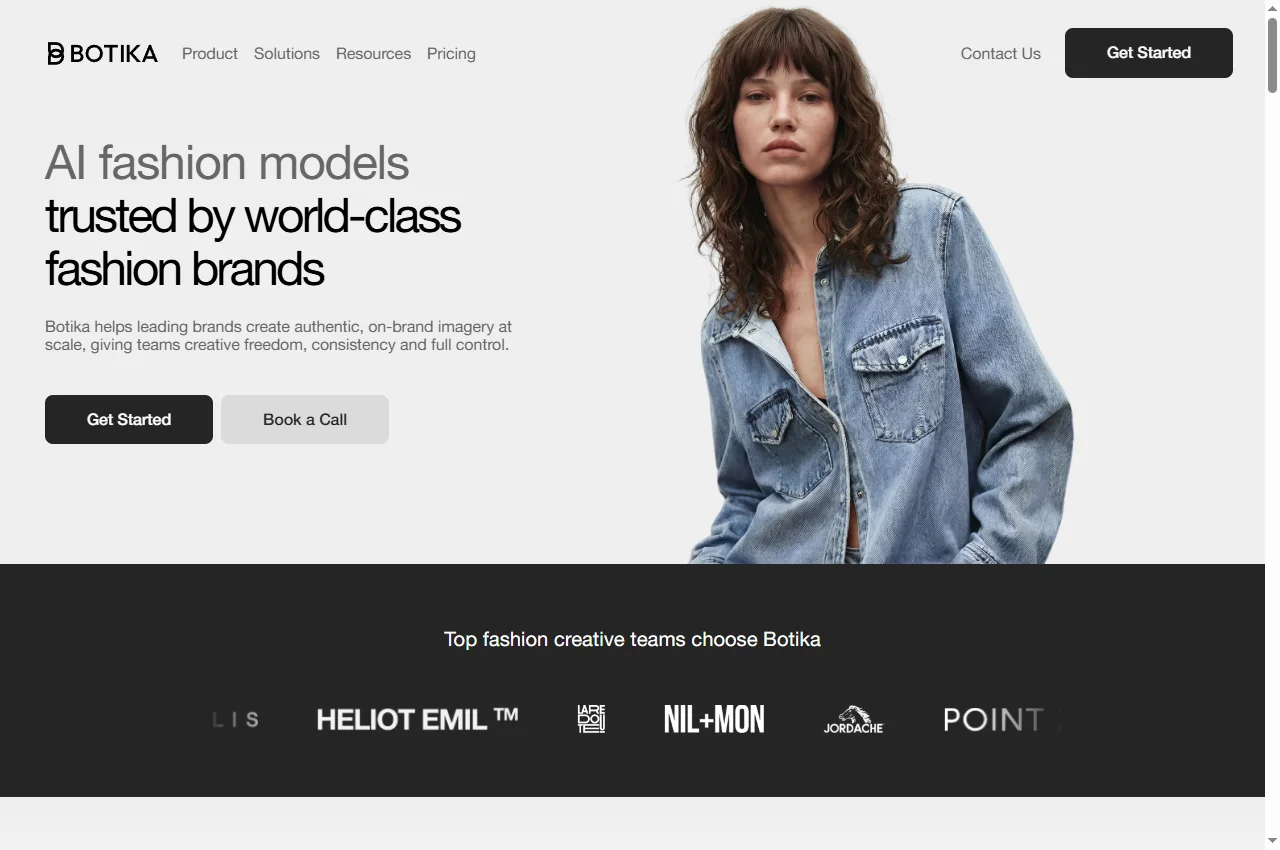
Botika presents AI fashion-model imagery and a production offering that includes retouching workflows. Its public positioning is oriented toward fashion brands, rather than general background replacement. Review Botika's product description and current plans for the scope available to your account.
The important evaluation is the handoff. Ask what the team receives after an unsuccessful generation, how corrections are requested, and whether your chosen visual identity can be reused across a collection. Have the person responsible for merchandising approve the trial. A creative director may accept a striking campaign image that a catalog manager correctly rejects for changing a sleeve or fastening.
When to skip: a specialized fashion workflow may be unnecessary for a one-off accessory cutout. It is also premature to buy a large allowance before knowing whether revisions resolve the failures in your own garments.
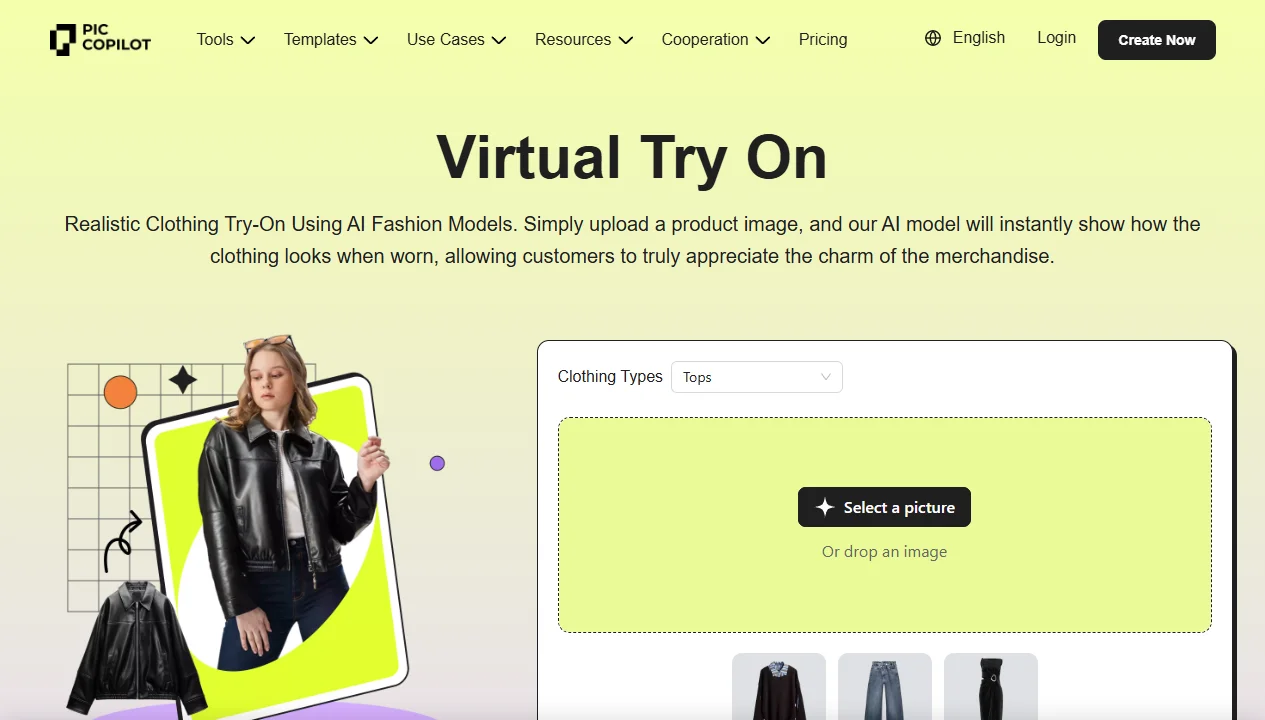
PicCopilot lists apparel virtual try-on, separate accessory and shoe tools, model swapping, background removal and other ecommerce image operations. The breadth makes it worth evaluating when the same seller handles fashion imagery and product marketing assets. The official tool menu distinguishes these operations.
Evaluate the specific tool you need rather than treating every menu item as interchangeable. A handbag placement workflow is not evidence that a layered outfit will render correctly. If your store sells several product types, keep separate acceptance examples for each. Also export the final image during the trial; an acceptable preview does not establish that the delivered dimensions and file format meet your storefront brief.
When to skip: broad feature coverage is less useful when your requirement is a deeply integrated fitting-room experience. Confirm the available integration path directly before assuming a website editor provides a production API.
Selection reflects the documented workflow each vendor offers. We have not run these three tools against the same garment set, so this table deliberately contains no quality scores, generation-speed ranking or conversion promises.
How to choose: catalog imagery or shopper fitting?
Start by separating two briefs. The first is merchandising: create an image of a known garment on a chosen model. The second is customer assistance: help a particular shopper understand appearance or fit. This comparison addresses the first. A sizing recommendation needs its own evidence, inputs and evaluation; a photorealistic illustration does not supply those by itself.
Next, choose the product view. If the item is sold mainly on fabric texture, a distant full-body image may conceal exactly the detail customers need. If the distinctive feature is a back panel, a good front view is insufficient. Define the required views before counting the number of generated images.
Finally, decide who approves identity and who approves style. Product identity includes color, pattern, labels, seams and shape. Style includes pose, lighting and background. Keep these decisions separate so a stylish result cannot compensate for the wrong product.
A proposed garment-fidelity trial
This is a suggested evaluation, not a test we have completed. Select a small collection with deliberately different failure opportunities: a plain top, a patterned piece, a garment with text, a layered outfit and an item with a distinctive fastening. Use photographs your team already has permission to process. Keep an unedited reference for every item.
Write the brief. Specify the exact variant, view and allowed changes. If changing the garment length is forbidden, say so before generation.
Generate comparable candidates. Use each provider's appropriate workflow while keeping the merchandise brief fixed. Log the settings rather than assuming similarly named controls mean the same thing.
Inspect at delivery size and close range. Check the garment's identity first, then hands, boundaries, shadows and background. Reject altered lettering instead of accepting it because the overall scene looks good.
Review the export. Verify crop, dimensions, filename and variant mapping in the actual downloaded file.
Record review effort. Count rejected candidates and correction time. Those determine whether production scales.
A useful result is a clear list of acceptable and unacceptable product types for your operation. You do not need a universal winner to make a purchasing decision.
Pricing: compare approved assets, not credits alone
On the checked FASHN pricing page, the app Basic plan is listed at $19 per month with 200 monthly credits, and new accounts receive 10 initial credits. These are app terms, not an API quote or a promise of 200 approved images. Operation and output settings affect credit use.
For Botika and PicCopilot, verify the exact plan and task in checkout before budgeting. This guide does not substitute an old directory price for a confirmed current quote. Record whether billing is monthly or annual, what revisions include, and which exports consume allowances.
Use this editorial cost model: total generation charges plus review and correction labor, divided by approved assets. For example, a hypothetical $60 production session that yields 12 accepted images costs $5 per accepted image before any omitted labor. That arithmetic is illustrative, not a vendor benchmark. It makes rejected outputs visible in the budget.
When to skip AI try-on
Keep real photography when the image must demonstrate details the source does not show, when your trial repeatedly changes the item, or when review effort exceeds the value of the new asset. Generating a plausible hidden detail is different from photographing the actual detail.
Do not use a synthetic on-model image as your only evidence of physical fit. Retain size information and actual product references. If a marketplace or campaign has image requirements, check the current rules for that destination rather than assuming every generated image is permitted.
A hybrid workflow is often worth considering: preserve verified product photographs for factual detail and use reviewed generated imagery for supplementary presentation. Whether that works for your store remains a merchandising decision, not a guaranteed sales improvement.
Official product, API and pricing pages were checked on September 12, 2026. Best-for recommendations are editorial interpretations of documented workflows. No vendor supplied a paid position in this comparison, and no shared output-quality test was performed.
Frequently asked questions
What is the best AI virtual try-on tool for ecommerce?
Start with FASHN for a documented developer path, Botika for a fashion production workflow, or PicCopilot for a broader ecommerce editing toolkit. This is a workflow shortlist, not a measured output-quality ranking.
Can virtual try-on tell a shopper which size to buy?
This guide evaluates on-model image creation. A convincing image does not by itself validate size or physical fit. Evaluate sizing requirements separately with evidence appropriate to that task.
Is virtual try-on the same as background generation?
No. Background generation changes the setting around an item, while a try-on workflow changes how clothing is presented on a person. Evaluate garment identity after either operation.
How should I compare the cost of virtual try-on tools?
Compare total generation, review and correction cost divided by accepted assets. Confirm the exact operation and plan; credits are not the same as approved catalog images.
Have these tools been tested on the same garments?
No. This comparison uses official documentation and an editorial evaluation framework. The proposed garment trial has not been run as a shared benchmark for this article.