Best AI Form Builders 2026: Responses, Logic and Export
A generated form is only the starting point. Choose a builder that collects the right answers, handles exceptions and delivers a usable record to your team.
By AI Tool Finder Editorial Team · Published and checked 22 September 2026
Which tool should you shortlist?
Fillout is a candidate for flexible intake with a useful published free response allowance; Jotform for prompt-based creation inside its form-building environment; and Typeform for an interactive respondent journey. These are editorial use-case recommendations, not measured rankings.
We checked official product and pricing material and captured public-page screenshots. We have not run a side-by-side benchmark or tested paid accounts. Suggested fits and trial steps are our editorial judgments.
Describe a support request with one conditional follow-up question. Inspect whether the form implements the condition, rather than merely displaying the right wording.
Official page · 22 Sep 2026 · View source. Not a test result.
Complete the same test form on a phone and desktop, including the longest path. Inspect the resulting record and proposed follow-up before enabling an automatic message.
Compare the operating requirements
Tool
Suggested fit
Check first
Main limitation
Official entry
Fillout
Flexible data collection
Responses, branding and duplicate-submission controls
Free creation does not include every conversion or branding feature.
These tools cover three practical starting points, not every product available. Selection reflects documented workflows and buying constraints, rather than an invented numerical score.
Fillout: flexible data collection
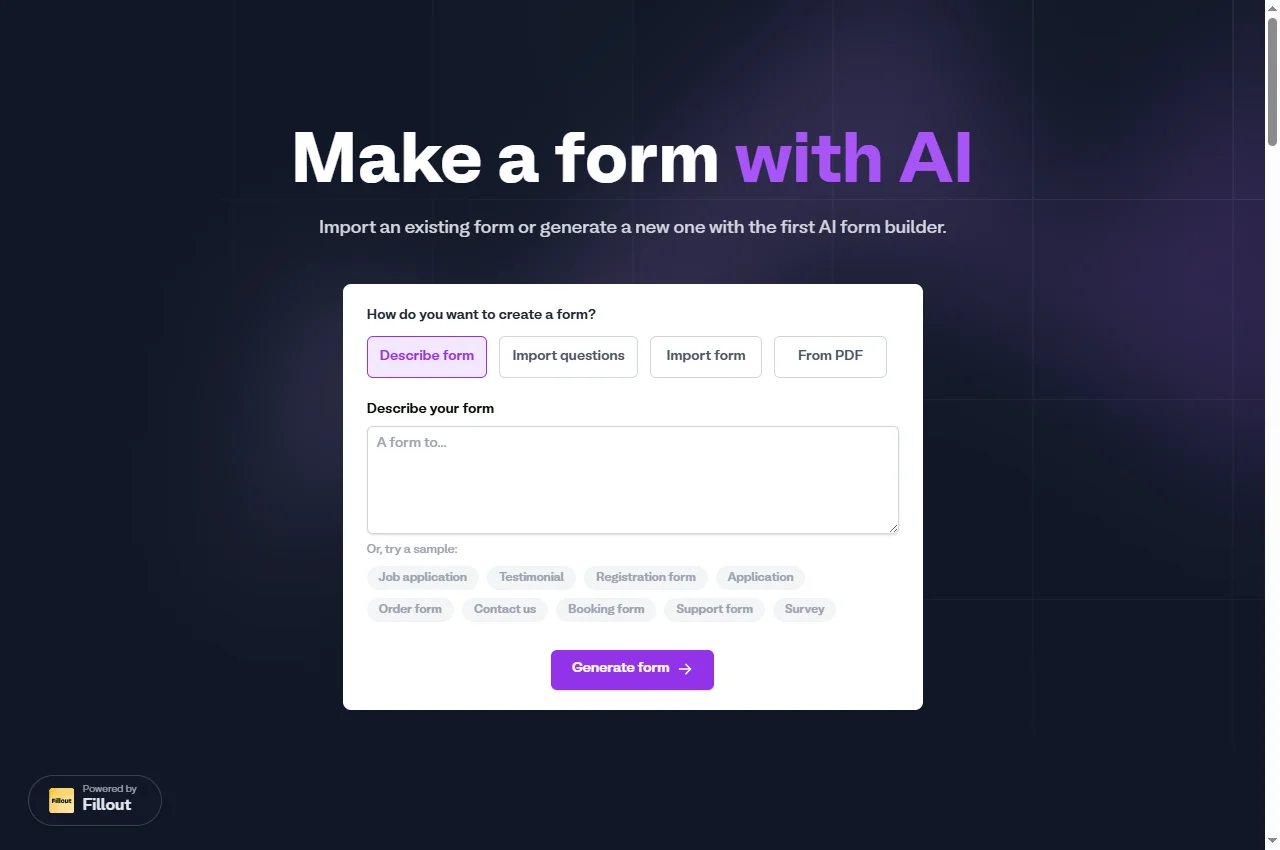
Fillout provides starting routes including a description, imported questions and PDF input. Its published free plan includes 1,000 responses per month, conditional logic and CSV export. That makes it worth evaluating for straightforward intake. Branding removal, detailed form analytics and duplicate-submission prevention appear on higher tiers. Check each required control rather than assuming it is included because the form itself is free.
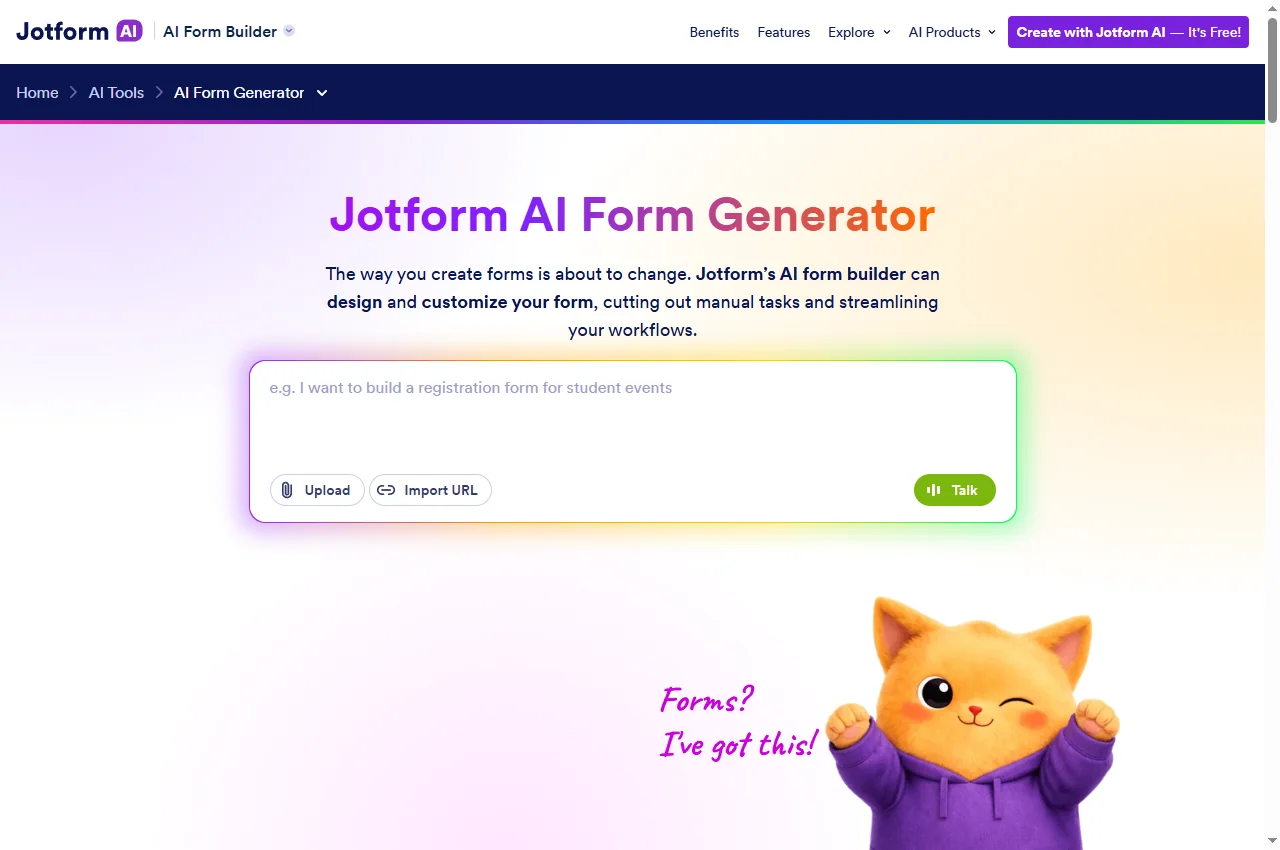
Jotform describes generating fields from a prompt and adjusting a form with an AI helper. Its free Starter subscription remains subject to account limits and displays Jotform branding. Treat the generator, ordinary form builder and AI Agents as related but distinct offerings: a generated form does not establish that a conversational agent or a larger submission allowance is included in the same entitlement.
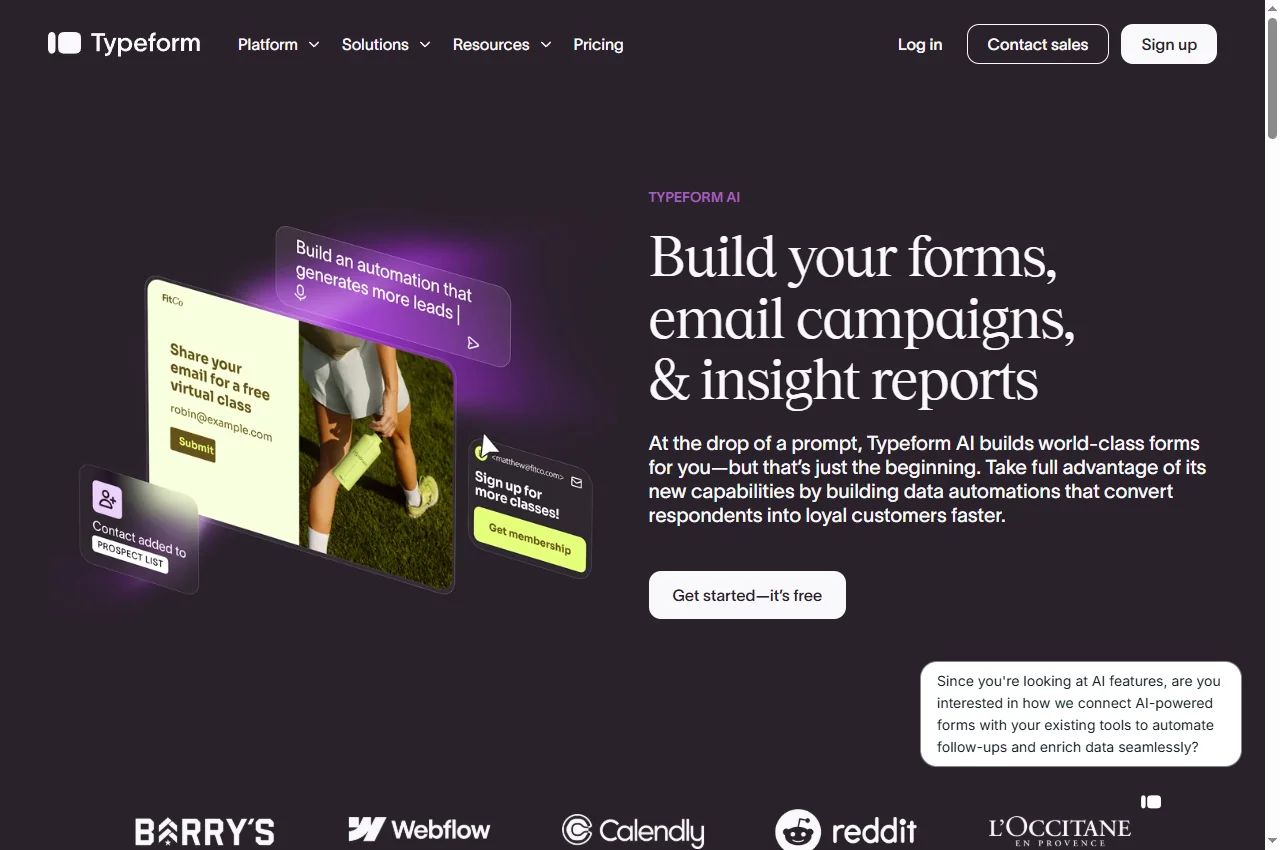
Typeform presents AI-assisted form creation alongside data-automation capabilities. Its Core Basic comparison includes conditional logic, webhooks and integrations, with 100 responses per month and one user. Other plan families cover additional workflows. We would compare the complete respondent experience before choosing: question clarity, changing an earlier answer, and the final handoff to the operator.
Start with a small specification: who fills the form, the decision the answers support, and where the completed record must end up. A sales enquiry, job application and event registration need different fields and completion rules. Copying a vendor's attractive example can leave you with irrelevant questions or missing information.
Separate three checks. Can AI generate a usable draft? Does the published form collect valid answers on the devices your audience uses? Does the destination receive the expected record? A good result at the first step does not prove the other two. For a small team, a clear spreadsheet export can be more useful than an integration catalogue full of applications it does not use.
Write an example valid response before writing the generation prompt. Include the exact fields an operator needs to act. Then remove anything that does not change the decision. This gives you a concrete way to judge each AI-generated question instead of accepting it because it sounds professional.
Example: an incoming service enquiry
Suppose a small agency needs a project description, contact email, service category and preferred start date. Only people selecting an existing-customer option should see an account-reference field. The desired output is one new enquiry record with an assigned category; sending a reply is a separate action.
Draft: ask for those fields, one conditional branch and a plain-language completion message. Use invented sample details.
Validate: check email input, required fields and dates. An empty account reference should be acceptable when the respondent is not an existing customer.
Deliver: submit one test response and inspect the actual export or connected destination. Verify the category, timestamp and long description.
Recover: repeat the submission and test a temporarily unavailable destination. Decide whether the operator can spot a duplicate or failed handoff.
If you need classification and routing after submission, compare our no-code AI workflow builders. Choose intake and automation separately when that makes the process easier to maintain.
A short trial that exposes real limitations
This is a suggested trial, not a benchmark we have run on these products. Use the same questions and expected output in each candidate. Avoid real applicant, customer or payment data during an initial comparison.
Test every branch. Complete the shortest and longest paths. Change an earlier answer and check whether a hidden required field prevents submission.
Test keyboard and mobile use. Move through inputs without a mouse. Read an error message at a narrow width, then correct the value without losing other answers.
Test the final record. Compare field names and values with the intended spreadsheet or CRM structure. Check multiline text, dates, empty optional fields and non-English characters.
Inspect failures. Determine whether integration errors are visible and whether responses remain recoverable in the form service.
Check ownership. Identify who can edit the form, read responses, replace a connection and export data if the original creator leaves.
Record observed limitations rather than awarding points for the number of advertised features. Correctly handling your required branches matters more than a demo that hides a manual step you cannot support.
Free creation, response limits and attribution
Count expected completed responses rather than page visits when comparing allowances. Check whether limits apply to an account, workspace or form. Several small forms can reach a shared limit even when no individual form looks busy.
For illustration, four forms receiving 200 responses each generate 800 responses in a month. That is arithmetic, not a vendor bill: apply the account rules and include tests and unwanted submissions where counted. Payment processing, storage or an automation subscription may cost extra.
If you want to compare acquisition channels, verify that the selected setup retains the landing campaign or a deliberately supplied hidden field through to the final record. An embedded form does not automatically inherit reliable attribution from its host website. Distinguish opening the form, starting to fill it and confirmed submission; a button click or an error is not a completed lead.
An existing simple form remains a reasonable option when the fields rarely change and delivery works. Choose AI because it improves a specific editing or setup task. We did not measure conversion lift or independently audit vendor security claims.
Costs and plan checks
Official prices and allowances checked 22 September 2026. Currency, billing interval, taxes, selected volume and account terms can change what you pay.
Fillout
The free plan lists 1,000 responses per month. The annual-billing view lists Starter at $15/month, paid as $180 annually, and Pro at $40/month, paid as $480 annually. Confirm the selected interval; an annual monthly equivalent is not a month-to-month invoice. Check current pricing.
Jotform
Jotform offers a free Starter plan and paid Bronze, Silver and Gold plans, plus Enterprise. Its pricing FAQ says limits increase with the tier and paid subscriptions can remove branding. Check form, submission and storage limits together. We have not verified a paid account or a checkout total. Check current pricing.
Typeform
Core Basic lists 100 responses per month and one user; Plus lists 1,000 responses and three users. Do not compare a free generation screen with a paid response allowance. Select the right plan family, response tier and billing interval before estimating a recurring budget. Check current pricing.
Compare Fillout for flexible intake, Jotform for prompt-based form creation, and Typeform for an interactive respondent journey. Use the same fields and destination in each trial. This is an editorial shortlist, not a measured overall ranking.
Does a free AI form generator mean unlimited submissions?
No. Form creation, completed responses, storage, users, branding and AI Agent usage can have different limits. Read the underlying subscription terms and selected plan, not just the generator landing page.
Can I create a form from a PDF?
Fillout explicitly provides a From PDF option. Check generated fields and logic before sharing. Importing a document does not prove that validation, signatures or conditional behavior have been reproduced correctly.
Can responses go to a spreadsheet or another app?
Check the exact export or integration available on the selected plan, then submit a synthetic response and inspect the destination. Successful form submission and successful downstream delivery are different outcomes.
Were these builders tested side by side?
No. We checked official product and pricing sources and captured public-page screenshots on 22 September 2026. The trial procedure is a recommendation; we did not test paid accounts or measure completion rates.
Suggest a relevant tool
Suggest a product and explain the workflow it supports. Editorial consideration is free and does not guarantee publication. Sponsored placements require an agreed scope and clear disclosure.