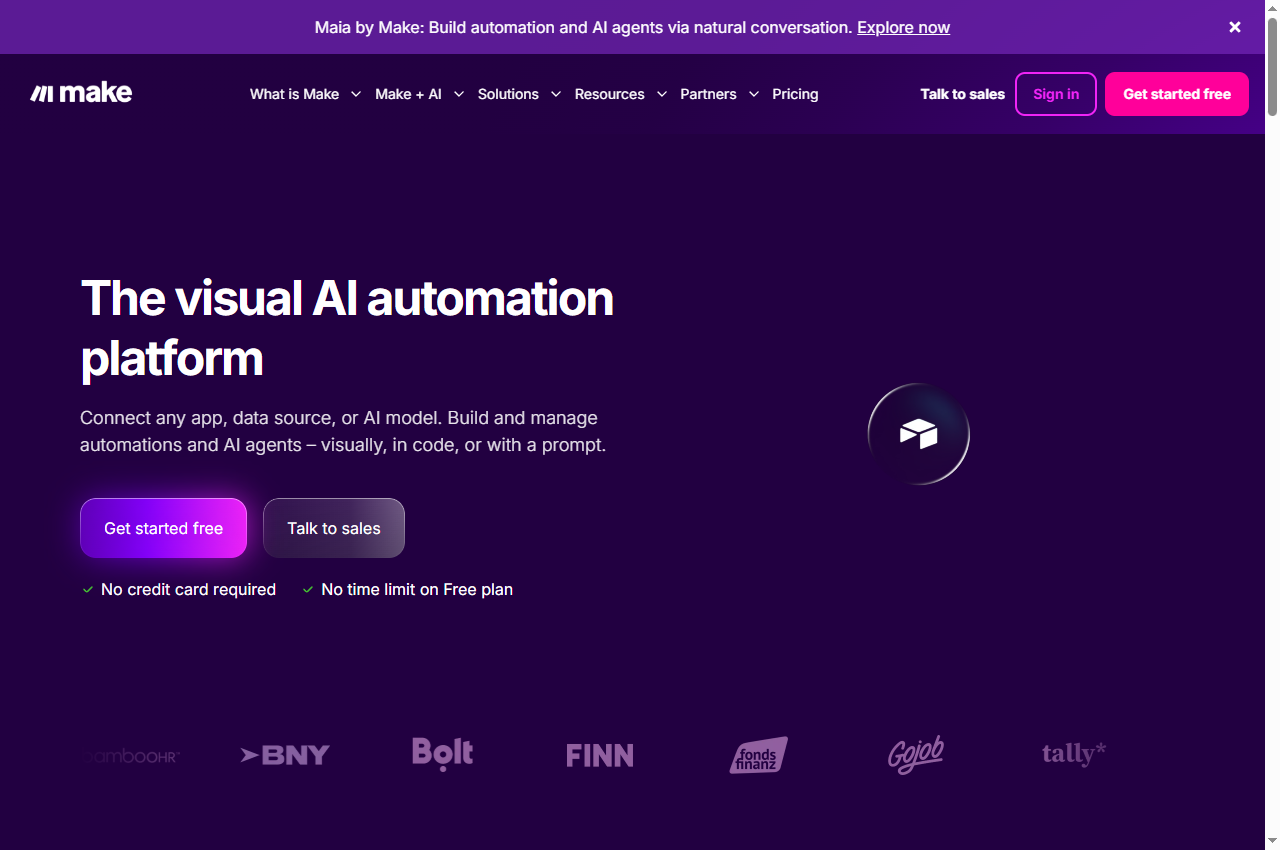
Make
Start here for: Branch-heavy workflows you want to inspect visually.
Check first: Trace what happens to each item through filters and repeated steps.
Choose between Make and Zapier with a concrete enquiry workflow, billing checks and a migration test. Official sources, screenshots and clear limitations.
AI Tool Finder Editorial Team · Checked 22 September 2026
Start with Make when mapping branches and transformations is the main design problem. Start with Zapier when the exact app action and an easily maintained sequence are the main requirements. This is an editorial starting point, not a speed or reliability ranking. Check the same trigger, fields and destination action in both before paying.
Already have a working automation? Keep it unless the alternative solves a demonstrated limitation. A lower advertised subscription is not enough if rebuilding, checking exceptions and retraining the operator cost more than the saving.
This comparison uses official documentation checked on 22 September 2026. We did not run a paid head-to-head trial. The worked scenario below is a planning example, not a measured product result.
See both tools · Compare fit · Compare costs · Migration checklist
Start here for: Branch-heavy workflows you want to inspect visually.
Check first: Trace what happens to each item through filters and repeated steps.
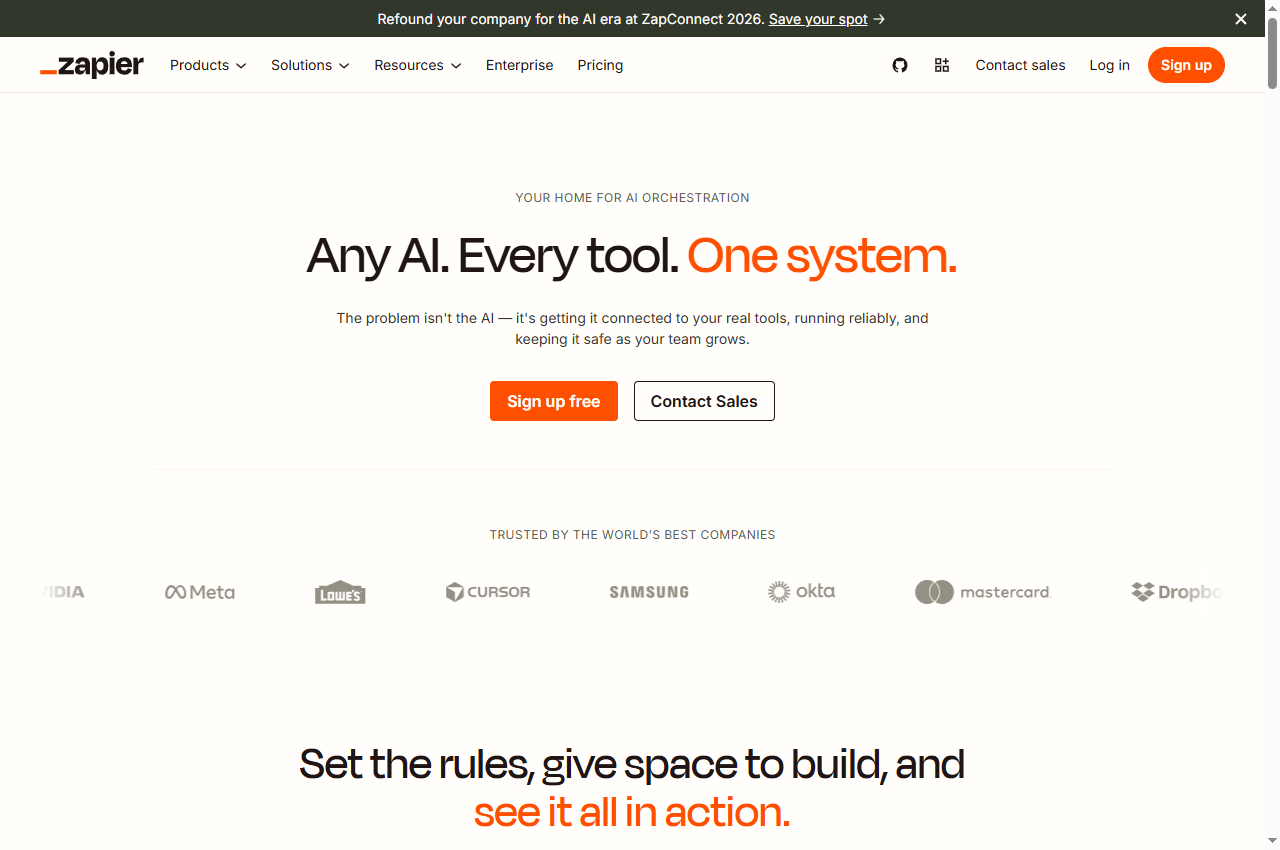
Start here for: A specific app-to-app process with clear steps.
Check first: Check the precise action and fields, not just the app logo.
| Your question | Make | Zapier |
|---|---|---|
| Where should I start? | Sketch the paths and transformations your scenario needs. | List the trigger and required actions in their order. |
| What must I verify? | Modules, fields, routing and how multiple items move downstream. | Trigger/action support, fields and access on the selected plan. |
| Can I use the free plan for this pilot? | Published Free allowance: 1,000 credits/month; scheduled runs have a 15-minute minimum interval. | Published Free Zaps are two-step; verify the selected task allowance and required app access. |
| Are usage units interchangeable? | No: credits describe Make consumption. | No: tasks describe Zapier consumption. Current rates and exceptions depend on the operation. |
| What determines the final choice? | Correct destination records, understandable failures, an operator who can repair them, and total cost for your workload. | |
Free-plan facts and billing terminology: Make pricing and Zapier pricing. The fit recommendations are our interpretation, not vendor benchmark results.
Suppose a small team receives enquiries from a form. It wants to classify each message, find an existing company, and prepare a CRM task for a person to review. Some enquiries lack a company name; others are duplicate submissions. This is an illustrative specification you can use in either product.
Can the operator follow the normal path, missing-data path and duplicate path on the scenario canvas? At a repeated or branching step, can they explain how many destination actions will happen? If the diagram becomes too complicated to inspect, visual layout alone is not a reason to choose it.
Does the connector expose the CRM lookup and draft-task fields you actually need? Can the operator inspect the sequence and identify the failed step without the original builder? If a required operation needs a workaround, include that work in the comparison instead of treating the connector name as proof of coverage.
Do not compare 1,000 Make credits with 1,000 Zapier tasks as though they purchase the same workload. Make publishes credit-based usage with differences for some AI and code operations. Zapier publishes task usage with operation-dependent rates and exceptions. The selected plan, usage tier and billing interval also affect the quote.
Use the actual usage record from a small pilot. Include subscription charges, usage above the included allowance, any separately billed model or connected-service charges, and review time. Do not add a model bill twice if the chosen product already includes it.
Planning calculation: expected monthly usage = normal runs × measured normal-run usage + exception runs × measured exception-run usage + scheduled checks and retries that incur usage.
This is a budgeting method, not a platform-specific billing formula. For example, with 800 normal enquiries and 200 enquiries needing an extra lookup, record those two paths separately. We have not assigned fictional credit or task counts to them. A batch containing ten records may also produce a different number of downstream actions from a batch containing one.
Next translate the observed usage into each vendor’s current plan selector. Record monthly versus annual billing, the selected allowance, overage settings and any relevant collaborator requirements. A headline starting price without those choices is not a comparable quote.
Finally divide the total by correctly completed enquiries. Show human repair time separately. A cheap run that creates the wrong company record is a failed run, even when every technical step reports success.
| Input | Expected outcome | Evidence to keep |
|---|---|---|
| Normal enquiry | One draft task attached to the intended company | Input ID, matched company ID, task ID |
| Same event delivered again | No second task, or an explicit duplicate-review outcome | Both run IDs and the destination search |
| Missing company information | Visible review state, not a guessed company | Reason for review and preserved source |
| Unexpected AI category | Validation failure or review path | Rejected output and selected route |
| Destination timeout | Check whether the task exists before retrying | Destination lookup and retry decision |
Run these cases with test records in both candidates. Keep the same inputs and acceptance rules. Record setup effort as well as results: who built it, who checked it, and whether another operator could explain a failure. A handful of successful runs can reveal a poor fit but cannot establish a universal reliability percentage.
Switching makes sense when the current setup cannot perform a required action, becomes too difficult to maintain, or has a measured cost problem that the alternative resolves. Avoid moving a stable workflow merely because a new builder produces an impressive first draft.
These are migration checks, not a claim of automatic cross-platform import. Expect to recheck connections, field mappings and behaviour in the destination product.
Choose Make for the pilot if branching and data transformation are the hard parts, and the person maintaining the workflow prefers inspecting a visual map. Require that person to explain a failed run before accepting the setup.
Choose Zapier for the pilot if your main requirement is a clearly supported trigger/action sequence across your specific apps. Require the connector to demonstrate the exact fields and permissions, rather than choosing on app count.
Keep the current setup if it already meets the acceptance test and the alternative has no demonstrated operational advantage. If neither product exposes the necessary action, review an API or browser step rather than forcing an unreliable workaround.
Checked 22 September 2026: Make plans, credit usage and free-plan limits; Zapier plans, task usage and plan comparison. Screenshots show public vendor pages, not our own completed workflows. Features and billing may change; confirm the selected plan before purchase.
Best no-code AI workflow builders · Zapier alternatives · Browser agents vs API workflows · n8n profile
Not for every workflow. Compare measured usage for the same correct outcome, then apply each selected plan, billing interval and any separate model or service charges. Credits and tasks are not interchangeable.
Start with the required app actions and the operator’s ability to maintain the flow. Make is an editorial starting point for branch-heavy visual design; Zapier is a starting point for a specific supported app-to-app sequence. Validate both on your own task.
Possibly, but check the workflow shape first. Make publishes 1,000 free monthly credits and a 15-minute minimum scheduled interval. Zapier’s Free Zaps are two-step. Required actions or a longer workflow may need a paid plan.
This guide does not establish an automatic migration route. Recheck connections, fields, timing and exception handling, and test against non-production destinations before cutover.
No. This is a documentation-based buying comparison with an illustrative pilot and acceptance checklist. No measured speed, reliability or savings ranking is claimed.
Suggest a product and explain the workflow it supports. Editorial consideration is free and does not guarantee publication. Sponsored placements require an agreed scope and clear disclosure.
Submit a tool Placement options