Compare Pixelcut for product-image batches, VanceAI for a credit-metered enlargement workflow, and Krea AI for upscaling inside a creative workspace. Use Upscayl when local processing is the priority, and inspect small text and edges rather than assuming a larger image contains recovered detail.
Compare Pixelcut, VanceAI, Krea AI and Upscayl for catalogue images, low-resolution assets and detail-heavy crops. Review published resolution ranges, credit costs, batch export and licensing, plus the limits that no upscaler removes.
AI Tool Finder Editorial Team · Sources checked September 14, 2026
Direct answer: choose by the asset problem
Shortlist Pixelcut for seller-scale batches with a free starting point, VanceAI for controlled 2×/4×/8× passes priced in credits, Krea AI when enlargement sits inside a broader creative studio, and Upscayl when the file must stay on your own machine. Each vendor publishes a different unit of cost — plans, credits or a free desktop app — so the buying question is which unit matches your volume, not which logo looks best.
This is a documentation-verification guide. It checks what each vendor publishes about resolution, credits, batch export and licensing, and it states where the published record is incomplete. We have not run these four tools on one shared image set, so no quality ranking, speed score or conversion figure is claimed.
Four candidates were kept because they cover four different buying units: a free plan with batch exports, a credit meter, a studio subscription and a free local application. Tools were excluded when the official pages did not document an enlargement or detail-repair capability, when the page could not be reached from this environment, or when the product already appears in our product-photo guide under a different job (backgrounds and scenes).
Each card links to the vendor's own site and states the published access model. No screenshots are shown on this page yet, and no result shown by a vendor is treated as our own test output.
Official website preview · Source · September 14, 2026
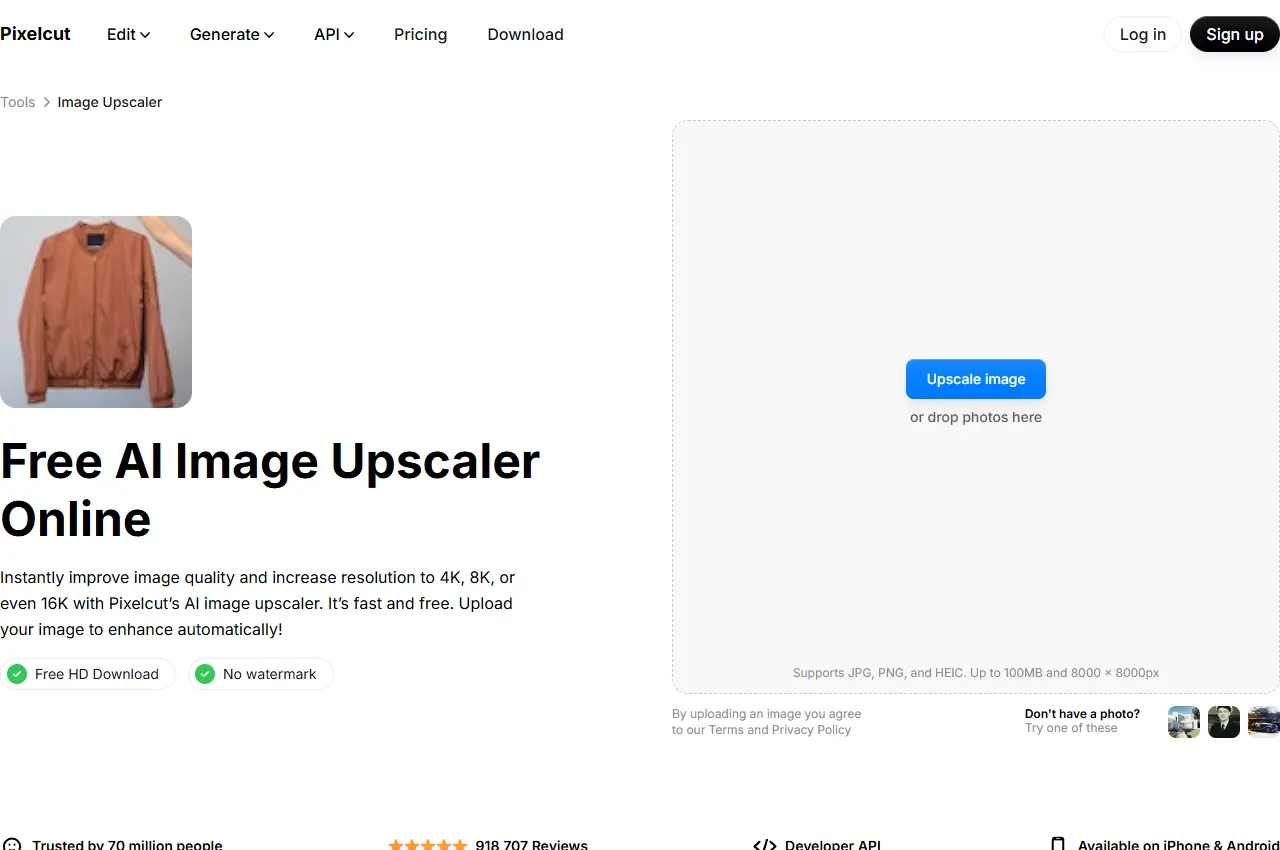
The official upscaler page states resolution increases to 4K, 8K or 16K and offers a fast model plus a creative mode; the pricing page separates free, Pro and Business batch allowances.
Best for
Catalogue images that need a free starting point and batch export
Check first
Credit cost per enlargement, batch allowance and whether 16K applies to your plan
Limitations
The free plan documents limited upscaling, so volume work needs a paid tier.
Use the free plan to test one real catalogue image at the output size you actually publish. If the seller workflow depends on batch runs, the published batch allowance sits on the paid tiers, so compare that allowance with your monthly image count before subscribing.
Official website preview · Source · September 14, 2026
The official pricing page prices the image upscaler at 1 credit for 2×, 2 credits for 4× and 3 credits for 8×, with sharpening and denoising at 1 credit each.
Best for
Buyers who want a visible credit price for each enlargement factor
Check first
Credits consumed per factor, credit rollover and expiry and desktop licence terms
Limitations
Credit charges vary by operation; distinguish new results from free reprocessing or repeat downloads.
The published credit table makes this the easiest of the four to budget per factor: a 4× pass on 500 images is 1,000 credits before failures and retries. Check the charging rules before budgeting rework: the vendor says reprocessing or re-downloading the same file is free.
Official website preview · Source · September 14, 2026
Confirm the current upscale factor, output ceiling and compute cost in Krea before buying. This guide does not carry forward unverified figures from an older profile.
Official website preview · Source · September 14, 2026
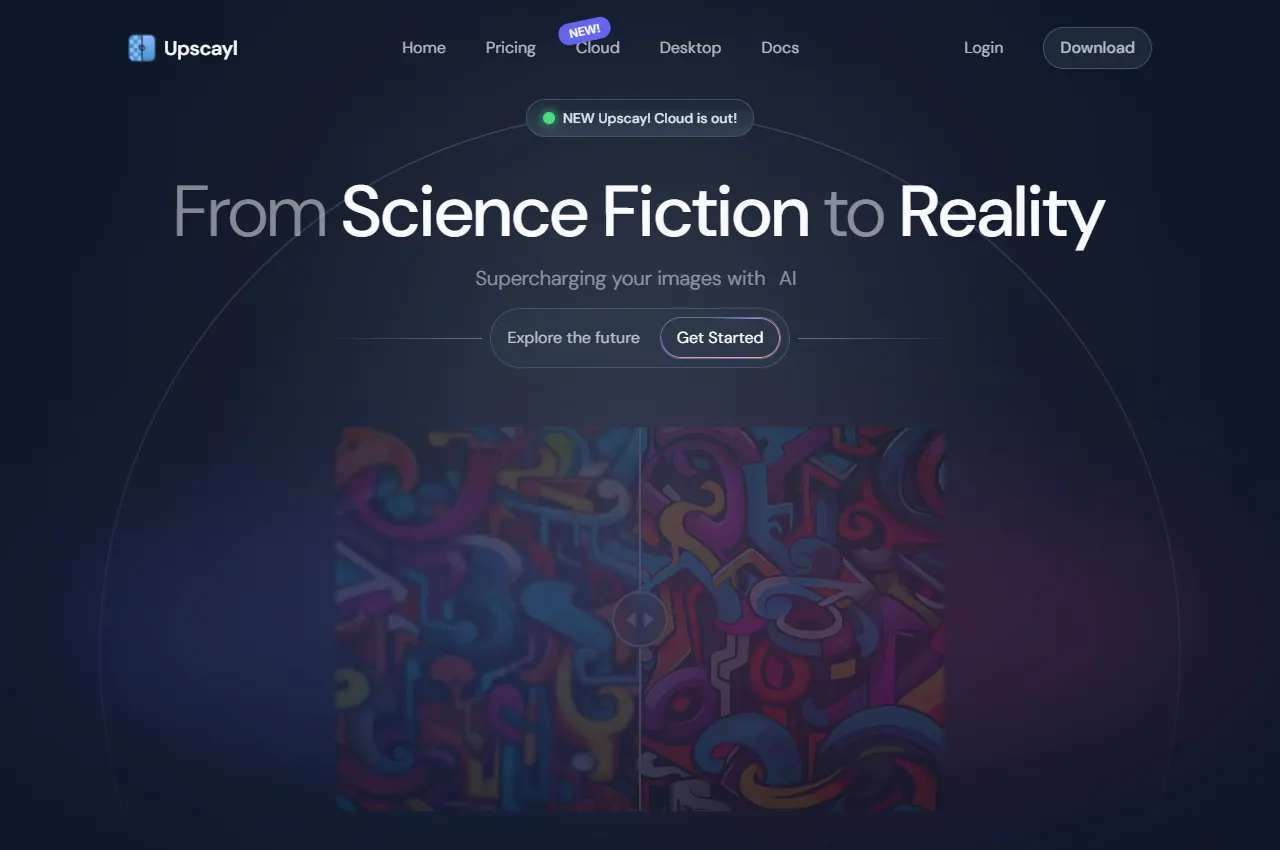
This is the only candidate whose licence and code are public. If confidentiality is the deciding constraint, test the desktop app on your own hardware first, then decide whether the cloud tiers are needed at all.
Quick comparison table
Tool
Best for
Access and cost model
Output or limit to verify
Open tool
Pixelcut
Catalogue images that need a free starting point and batch export
Free $0 with limited upscaling; Pro $10/mo ($8 billed yearly) with 600 AI credits and unlimited upscaling; Business $30/mo ($24 yearly) with 3,600 credits
Credits per image, batch export allowance, commercial licence wording
Buyers who want a visible credit price for each enlargement factor
Monthly plans listed at $9/mo for 200 credits and $17/mo for 500 credits, with an annual discount; local desktop processing has a separate paid licence
Credits per factor, rollover and expiry policy, desktop licence coverage
Cost units are summarized from the vendors' own pages on the check date. A plan name does not tell you how many images one credit buys, so confirm the per-image cost for the exact operation and output size you need.
Four AI image upscalers compared
Pixelcut: seller-scale batches
Pixelcut's official upscaler page describes raising resolution to 4K, 8K or 16K and offers both a fast enlargement model and a creative mode for adding detail. Its pricing page lists a free tier with limited upscaling, Pro at $10 per month ($8 when billed yearly) with 600 AI credits and unlimited upscaling, and Business at $30 per month ($24 yearly) with 3,600 credits, a larger team and a higher batch-export allowance.
For an ecommerce catalogue the deciding number is the per-image credit cost at your target output size, which the vendor pages reviewed here do not publish as a single figure. Treat the plan price as a starting point only, and confirm the credit behaviour on one representative product photo before committing a monthly budget.
When to skip: if the real problem is background, setting or model imagery, an upscaler will not create the missing scene. Use a product-photo workflow for that job, and reserve enlargement for assets that already show the product correctly.
VanceAI publishes an unusually explicit credit table: the image upscaler costs 1 credit at 2×, 2 credits at 4× and 3 credits at 8×, while the AI image sharpener and denoiser cost 1 credit each. The pricing page lists monthly plans listed at $9 per month for 200 credits and $17 per month for 500 credits, with an annual discount, plus separately priced Windows desktop plans for local processing.
That structure suits teams that need a predictable price per factor across a mixed batch, and it also exposes the main risk: new results may spend credits; the vendor states that reprocessing or re-downloading the same file is free, so a workflow without an approval step can consume a month's allowance on rejected attempts.
When to skip: if you only need a handful of images a year. A credit subscription is a poor fit for occasional work, and a limited free web trial or Upscayl desktop may cover it.
Official source: VanceAI pricing. Checked September 14, 2026.
Krea AI: enlargement inside a studio
Krea lists an Upscaler alongside image and video generation. Check the current plan and operation cost together: generation and enhancement can draw on the same compute budget. We have not verified a fixed per-image cost or export ceiling for every plan, so confirm these for the model and output size you intend to use.
The free plan documents limited upscaling up to 2K. Confirm the paid model, output ceiling and compute cost for your intended export before subscribing.
When to skip: if enlargement is your only task. A studio subscription is only economical when the same budget also covers generation, editing or video work.
Upscayl is a free, open-source desktop application for Linux, macOS and Windows, published under AGPL-3.0 and built around the Real-ESRGAN model family, with a documented compatibility list and community models. Because it runs locally, source images do not leave the machine — the reason many teams shortlist it.
Upscayl Cloud lists a $0 trial with 10 credits and Pro at $24.99 per month for 300 credits, with rollover and an output ceiling of 256MP. Its pricing FAQ states one credit per image. Business advertises up to 512MP but is not offered at the 300-credit selection.
When to skip: if nobody on the team can own a local install. A free application still needs hardware, model testing and a documented batch procedure before it replaces a paid web tool.
Start from the asset and the deliverable, not from the model name. The four candidates differ less in marketing language than in the unit of cost and the place where the file is processed.
Catalogue batches with a fixed output size: a plan-based tool with a published batch allowance is easier to schedule than a credit meter, provided the per-image cost at your output size is acceptable.
Mixed enlargement factors in one batch: a published per-factor credit price lets you cost 2× thumbnails and 8× print assets in the same budget.
Enlargement as one step among many: a studio subscription only makes sense if the same allowance also covers generation, editing or video.
Confidential or regulated images: a local application removes the upload question, but you take on hardware, model selection and batch scripting.
Text, labels and packaging detail: treat any enlargement as unverified until you crop to 100% and read the smallest required text, because plausible-looking detail is not the same as correct detail.
A 20-minute verification you can run
Use your own worst-case asset rather than a vendor sample. A short, repeatable check beats a long trial:
Pick one low-resolution product photo with a visible label, and one screenshot containing small text.
Record the source pixel dimensions and note the smallest text that must stay readable.
Produce the same output size with two candidates, using the same factor and export format.
Crop both results to 100% around the label and around a texture area such as fabric, hair or brushed metal.
Compare four things: letter shapes, edge halos, invented texture that was not in the source, and colour shifts in a known area.
Repeat the export twice and confirm the file size, format and dimensions are identical, then check the licence terms for commercial use.
Write the pass condition down before you look at the images. A useful default is: readable required text, no new artefacts at 100%, and a documented licence for the intended use. Anything else is a preference, not an acceptance test.
Pricing and access models
Cost units are not comparable across these vendors, which is why the table above records each one in its own terms. The published facts on the check date are:
Pixelcut — free tier with limited upscaling; Pro $10/mo ($8 yearly) with 600 credits, unlimited upscaling, a 3-person team and 1,000 batch exports per month; Business $30/mo ($24 yearly) with 3,600 credits, a 10-person team and 2,000 batch exports per month. Credit cost per image: not confirmed.
VanceAI — monthly plans listed at $9/mo for 200 credits ($0.045 per credit) and $17/mo for 500 credits ($0.034 per credit), with an annual discount; upscaler costs 1 credit at 2×, 2 at 4×, 3 at 8×; sharpener and denoiser 1 credit each.
Krea AI — free access and paid compute allowances; confirm the current tier, operation cost and export ceiling on the official pricing page.
Upscayl — desktop app free under AGPL-3.0; optional cloud from a $0 trial with 10 credits, Pro $24.99/mo for 300 credits with rollover, higher tiers advertising up to 256MP and 512MP ceilings. Cloud pricing FAQ states one credit per image; confirm any model or output-specific exceptions before buying .
None of these figures is a price promise. Vendor plans change, and regional pricing, annual billing and credit rollover all move the effective cost per image.
When upscaling does not help
Enlargement predicts plausible detail. It cannot restore information that was never captured, and it should not be used to manufacture evidence.
Unreadable text stays unreliable. A model can redraw a letter shape that looks right and is wrong. Use the original file or re-shoot when the text matters.
Scanned texture is not detail. Paper grain, halftone dots and JPEG blocking are often amplified alongside the subject.
Identity and product accuracy. Faces, logos, serial numbers and label copy are exactly where invented detail is least acceptable.
Resolution is not quality. A 4K file with invented seams is still a worse asset than an honest 2K file.
Licence and watermark terms. Free plans may limit commercial use or add a mark; confirm the terms for the plan you will actually use.
Batch consistency. Per-image decisions drift. Fix one export preset and one pass condition before scaling up.
Batch and acceptance checklist
Use this checklist when the enlargement becomes a recurring step rather than a one-off fix:
Name the source, the tool, the factor and the export date in the file name so a later reviewer can reproduce the result.
Keep the original alongside the enlarged file. Never overwrite the source.
Store the pass condition with the batch: required text, minimum crop, allowed artefacts and target dimensions.
Budget retries explicitly, and record how many passes each asset needed.
Re-check one image from each batch at 100% instead of trusting the whole run.
Confirm the licence covers the channel where the image will be published.
Official feature pages and pricing pages were checked September 14, 2026. This is a documentation-verification guide: the resolution ranges, plan names and credit prices above are summarized from those pages and are marked not confirmed where the vendor page did not state a figure. No hands-on comparative result, quality score or conversion claim is made for this shortlist.
Frequently asked questions
Can AI upscaling make a blurry product photo usable?
Sometimes, if the product is clearly visible and the required output is modest. Enlargement predicts detail rather than recovering it, so check the smallest text or logo at 100% before publishing, and keep the original file.
How do I compare upscaling prices if one tool sells credits and another sells a plan?
Convert everything to cost per accepted image at your output size. A plan with a batch allowance and a credit meter can only be compared after you know how many credits or how much of the allowance one accepted image consumes, which several vendor pages do not state.
Is a free or open-source upscaler good enough for catalogue work?
It can be, if the licence covers your use and someone owns the local installation. Upscayl is free and open source under AGPL-3.0, while hosted free plans usually limit volume, output size or commercial use.
Does a higher resolution setting always produce a better asset?
No. Higher resolution multiplies whatever the model invented. Compare a 100% crop of a known area and accept the smaller output when the larger one adds seams, halos or wrong letter shapes.
What should I record before running a large batch?
The source dimensions, the tool and factor, the export preset, the licence for the intended channel, and a written pass condition such as required readable text and allowed artefacts. Keep the originals and re-check one image per batch at 100%.
When local resizing and adjustments are sufficient
Mejorador de Imagen blur-repair tool is a Spanish-language browser editor for local sharpness, color and size adjustments. Its current workflow should not be confused with generative AI super-resolution. See its current feature profile before choosing between local editing and a model-based upscaler.