Best Free AI Video Tools 2026: Generators, Editors and Clippers
Compare the free tiers of Canva, Runway, Kapwing and OpusClip when the budget is zero. The deciding details are the watermark, the export resolution, how long a clip can be, and whether the allowance resets or runs out once.
AI Tool Finder Editorial Team · Sources checked September 17, 2026
Direct answer: pick by what the free tier actually lets you publish
Use Canva Free for assembling a short social video from templates with a shared AI allowance, Runway Free for testing generative video models on 125 one-time credits, Kapwing Free for captioning and repurposing with a watermark, and OpusClip Free for testing long-video-to-shorts before paying. None of these is a full production licence: three of the four mark free exports, and every allowance is capped.
This is a documentation-verification guide. Plan names, allowances and limits below are quoted from each vendor's own pricing page on the check date. We have not rendered the same clip in all four tools, so no quality ranking, speed score or output-comparison claim is made.
Four candidates were kept because they represent four different free entry points: a design suite with a shared AI allowance, a generative-model lab with one-time credits, a repurposing editor with a watermark, and a clipping tool that meters by minute. Tools whose free tier could not be read from a public pricing page without creating an account were left out.
Canva is the right free starting point when the deliverable is a short branded clip assembled from a template rather than a generated scene. Keep the number of AI generations low: the allowance is shared across image, video and writing features.
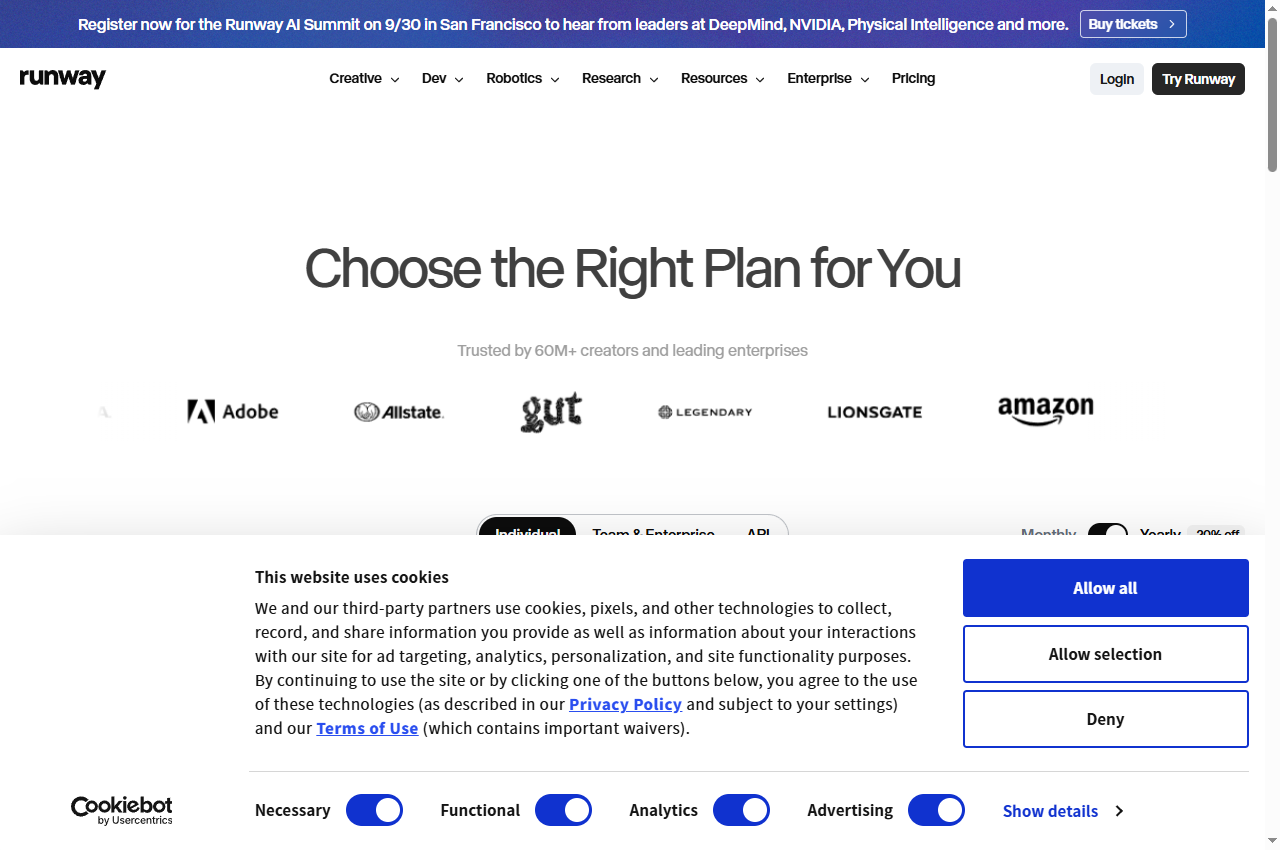
Official page captured 22 September 2026. Pricing and interface may change. Open the current official page. This is a source preview, not a product test result.
Runway's Free plan is documented as 125 one-time credits with a selection of generative models and 5GB of asset storage.
Best for
Evaluating generative video quality before subscribing
Check first
That the credits are one-time and do not refresh each month
Limitations
The free tier is a one-time 125-credit grant, not a monthly allowance, and it does not include the paid-plan feature set such as upscaling or the full model list.
Read the credit table before spending anything. Runway prices different models at very different credit costs, so the same 125 credits buy a very different amount of output depending on the model and duration you choose.
Kapwing is the most honest free tier in this shortlist about what it withholds: the pricing table lists the watermark, the 720p ceiling, the 4-minute cap and the 30-minute monthly export limit in one place. Read those four lines before planning a series.
OpusClip's value is in the clip-selection step rather than the edit. Use the free tier to judge whether the clips it chooses match your idea of the best moments in your own footage; that judgement is the only thing worth evaluating here.
A shared AI allowance, one-time credits, export minutes and queue minutes are different meters. Convert each to the number of publishable clips you need per month before comparing anything.
Four free AI video options compared
Canva Free: template-led social video
Canva's pricing page states that the Free plan includes the drag-and-drop editor, 1,000+ design types, 1.6M+ templates and 4.7M+ photos, videos, graphics and audio. It also lists a shared AI allowance described as up to 20 uses of Standard or Premium AI, with no access to Ultra AI features.
That distinction matters for video. Canva's own feature table places Create high-quality video clips with Canva AI in the Ultra tier, while Image to Video and Music and Sound Effect Generator are listed as Premium. On the free plan those Premium uses come out of the same 20-use allowance as everything else, so a handful of generations can consume it.
When to skip: if you need generated footage rather than an edited composition, a design suite is the wrong category — use a generative model tool and expect a stricter allowance.
Runway's pricing page describes the Free plan as 125 one-time credits to explore Runway's AI tools, alongside a selection of generative models and 5GB of asset storage. The word one-time is the operative one: the paid plans are described in credits per month, while the free grant is not described as refreshing.
The same page publishes a credit cost per model — for example, generations are listed as costing a set number of credits per five seconds depending on the model chosen. Because the free grant is fixed, choosing an expensive model consumes the whole allowance quickly. Budget the allowance against the specific model and clip length you intend to test.
Runway lists No watermarks as a Standard-plan feature. The free tier's output marking is not stated on the pricing page as checked, so confirm it in the product before publishing anything.
When to skip: if you need a repeatable monthly output. A one-time grant cannot support a recurring publishing schedule.
Kapwing's pricing page lists the Free plan at $0 with 10 credits, Unlimited exports with a watermark, exports up to 4 minutes long, 720p video quality, a 2GB upload limit and a 30-minute monthly video export limit. Its credit-based tools are documented as auto-subtitling up to 10 minutes and text to speech up to 1 minute on free.
The watermark and the monthly export limit are the two constraints that decide whether the free plan is usable. A weekly three-minute video is roughly 12 minutes a month and fits; a twice-weekly ten-minute show does not, and would also hit the 4-minute per-export cap.
Pro is listed at $16 per member per month billed annually and removes the watermark, raises export length to 120 minutes, raises resolution to 4K and lifts the monthly export limit to unlimited.
When to skip: if the deliverable must be watermark-free or longer than four minutes. Both are hard caps, not soft limits.
OpusClip's pricing page lists a Free plan at $0 alongside Starter at $15 per month and Pro at $29 per month, with Business priced on request. The comparison table marks the free column With watermark.
Because clipping is judged on which moments the tool picks, the useful free-tier test is not output quality but selection quality. Run one long recording you already know well and check whether the chosen segments correspond to the passages you would have cut by hand.
Paid tiers exist to remove the watermark and to raise the processing allowance. If you are clipping occasionally for internal review, the watermark may be acceptable; if the clips are published, it is not.
When to skip: if your source is already short. Clip-selection tools assume a long recording with more material than you need.
Start from the constraint, not the feature list. Write down the longest single clip you need, the number of finished clips per month, and whether the output can carry a vendor watermark. Those three answers eliminate most of the shortlist immediately.
Then check the shape of the allowance. A monthly allowance resets; a one-time grant does not. A shared AI allowance is consumed by every AI feature in the suite, not just video. A queue-minute allowance measures processing, not output. Treating these as interchangeable is the most common planning error.
Finally, confirm the export path. Resolution, length, container and audio channels are all documented by these vendors, and a plan that meets your resolution requirement but caps the export length is still unusable for a longer deliverable.
A short verification you can run
Use a clip you already own and already know the correct output for. This is a proposed verification design, not a completed comparative test.
Record the free allowance before you start. Note the credit balance, the reset date and whether the balance is monthly or one-time.
Produce one finished export at the length you actually publish. Not a short test render — the real duration, because length caps appear only at the boundary.
Download and reopen the file. Confirm the resolution, the duration and the presence or absence of a watermark in the delivered file, not in the browser preview.
Check the allowance afterwards. Work out how many of those exports a month the free tier would actually fund.
Only then compare quality. Judge the output against your own footage rather than against another vendor's demo reel.
Pricing and free-plan limits
Canva Free is $0 with up to 20 Standard or Premium AI uses shared across the suite; Pro starts at US$6.50 per month billed yearly. Runway Free is $0 with 125 one-time credits and 5GB of storage; Standard starts at $12 per month billed yearly, with paid plans metered in credits per month.
Kapwing Free is $0 with 10 credits, watermarked exports up to 4 minutes at 720p and a 30-minute monthly export limit; Pro is $16 per member per month billed annually. OpusClip Free is $0 with watermarked exports; Starter is $15 per month and Pro $29 per month.
Where a vendor publishes a per-unit cost, use it to compare rather than the headline price. Runway publishes credits per five seconds by model, and Kapwing publishes a monthly export-minute cap, so a single monthly figure is not comparable across the two.
Limits and when to skip a free plan
Skip the free tier when any of these is true: the output must be watermark-free; the required clip length exceeds the documented cap; the monthly output you need exceeds the documented allowance; or the allowance is one-time and your need is recurring. Each of these is a documented boundary rather than a matter of degree.
Also check the licence, not just the limit. A free plan that permits personal use may not permit commercial publication, and the pricing page is not always the document that states this. Where a vendor's pricing page does not address commercial use, confirm it in the terms of service before publishing client work.
Finally, remember that a free tier changes without notice. The figures on this page carry the check date below them and should be re-verified before any purchase decision.
Build a repeatable acceptance checklist
Before publishing anything produced on a free plan, check four things: the delivered file is watermark-free if that is required; the duration and resolution match the platform's requirements; the audio levels are consistent across the whole clip; and the allowance consumed leaves enough for the rest of the month's schedule.
Keep a short reference clip that represents the quality you accept. Re-run it whenever a vendor changes its free tier, which is the moment a workflow built on a free plan is most likely to break.
Official pricing pages were checked September 17, 2026. This is a documentation-verification guide. No render-quality ranking is claimed.
Frequently asked questions
Can I publish videos made on a free plan?
Only if the vendor's terms allow it and the export meets your platform's requirements. Three of the four tools here mark free exports with a watermark, and a watermark is normally unacceptable for published commercial work.
Which free plan gives the most output?
It depends on the unit. Kapwing meters a 30-minute monthly export limit, Canva meters a shared 20-use AI allowance, Runway grants 125 one-time credits, and OpusClip meters processing. Convert each to finished clips per month on your own brief before comparing.
Do Runway free credits refresh every month?
No. Runway's pricing page describes the free tier as 125 one-time credits, in contrast with the paid plans that are listed in credits per month. Treat the free grant as a single allowance.
Is a watermarked export useful at all?
For internal review, yes. For published work, no. Use a watermarked tier to decide whether the tool's output is good enough, then budget the paid tier for the work you actually publish.
Is this a hands-on ranking of free video tools?
No. The comparison is built from each vendor's published pricing and plan documentation. The verification steps are proposed editorial guidance, not a completed comparative test.