Best AI Audio Restoration Tools 2026: Old Recordings and Tape
Compare Adobe Podcast, Auphonic, iZotope RX and Audacity when the job is repairing an existing recording rather than producing a new one. Restoration is the one audio task where a plausible-sounding output is not evidence that the original words survived.
AI Tool Finder Editorial Team · Sources checked September 17, 2026
Direct answer: choose by whether you need a service or a workshop
Shortlist Adobe Podcast for a single automated cleanup pass on a speech recording, Auphonic for repeatable restoration across a series, iZotope RX when you need surgical, module-by-module repair on damaged material, and Audacity when you want to do the work locally with no account and no meter. The first two automate a decision; the last two let you make it, which matters when the recording is genuinely damaged.
This is a documentation-verification guide. Plan allowances and documented capabilities below are quoted from each vendor's own page on the check date. We have not restored the same recording in all four tools, so no comparative restoration-quality measurement is claimed.
Four candidates were kept because they cover four different approaches to repair: a hosted single-pass service, a repeatable processing pipeline, a professional module-based repair suite, and a free local editor. Tools that only remove background noise, with no repair modules for clicks, hum or clipped audio, were left out.
Each card links to the vendor's own page. No audio samples are embedded. Nothing here is a listening-test ranking.
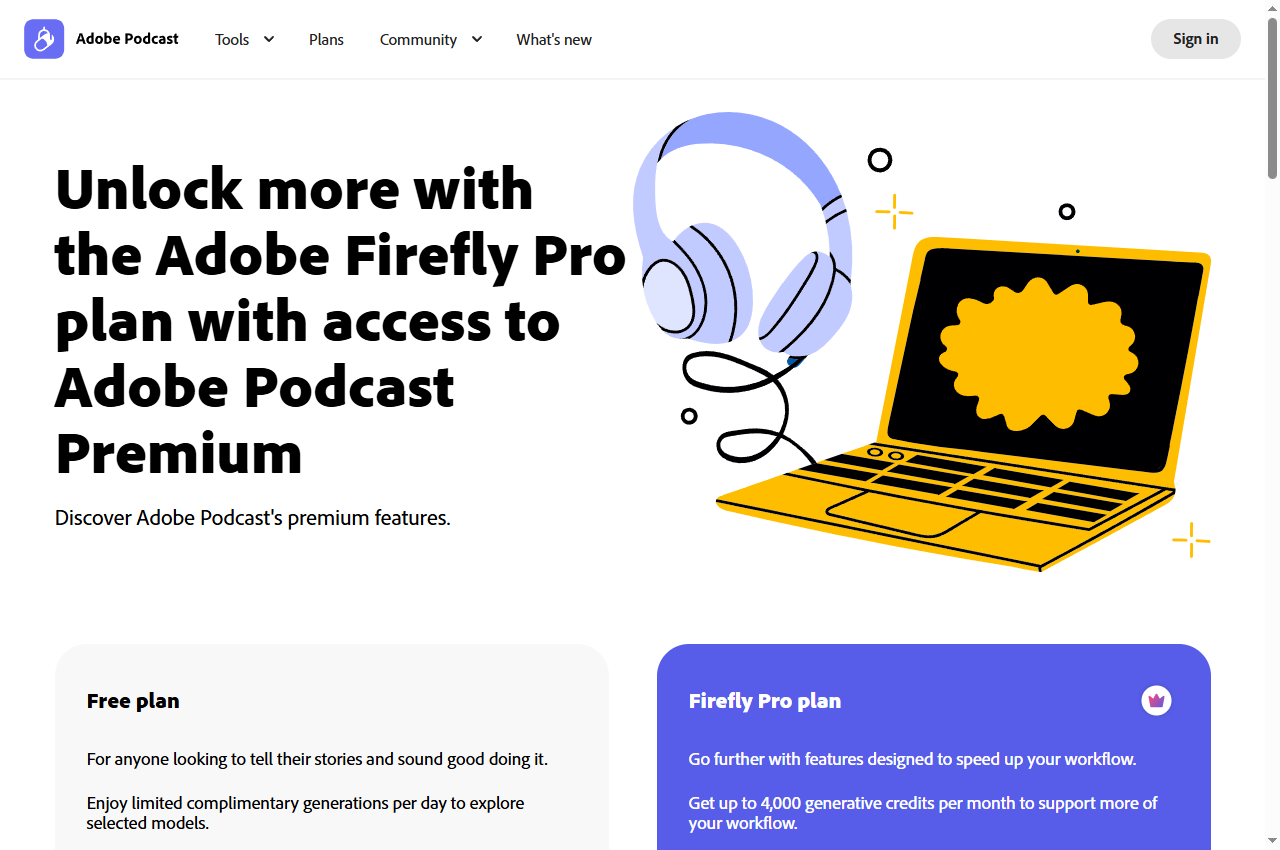
Official page captured 22 September 2026. Pricing and interface may change. Open the current official page. This is a source preview, not a product test result.
The documented free caps are the clearest in this shortlist, which makes planning straightforward. The limitation to respect is that this is one processing pass with no strength control, so a badly damaged recording is not the right input.
Auphonic is documented as free for 2 hours of processed audio per month, including its AI algorithms, with a jingle on free productions.
Best for
Applying the same restoration treatment across a series
Check first
That free productions carry the Auphonic jingle
Limitations
The free plan is two processed hours per month with a jingle on productions, multitrack productions under twenty minutes, and no speech recognition, shownotes or chapters.
This is the only tool here whose free tier is a recurring monthly allowance rather than a one-off trial or a hard cap. That makes it the natural choice for testing whether a repeatable restoration pipeline is worth paying for.
A professional restoration suite documenting 50+ tools, including spectral repair, dialogue isolation, stem separation and a repair assistant.
Best for
Repairing specific defects in damaged material
Check first
Which edition contains the modules you need
Limitations
It is a professional repair suite rather than a one-click service, so results depend on the operator; the product page as checked does not publish edition prices.
This is the tool to consider when the recording has a specific defect — a click, a hum, a clipped passage, an intrusive background sound — rather than general noisiness. It is also the only option here that requires the operator to choose the treatment.
The case for Audacity in restoration is control and confidentiality. Nothing leaves the machine, there is no per-hour cost, and the spectrogram view makes visible what the automated services decide for you.
Processed hours, file-length caps, a licence purchase and a local installation are different buying units. Decide whether you need a repeatable service or a repair toolkit before comparing any of them.
Four audio restoration options compared
Adobe Podcast: single automated cleanup pass
The Adobe Podcast plans page describes the free plan's Enhance Speech as audio only, no video support, no bulk processing, upload one at a time, no strength adjustment, with a maximum duration of thirty minutes up to 500 MB and a one-hour maximum per day. Studio on free allows downloads of projects up to thirty minutes and two projects per day, with no download of original recordings and podcast-branded audiograms.
The paid plan adds the controls that matter for damaged material: adjustment of speech, music and ambience, video support, bulk upload, files up to two hours and 1 GB, and up to four hours of enhancement per day, alongside 4,000 generative credits per month. Download of the original recording separated by speaker is also a paid feature.
For restoration specifically, the missing free control is strength. Where a recording has a real defect rather than ordinary room noise, being unable to dial the treatment back means the only option is to accept or reject the whole result — which is why a module-based tool may be the better choice for damaged material.
When to skip: if the file exceeds thirty minutes, if you need video processed, or if you need to control how aggressively the audio is treated.
Auphonic's pricing page states that it is free for 2 hours of processed audio per month, including the AI-based algorithms, and adds that productions of free users come with a jingle and that free credits do not stack up if unused. The feature table lists noise and reverb reduction, filtering and enhancement, loudness specifications and filler and silence cutting as available on the free tier.
The free tier's documented exclusions are precise: multitrack productions are limited to under twenty minutes, while multilingual speech recognition and automatic shownotes and chapters are not included at all. Encoding, metadata and chapters, video support and audiograms, external service connections and API access are all listed as available on free.
Paid options are metered in processed hours rather than seats. Recurring credits start at $11 per month billed yearly for nine hours, and one-time credits start at $12 for five hours, with the per-hour rate falling as the block size rises. For a restoration workflow the recurring option matches a series and the one-time option matches a backlog.
When to skip: if the jingle is unacceptable on the output, or if you need speech recognition, shownotes or chapters — none of which are free-tier features.
The iZotope RX product page describes it as a complete 50+ tool audio restoration suite and documents targeted repair in a spectrogram, where unwanted sounds are visually selected and replaced, alongside bespoke modules for clicks, clipping, hum, rustles, reverb and background noise. It also documents a Repair Assistant that proposes fixes for detected problems.
Newer modules include Scene Rebalance for independently adjusting dialogue, music and effects, Stems View for splitting audio into stems, and Trim Silence for managing long files. The page documents stem separation through Music Rebalance or Dialogue Isolate as well, which places it closer to a separation tool than a pure noise remover.
The product page as checked does not publish edition prices, so the cost comparison with the hosted services on this page cannot be completed from it. The page does offer a free trial download, which is the practical way to evaluate whether the modules address your specific defect before committing to a purchase.
When to skip: if you need a one-click result, or if you cannot confirm the edition and price you need from the vendor's store page.
The Audacity project describes it as free software for recording and editing audio, running on Windows, macOS and Linux, supporting major audio formats for import, export and conversion, third-party plugin formats, and spectrogram analysis for visualising frequencies.
Restoration in Audacity is a manual workflow rather than a button. The project documents optional AI plugins distributed separately, including noise suppression, which extend what the built-in effects can do. Because there is no meter and no upload, the marginal cost of trying a second or third pass is zero — useful when the right setting is not obvious.
The trade-off is operator time and judgement. Where a hosted service produces an acceptable result in one pass, Audacity requires you to identify the defect, choose a treatment and verify the outcome. That is more work, and it is also the only route when the recording cannot be sent to a third party.
When to skip: if you need a guided result and have no time to learn the tool, or if the recording requires reconstruction rather than noise reduction.
Start by naming the defect. Continuous background noise, a single intrusive sound, electrical hum, clipping and physical tape damage are different problems, and the tools that handle them are not interchangeable. A service that reduces noise well may do nothing for a click or a dropout.
Then decide whether you need a service or a workshop. A service makes the judgement for you and is faster; a workshop lets you target the specific defect and is slower. For mildly noisy speech a service is usually sufficient. For genuinely damaged archive material, targeted repair is usually necessary.
Finally, confirm what you can publish. Free tiers in this category frequently add a jingle or brand the output, and a restoration that cannot be delivered as-is is not a restoration for your purposes.
A short verification you can run
Use an excerpt from a recording you own and already know the content of. This is a proposed verification design, not a completed comparative test.
Keep the source untouched. Work on a copy and keep the original. Never make a processed file your only version.
Include the hardest passage. Choose the excerpt with the worst noise, the quietest speaker and the most proper nouns.
Check the words, not the polish. Verify names, numbers and sentence endings against the original. A smoother file does not prove the words survived.
Compare at matched loudness. Louder is not better; a level-matched comparison is the only fair one.
Export and reopen. Confirm duration, channel layout and the delivered file, not the browser player.
Pricing and free-plan limits
Adobe Podcast's free plan documents a thirty-minute file cap and a one-hour daily cap with audio-only input; the paid plan raises this to four hours per day with files up to two hours and 1 GB, and adds strength adjustment and bulk upload. Auphonic is free for two processed hours per month with a jingle on free productions, then $11 per month billed yearly for nine hours or $12 one-off for five hours.
iZotope RX publishes no edition price on the product page as checked, so its cost must be confirmed on the vendor's store before comparing it with the metered services. Audacity costs nothing and has no meter, but provides no hosted processing.
Compare on processed hours and delivered quality together. A tool that is cheaper per hour but cannot be published because of a jingle or a cap is not cheaper in practice.
Limits and when to skip a free plan
Skip the free tier when the output carries a jingle or branding, when your file exceeds the documented duration cap, when the daily cap cannot absorb your working pattern, or when the feature you need — strength adjustment, speech recognition or shownotes — is a paid feature. Each of these is documented rather than a matter of degree.
Be careful about what restoration cannot do. If a word is unintelligible in the source, a clearer-sounding processed version is not independent evidence of what was said. Keep the source attached to any consequential decision, and seek another recording or confirmation where the content matters.
Re-verify before committing. Plan structures in this category change, and the figures here carry the check date printed on the page.
Build a repeatable acceptance checklist
Before publishing a restored recording, check that speech remains intelligible, that the treatment is consistent across the whole file, that any joins or cuts are inaudible, and that the delivered file meets the destination's format and loudness requirements. Keep the source alongside the restored version.
Save one reference excerpt that represents the sound you accept. Re-run it whenever you change tool or settings, so that a change in behaviour is noticed before it reaches a published recording.
Official pricing and product pages were checked September 17, 2026. This is a documentation-verification guide. No restoration-quality ranking is claimed.
Frequently asked questions
Can AI restore a recording that is already damaged?
It can reduce noise, hum and some artefacts, and it can make speech easier to hear. It cannot reliably reconstruct words that were never recorded. Where the content matters, keep the source and seek confirmation rather than trusting a cleaner-sounding output.
Is there a free way to restore audio?
Yes, within limits. Audacity is free and open source with no meter, Adobe Podcast's free plan allows thirty minutes per file up to an hour a day, and Auphonic is free for two processed hours per month with a jingle on free productions.
Why does Auphonic add a jingle on the free plan?
Its pricing page states that productions of free users come with a jingle and that free credits do not stack up if unused. That is the documented trade-off for the two free processed hours per month.
Should I upload a sensitive recording to an online service?
Only if the data-handling terms allow it. Where a recording cannot be sent to a third party, a local tool is the only option, which is one of the practical reasons to keep a desktop editor in the workflow.
Is this a listening-test ranking of restoration tools?
No. The comparison is built from published plan and product documentation. The verification steps are proposed editorial guidance, not a completed comparative test.