Best AI Browser Automation Tools 2026: 4 Options by Task
Choose the execution model before choosing the agent. A hosted task runner, a developer SDK and a portal workflow platform solve different parts of the job.
By AI Tool Finder Editorial Team · Sources checked 22 September 2026
Which tool fits your task?
Shortlist Browser Use for flexible agent and infrastructure routes, Stagehand for code-first browser control, Skyvern for recurring portal workflows, and Airtop for managed agents connected to business processes.
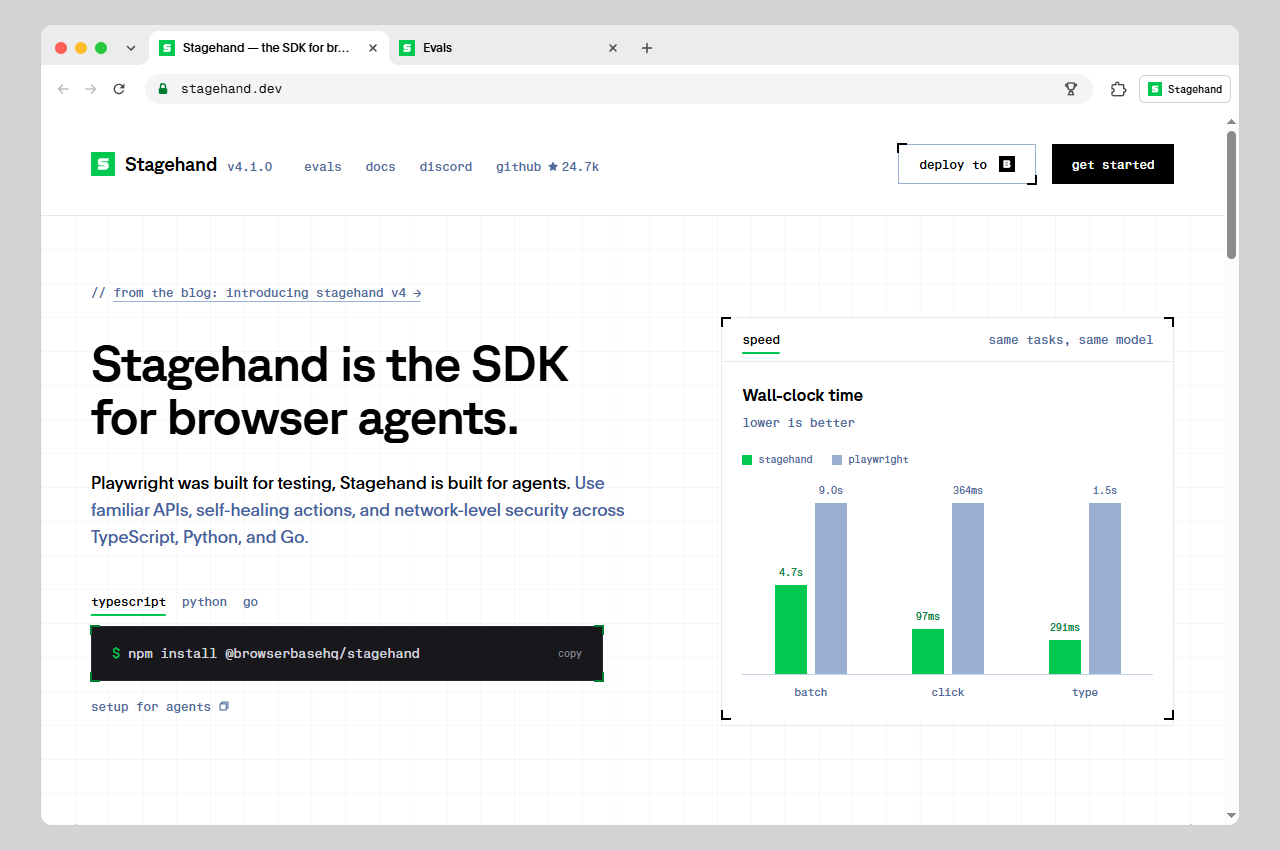
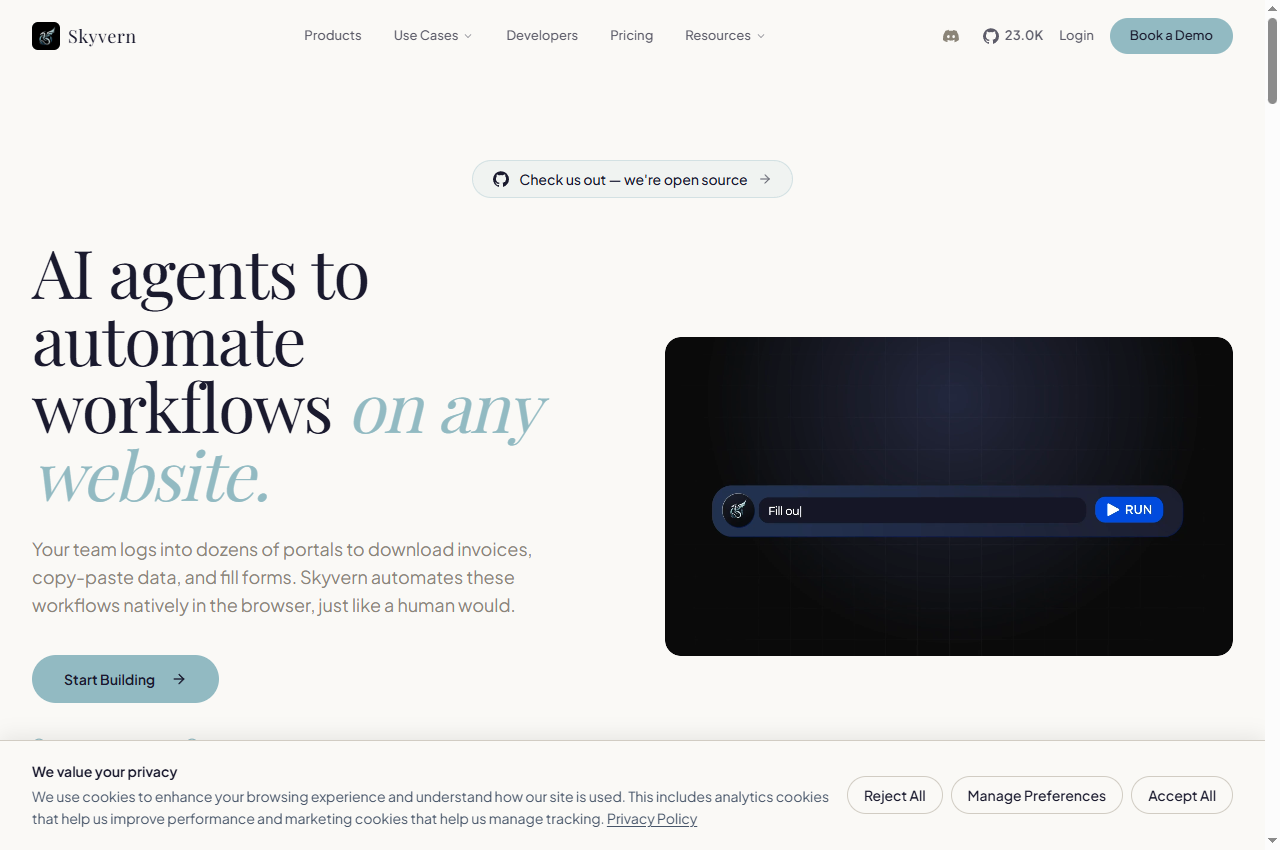
These are editorial use-case recommendations from official documentation, not measured performance rankings. We have not benchmarked the four products. The screenshots below show public vendor pages, not results from logged-in product tests.
We selected four distinct implementation routes with accessible official material. This is a focused shortlist, not an exhaustive market inventory. Fit recommendations below are our interpretation of the documented capabilities.
Browser Use
Browser Use separates its hosted agents from browser infrastructure for your own automation. Its open-source route gives developers another deployment option. We would shortlist it when that choice matters more than a ready-made business workflow. Confirm the selected route before comparing invoices or setup effort.
Stagehand documents act, extract and observe alongside Playwright-style page methods. That makes it a candidate when engineers want to decide which steps need interpretation and which should remain explicit. This recommendation is about the documented interface, not a measured speed or reliability advantage. Check the current SDK documentation rather than copying an older tutorial unchanged.
Skyvern presents form filling, document processing and structured extraction as browser workflows, with visual and code-first building routes. It also documents Docker deployment. We would evaluate it against a written procedure, including exceptions, rather than a broad instruction to handle an entire business process. Verify the exact deployment and plan needed for your approval requirements.
Airtop offers an Agent Builder and a Web Automation product, with links to integrations including n8n, Zapier and Make. For a buyer, the useful question is where the browser step fits into an existing process. Ask for a demonstration of your handoff and recovery path, rather than choosing from a generic agent demo.
Browser agent, API workflow or traditional script?
Start with the destination. If the service offers a supported API for exactly the operation you need, evaluate that before driving its interface. It can give your workflow a clearer response and a stable identifier for the resulting record. A browser becomes useful when the required action exists only in the website, or a person currently has to navigate several screens.
For a stable site and a precisely specified sequence, a conventional browser script may already be enough. Add model interpretation where page meaning or layout variation creates a real problem. Do not replace every explicit step with a prompt merely because an agent framework supports it.
For example, an invoice workflow might use a browser to obtain a document, an API to store it, and a person to approve an exception. Buying a browser agent does not automatically provide that entire process. List the inputs, outputs and owner of each step before choosing a plan.
Compare the full cost, not just the headline rate
Official pricing checked 22 September 2026. These are source snapshots, not quotes; taxes and your selected configuration may differ.
Browser Use
Cloud browsers: $0.02/hour plus traffic. Hosted agents: model cost plus 20%, with browser time and traffic extra. Minimum credit purchase: $5. Check the current official source.
Stagehand
No single all-in run price verified here. Budget for the configured model and browser environment; obtain current hosting terms before purchase. Check the current official source.
Skyvern
Free: 5,000 credits. Hobby: $29/month with 30,000 credits/month. Pro: $149/month with 150,000 credits/month. The pricing table puts human-in-the-loop in Enterprise; confirm scope. Check the current official source.
Airtop
The checked page displays Free, Starter, Professional and Enterprise options, with credit selectors and a billing toggle. Verify the selected credits and interval before treating a displayed amount as a quote. Check the current official source.
For your pilot, divide total model, browser, traffic and service charges by the number of correctly completed jobs. Keep human review time in a separate column. Counting a failed attempt as a completed job makes a cheap-looking workflow misleading.
Do not compare credits across vendors as if they were a shared unit. Ask what consumes a credit, whether failed runs are charged, how long a session stays open and what happens when concurrency is exhausted. A monthly subscription also needs a volume assumption before it can be compared with usage billing.
A small pilot that tells you something useful
Use a site you control or have permission to automate. Start with disposable test records and a narrow task. The following is a suggested evaluation protocol, not a test we have already run on these tools.
Write the acceptance rule first. For extraction, specify the fields and expected values. For a form, specify the intended record and a verifiable receipt.
Run a normal case. Capture input, final output, duration, charges and any manual intervention. A cheerful completion message alone is insufficient.
Introduce one exception. Try a missing required field, an expired session or a changed label. Observe whether the tool notices and stops appropriately.
Repeat a completed job. Check whether your workflow would create a duplicate. Avoid blindly retrying a write after a timeout if the original may have succeeded.
Review the evidence. Compare correct completions, recoverable failures and undetected errors. Keep those categories separate.
A small pilot helps reject a poor fit; it does not establish a universal success rate. Keep the task and starting conditions the same when comparing products.
What this guide does not establish
We checked public sources and captured official-page previews. We did not verify logged-in account features, private deployment contracts, retention settings or end-to-end performance. Vendor claims about self-healing and broad website coverage should be tested on your target workflow.
For a real deployment, confirm who can access stored sessions, which domains an agent may visit, and where an approval is required. Keep purchases, outgoing messages and destructive changes behind the authorization appropriate to your process. The tool choice alone does not supply that policy.
Jev is a separate subject: a scoring or review component is not itself a browser executor. Our small Jev Review example explains what was actually called and checked.
Choose by execution model: Browser Use for hosted-agent or framework options, Stagehand for code-first control, Skyvern for repeatable portal workflows, and Airtop for managed agents connected to business processes. These are editorial fit judgments, not benchmark rankings.
Are browser agents the same as workflow automation tools?
No. A browser agent interacts with a website interface. A workflow tool can coordinate apps through APIs and connectors. A process can use both: prefer a supported connector for a stable operation and a browser step where the necessary interface has no suitable API.
Is an open-source browser agent free to run?
Source availability does not eliminate model, browser hosting, traffic, storage or maintenance costs. Price the whole job, including retries and the time needed to review exceptions.
Can I leave an agent to submit forms unattended?
First verify the exact fields, destination and approval boundary in a test environment. A successful click is not proof of a successful submission. Use a receipt or resulting record to confirm completion, and avoid automatically retrying an ambiguous write.
Did AI Tool Finder benchmark these four tools?
No. This guide checks official product and pricing sources and includes captured official-page previews. We did not run the same workload across these four products, measure their success rates, or test paid account features.
Suggest a relevant tool
Send a product and explain the browser task it handles. Editorial consideration is free; publication is not guaranteed. Paid placements require a separate agreed scope and clear disclosure.