Best AI On-Model and Apparel Photography Tools 2026
Compare FASHN, Claid.ai, Photoroom and Mokker when the job is putting a garment on a model or producing catalogue imagery at volume. The deciding questions are whether the garment stays faithful, whether the size range is covered, and what one accepted catalogue image costs.
AI Tool Finder Editorial Team · Sources checked September 17, 2026
Direct answer: choose by garment fidelity or catalogue volume
Shortlist FASHN when the job is generating a model wearing a specific garment, Claid.ai when the catalogue needs background, shadow and photoshoot automation around the product, Photoroom when fashion models are one step inside a broader product-photography workflow, and Mokker when the real problem is the background rather than the model. Garment fidelity and background quality are different problems, and no single tool here solves both equally.
This is a documentation-verification guide. Plan names, credit allowances and feature lists below are quoted from each vendor's own pricing page on the check date. We have not placed the same garment on the same model in all four tools, so no fidelity ranking or fit-accuracy claim is made.
Four candidates were kept because they cover four different parts of the apparel imaging workflow: garment-to-model generation, catalogue automation, an integrated product-photography suite, and background replacement. Tools that only generate fictional people, with no garment-conditioned workflow, were left out.
Choose by garment fidelity or volume
On-model and apparel photography shortlist at a glance
Each card links to the vendor's own pricing page. No generated models are shown on this page. Nothing here is a fidelity or fit-accuracy ranking.
Official page captured 22 September 2026. Pricing and interface may change. Open the current official page. This is a source preview, not a product test result.
The free ten credits are enough to test whether the garment survives the transfer, which is the only question that matters here. If the print, texture or fit changes, no amount of credit volume fixes it.
A free trial with 50 credits, then $9/month for 500 credits with standard resolution up to 2K, or $35/month for 2,000 credits with 2K and 4K generation.
Best for
Processing a whole catalogue with consistent backgrounds
Check first
That the free trial is 50 one-off credits rather than a monthly grant
Limitations
The free trial is documented as 50 credits and 50 API credits once, not as a recurring allowance, and the entry paid tier is limited to 2K standard resolution.
The pricing page publishes a credit cost per operation, which makes budgeting possible: background removal is listed at one credit, upscale at two to eight, and AI photoshoot and AI fashion at four credits per generation. Use those rates rather than the headline credit count.
Paid tiers document AI credits and export counts, with AI Fashion Models available from the entry tier and 2K or 4K models on higher tiers.
Best for
Producing product and on-model images in one workflow
Check first
That the entry tier excludes video generation and 2K or 4K fashion models
Limitations
No standing free plan is published on the pricing page as checked; the entry tier excludes the video generator and the higher-resolution fashion models.
The useful detail here is the generation count per tier rather than the credit number: the pricing table states how many fashion-model generations the whole allowance buys at each resolution, which is exactly the unit a catalogue team needs.
Mokker solves the background, not the model. That is the right scope for many catalogues: if the garment is already photographed well and only the setting is wrong, replacing the background costs far less than generating a new on-model image.
Monthly credits, daily bonus credits, export counts and per-operation costs are different meters. Convert each to the cost of one accepted catalogue image, including re-generations, before comparing.
Four AI apparel photography options compared
FASHN: garment on a generated model
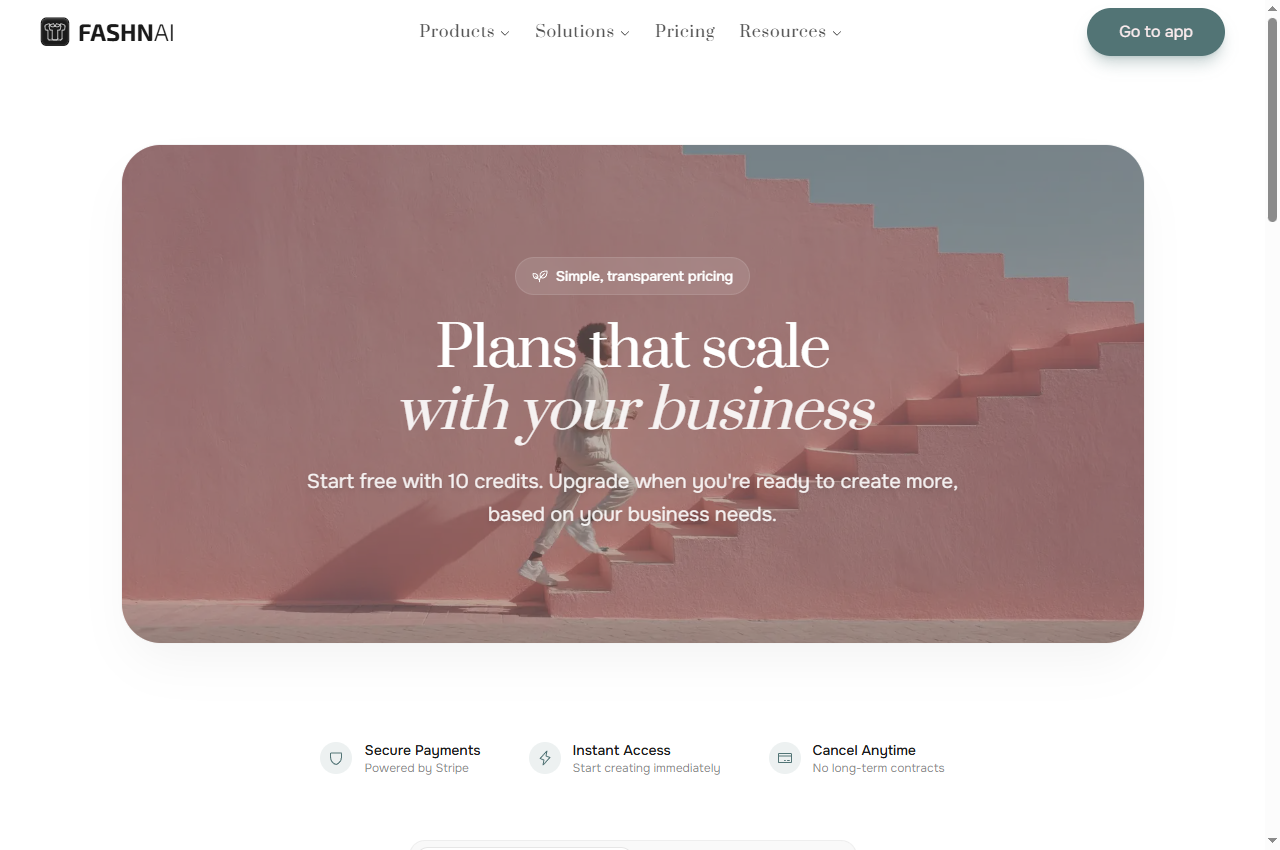
FASHN's pricing page states Start free with 10 credits and lists Basic at $19 per month with 200 monthly credits, Pro at $49 per month with 750 monthly credits plus 50 daily, and Agency at $99 per month with 1,500 monthly credits plus 100 daily. Unused monthly credits roll over up to 600 on Basic, 2,250 on Pro and 4,500 on Agency.
Documented inclusions on Basic are all core AI fashion and editing tools, up to 4K image generation and upscaling, a library of AI fashion models and backgrounds, up to three simultaneous generations and chat support. Pro raises the simultaneous generations to six and adds bonus daily credits; Agency raises it to eleven and adds custom face references.
The tier that changes the deliverable is the video one: Basic is documented at 720p for AI video while Pro and Agency are 1080p. If your catalogue includes motion, that resolution difference decides which tier is usable rather than the credit count.
When to skip: if you need 1080p motion on the cheapest tier, or if your garment requires exact fit replication rather than a plausible model wearing it.
Claid.ai's pricing page lists a Free trial with 50 credits to use on any operation, access to all standard tools and 50 API credits, then Essentials at $9 per month with 500 credits and standard resolution up to 2K, and Pro at $35 per month with 2,000 credits, full access to premium tools including 2K and 4K generation and higher upload limits.
The comparison table publishes per-operation credit costs: upscale is listed at two to eight credits, background removal at one credit, AI Photoshoot and AI Fashion at four credits per generation, and AI Video at sixty credits per five seconds. Those rates are what convert a monthly allowance into a number of finished catalogue images.
The trial's shape matters for planning. Fifty credits used on background removal is fifty operations; the same fifty credits used on AI Fashion is twelve generations. The trial is therefore a useful test of the specific operation you intend to run, not a general measure of capacity.
When to skip: if you need 4K output on the entry tier, or if a recurring free allowance is a requirement — the trial credits are granted once.
Photoroom's pricing page documents Pro with 8,000 AI credits and 1,000 exports per month, Max with 25,000 credits and 3,000 exports, and Ultra with 75,000 credits and 10,000 exports, with an enterprise tier on request. A free trial is offered rather than a standing free plan on the page as checked.
The credit-intensive tools are converted into generation counts: AI Fashion Models at 1K are listed as up to 1,600 generations on Pro, 5,000 on Max and 15,000 on Ultra; at 2K, up to 185 on Max and 555 on Ultra; at 4K, up to 310 on Ultra only. The video generator is listed as excluded on Pro, up to 50 generations on Max and 150 on Ultra.
That structure makes the tier decision explicit. A catalogue that needs 2K fashion models cannot use the entry tier at all, and one that needs 4K requires the top tier. Both are published facts rather than estimates, which removes most of the guesswork.
When to skip: if you need a permanent free tier, or if the resolution your catalogue requires sits above the tier you are prepared to pay for.
Mokker's pricing page lists a Free tier described as 20 photos once with full access to the studio and all templates, Starter at $13 per month for 500 photos per month with high-quality export and custom prompts, Team at $29 per user per month with unlimited photos and a three-seat team account, and Organization from $83.25 per user per month.
The distinction between this and the other three tools is scope. Mokker replaces the background behind a product rather than generating a person wearing it, so it addresses composition and setting rather than fit and drape. For a catalogue where the garment photography is already adequate, that is a cheaper problem to solve.
The free allowance is a one-off twenty photos rather than a recurring grant, which is enough to judge the background quality on your own product range but not enough to process a catalogue. Budget the Starter tier at $13 per month for 500 photos if the free result is acceptable.
When to skip: if you need a model wearing the garment. Background replacement cannot create fit, drape or movement.
How to choose an on-model or apparel photography tool
Decide which problem you actually have. If the garment is photographed well and the setting is wrong, a background tool is the cheapest fix. If the garment needs to appear on a person and has never been worn, a garment-conditioned generator is required. If the whole catalogue needs consistent treatment at volume, an automation platform with per-operation costs is the better shape.
Then test fidelity before volume. Print, texture, logo placement and trim are where garment generation fails, and a failure there is not fixable with more credits. Use the free or trial allowance on your most difficult garment rather than your simplest one.
Finally, confirm what the licence covers. Catalogue and advertising use are different permissions, and a model's likeness may carry its own conditions. Check both before commissioning a full set.
A short verification you can run
Use your hardest garment — the one with the most complex print or texture — and your real output size. This is a proposed verification design, not a completed comparative test.
Photograph the garment the way you actually photograph it. Flat-lay, hanger and mannequin inputs produce different results, so test the input you will really use.
Check the garment, not the model. Compare print scale, pattern alignment, logo position, stitching and colour against the source.
Check the body. Look at hands, hair edges and any contact point between garment and body, which is where artefacts usually appear.
Generate the same garment twice. Consistency between runs matters more than one good result.
Confirm resolution and licence. Download at full size and confirm the permitted use before adding the image to a live catalogue.
Pricing and free-plan limits
FASHN starts free with 10 credits and runs from $19 per month for 200 credits to $99 for 1,500 plus daily bonus credits, with rollover caps on unused monthly credits. Claid.ai offers a one-off 50-credit trial, then $9 per month for 500 credits and $35 for 2,000, with published per-operation costs.
Photoroom publishes credit and export counts per tier rather than a free plan, from 8,000 credits and 1,000 exports per month upward, and states how many fashion-model generations each tier buys at 1K, 2K and 4K. Mokker gives 20 photos once, then $13 per month for 500 photos.
The most useful comparison unit is the cost of one accepted catalogue image, including re-generations. A tool that publishes per-operation credit costs — as Claid.ai does — makes that calculation possible before you buy; for the others, derive it from the free allowance.
Limits and when to skip a free plan
Skip the free tier when the allowance is granted once rather than monthly, when the output resolution is below your catalogue requirement, when the feature you need sits on a higher tier, or when the licence does not cover catalogue and advertising use. Each of these is a documented boundary.
Check the resolution ladder carefully. Several of these products gate 2K and 4K fashion models to higher tiers, which means the entry price is not the price of the workflow you need. That is the single most common planning error in this category.
Re-verify before committing. Credit rates and tier boundaries in this category change frequently, and the figures here carry the check date printed on the page.
Build a repeatable acceptance checklist
Before publishing an on-model image, check that the garment matches the source in print, colour and trim; that the body and hands are free of artefacts; that the background is consistent with the rest of the catalogue; and that the licence covers the intended use. Keep the source photograph alongside the generated image.
Save one accepted image per garment category as a reference. When a model or plan changes, re-generate the reference first, so a change in fidelity is noticed before it reaches a full catalogue run.
Official pricing pages were checked September 17, 2026. This is a documentation-verification guide. No fidelity or fit-accuracy ranking is claimed.
Frequently asked questions
Can AI put my garment on a model without a photoshoot?
Yes, and the free allowances are enough to test whether it works for your garment. FASHN documents 10 free credits to start and Claid.ai a 50-credit trial. Test the most complex garment you sell, because print and texture are where these tools fail.
Do I still need a photographer?
Usually for the source image. These tools transform an existing photograph rather than creating the garment, so a clean, well-lit source still determines the result. Background replacement in particular depends entirely on the quality of the original capture.
What resolution do catalogue images need?
Check your platform's requirement before choosing a tier. Photoroom, for example, gates 2K fashion models to higher tiers and 4K to the top tier, so the entry price is not the price of a 4K catalogue workflow.
Is a background tool enough for a catalogue?
If the garment photography is already adequate and only the setting is wrong, yes — Mokker documents 20 free photos and then $13 per month for 500. If the garment must appear on a person, a background tool cannot create fit or drape.
Is this a fidelity ranking of on-model tools?
No. The comparison is built from published pricing and feature documentation. The verification steps are proposed editorial guidance, not a completed comparative test, and no fit-accuracy measurement is claimed.